
Features
Launch offerEvery new school gets Pro free for its first 6 months.Get started free
Launch offerEvery new school gets Pro free for its first 6 months.Get started free
Features
This page is generated from the catalog that decides what your school may open. It cannot list a module we would withhold, and it cannot leave out one we ship. Where something costs money, it says so on the line.
15 free. 7 marked Pro.
3 modules
7 modules
5 modules
7 modules
Until 19 September 2026 every module was free on every plan. That changed, so the page says so rather than letting a school find out when a screen refuses to open. Everything not listed here is on the free plan, for as long as you stay under 200 students.
₹100 per student, per year, with no ceiling on the roll.
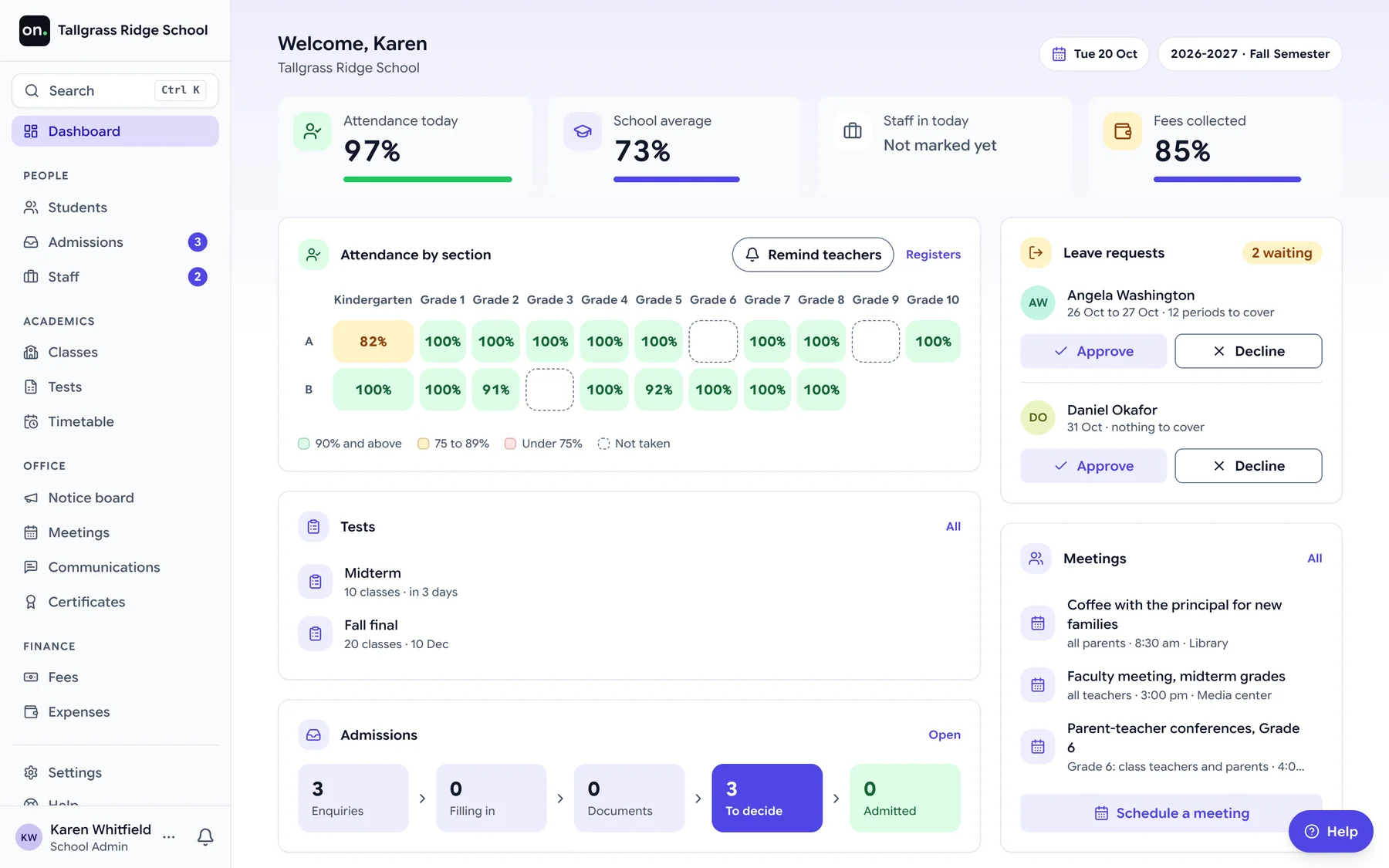
Absentees per day, half day or period, taken by the teacher, corrected by the office, told to the family.
The week for every class, laid out by AI from your rules or by hand, with exams and meetings drawn over it.
Ask us, tickets with one owner, the class Support tab, and onflows support for technical issues.
Ask us answers families and staff from their own records, and passes what it cannot answer to the right person as a ticket.
Tests per class and subject, marks entry, question papers, re-examinations and published results.
A week's timetable proposed from your rules, checked by a verifier that does not guess, and applied only when you say so.
Fee codes and instalments per class, discounts, what each student owes, and receipts.
You do not retype anything and you do not reformat anything. Upload the file, and the importer suggests which of your columns feed which of ours.
Anything it does not recognise, you point at the right column once.
AI works inside the screen where the job is done, and Help sits beside every screen to answer from your school's own guides. It proposes, a person decides, and nothing it writes counts until someone says so. Everything here has shipped; what has not is on the roadmap.
How each job works, step by step
Help beside every screen Pro
Opens beside the screen without covering it, shows the guides for that screen and your role, and answers questions from those guides. What it cannot answer goes to a person.
Answers on Pro, the guides on every plan.
The timetable Pro
Proposes the week for every class from the rules you write, checks it with a verifier that does not guess, and applies it only when you say so.
The lesson
Drafts a period from its topic: the approach, worked examples, the board plan, an activity and the questions to ask, for the teacher to edit.
Messages to families
Drafts, shortens, rephrases or reorganises a message to families from the situation and the students chosen, for the office to read and send.
Whether your curriculum is one of the ones already set up.