

School management, built around your curriculum
Admissions, the roll, exams, report cards and parent communication in one system. Set up for CBSE, ICSE, IB, Cambridge, the English National Curriculum, US K-12 and 83 more curricula in 21 countries.
- Free forever up to 300 students
- Your curriculum's classes and grading, ready
- Your own school address
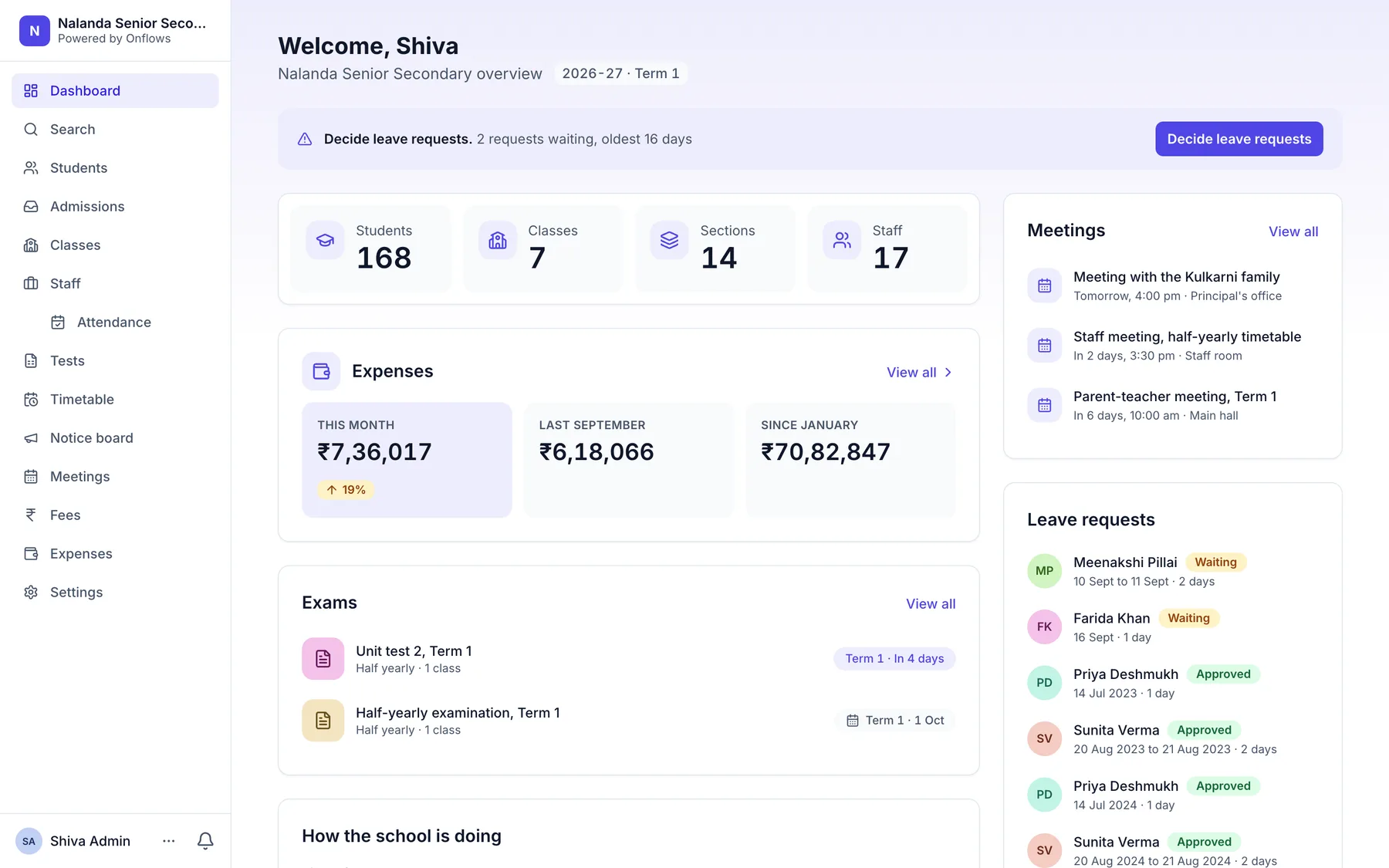
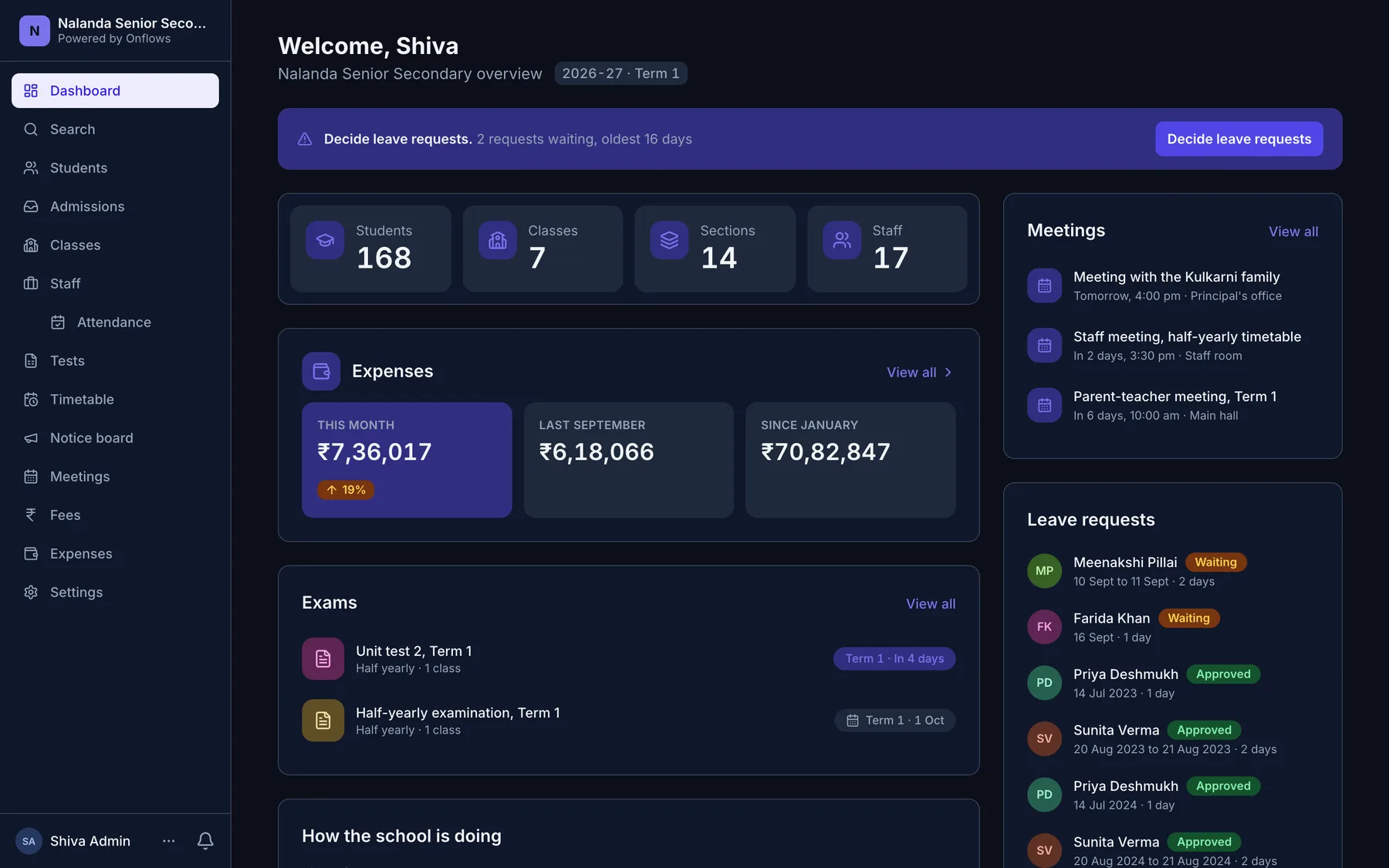
What it replaces
- An admission register on paper
- An enquiry becomes an application, then a student: one record the whole way.
- Report cards typed out twice
- Marks entered once are the gradebook, the report card and the parent's screen.
- Circulars lost in a WhatsApp group
- Circulars reach each parent in their own portal, and by email.
- Fee receipts from a carbon book
- A numbered receipt for every payment, and a ledger that adds up. Pro
- Old records in a cupboard
- A closed year is never deleted. A child who left years ago still has a card you can open.
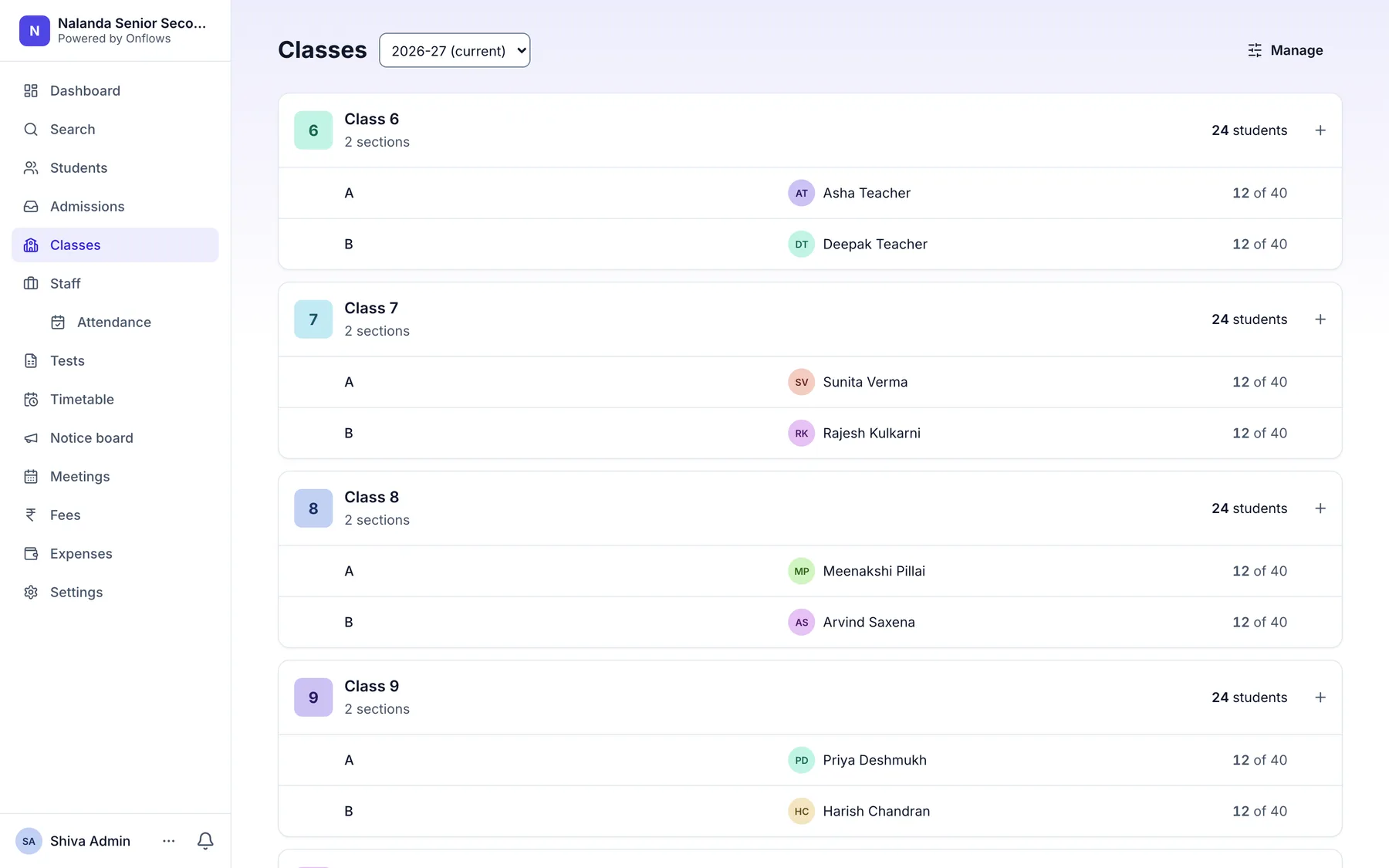
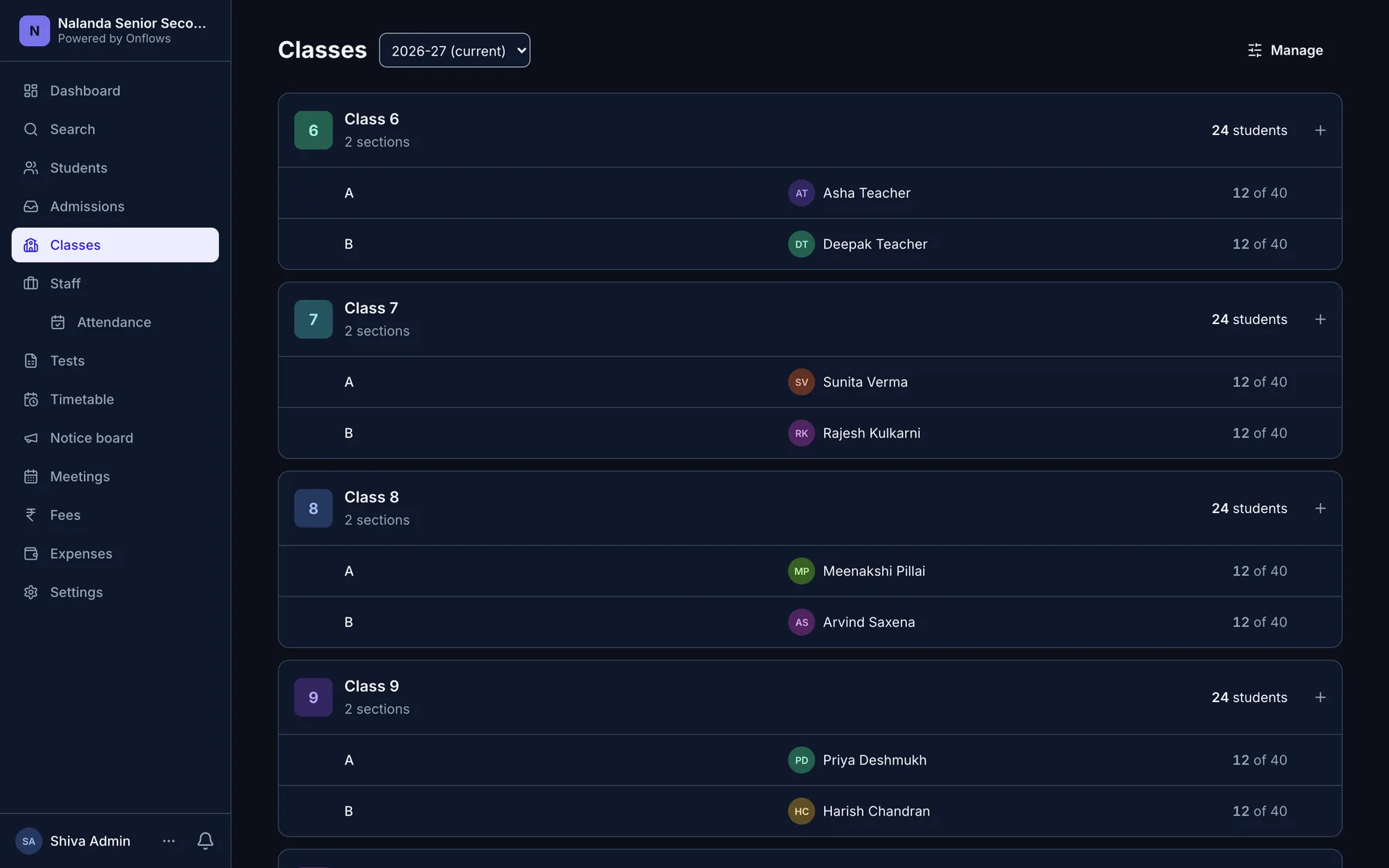
Your board, already set up
Choose your board and the class ladder, terms, subjects and grading scale arrive configured, in that board's own words. Nothing to type on the first day.
The parts that are hard to build, already built
89 curricula
CBSE, ICSE, IB, Cambridge, the English National Curriculum, US K-12 and 83 more curricula in 21 countries, each with its own class words, terms and grading scale.
Nine date formats
The importer reads what your spreadsheet actually contains, including Excel serial numbers.
Separated at the database
Every school's records are walled off by Postgres itself, and a build gate refuses any table that does not enforce it.
Years stay readable
A closed year is never deleted. A child who left in 2023 still has a progress card you can open.
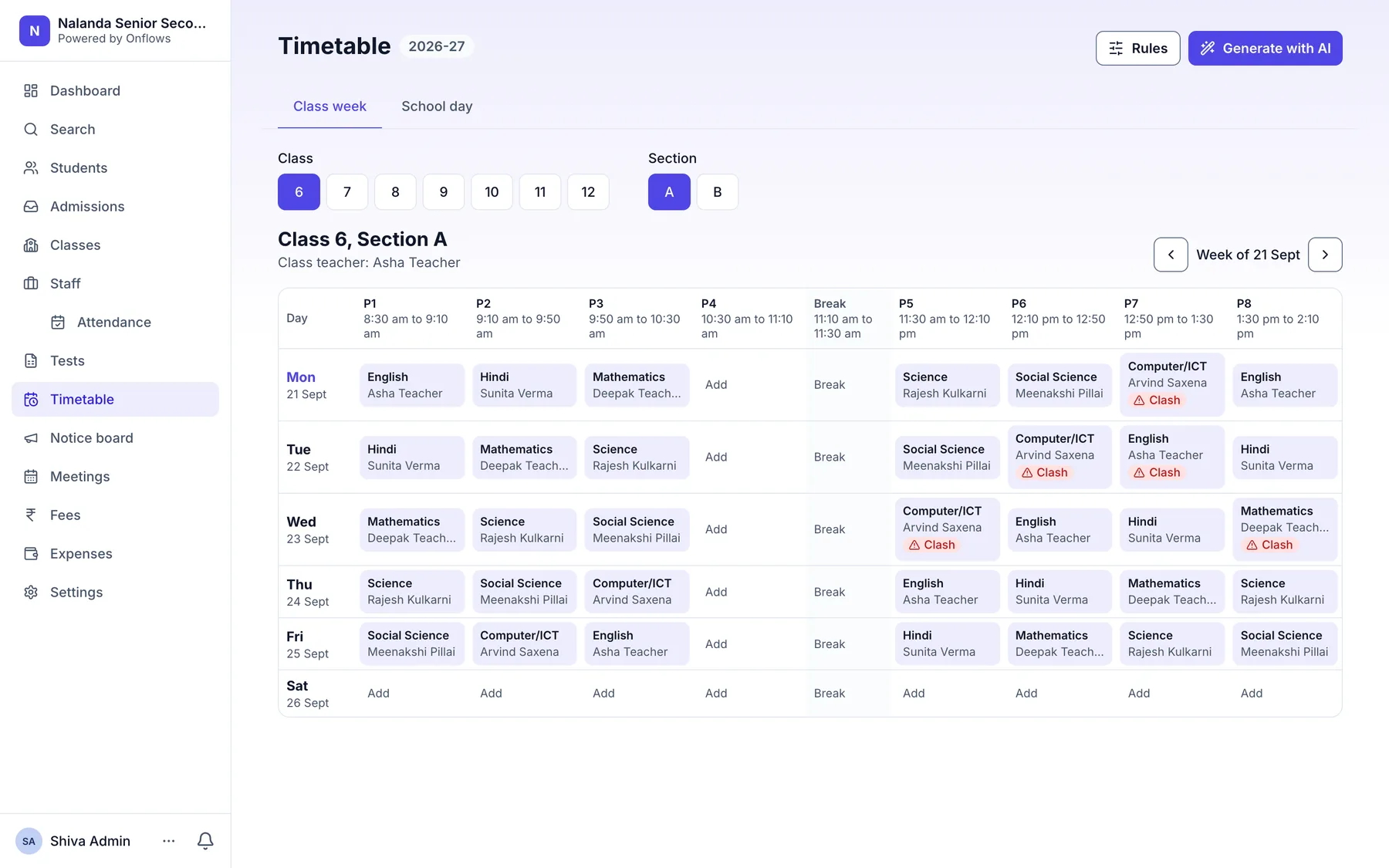
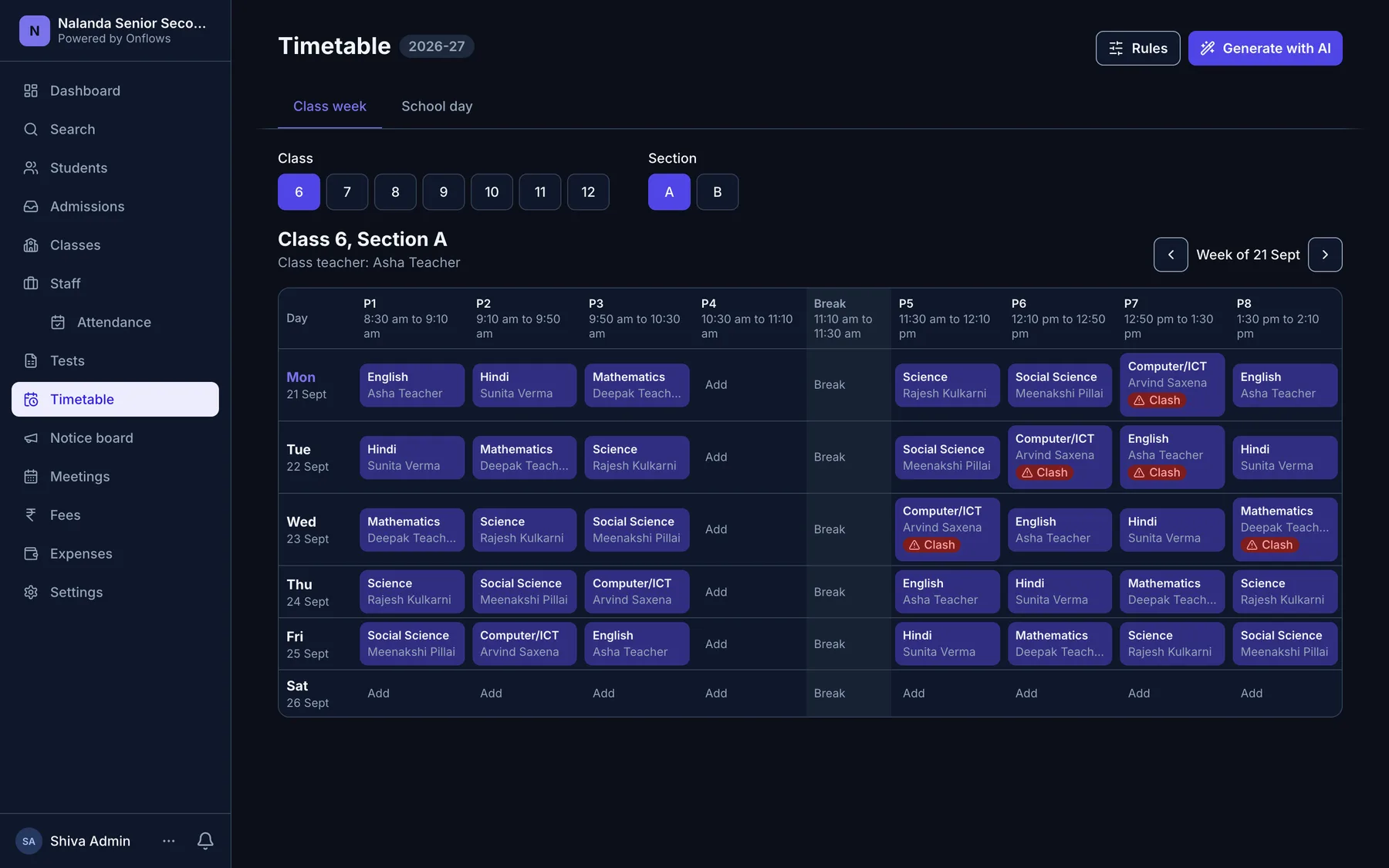
A week's timetable, proposed in a minute
AI lays out every class against your rules. A verifier that does not guess checks the answer, and nothing reaches the timetable until a person applies it.
Marks once, and every card is right
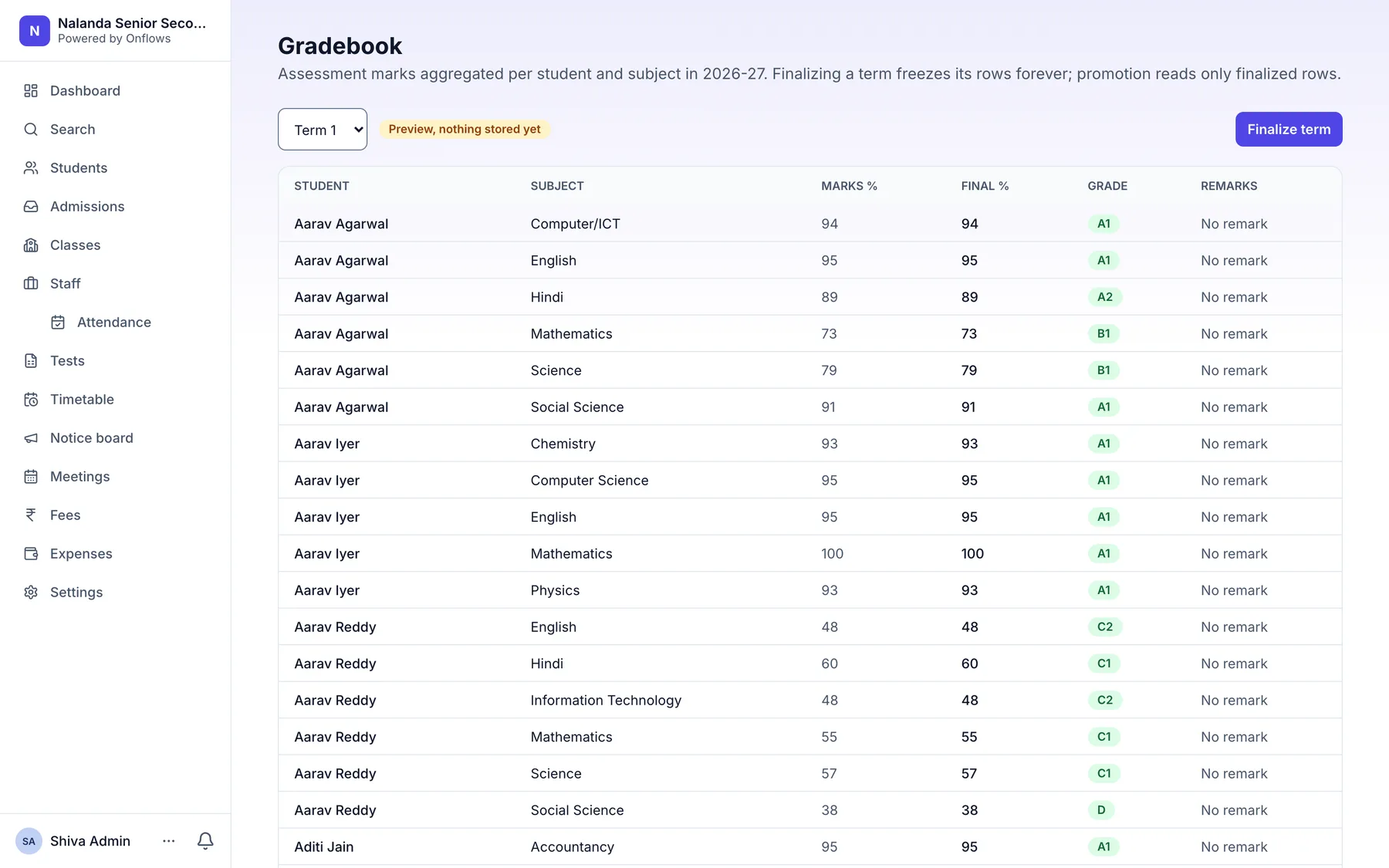
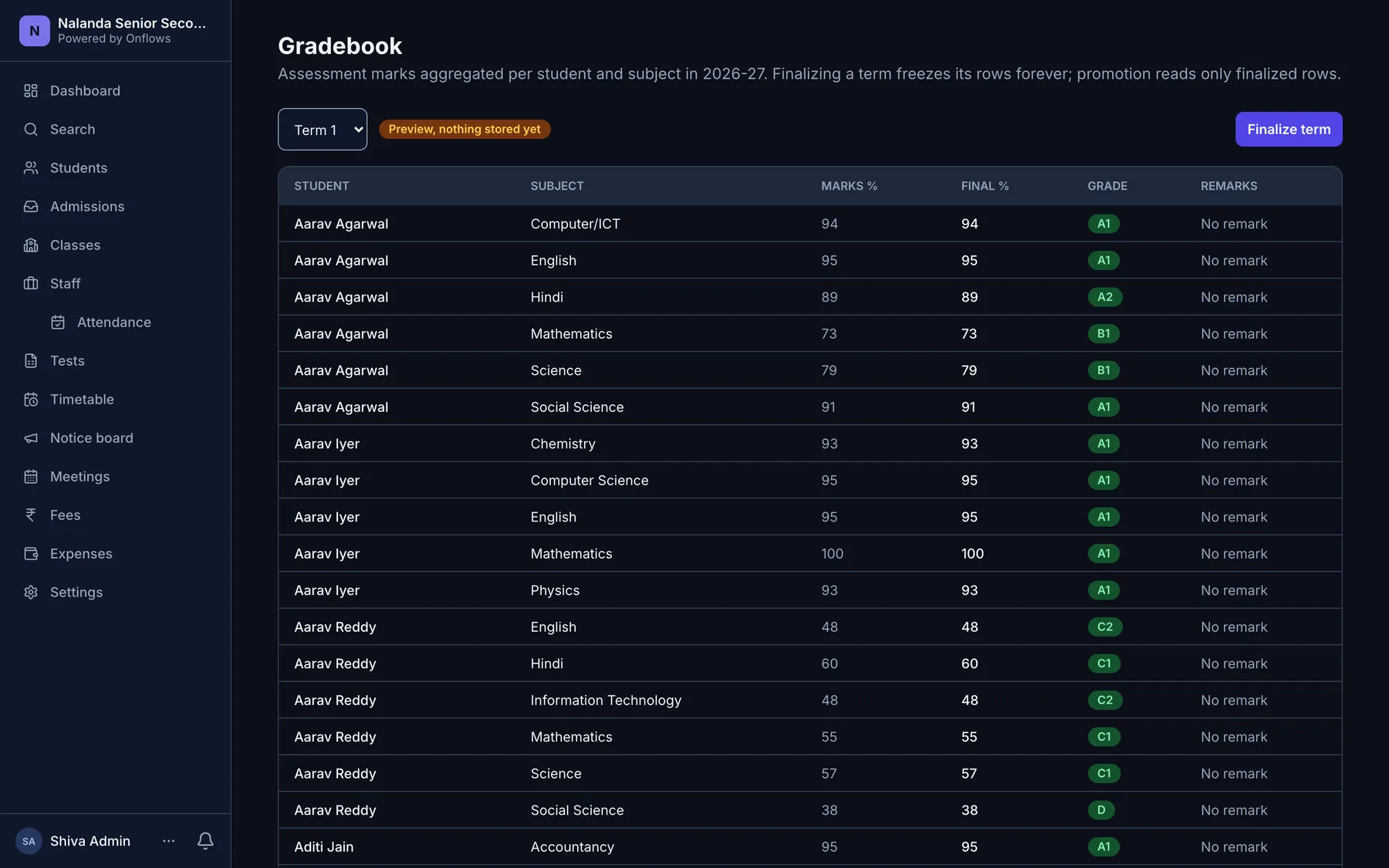
Enter marks against the test. The gradebook, the progress card and the parent's own screen are the same numbers, not three copies of them drifting apart.
Everything a school runs on, in one place
Not a suite of products sold together. One system, where recording something once is what makes every other screen correct.
Students & admissions
- Students & enrolment
- Admissions
- Bulk student import
Every school day
- Notice board
- Staff leave
- AttendancePro
- TimetablePro
Teaching & results
- Tests and exams
- Gradebook & progress cards
- Subjects & workspaces
- Course content
- AIPro
Money, records & proof
- Document vault
- Multi-year archives
- Audit trail & delivery tracking
- Expenses
- FeesPro
Everything without a Pro mark is free, for up to 300 students, with no time limit.
Built for every role in your school
One system, six ways in. Each person sees what their job needs, and nothing beyond it.
School Admin
The office, without the registers.
- Admissions & student records
- Timetable & resource management
- Certificates with real serial numbers
Principal
The school, without asking for a report.
- Attendance across every class today
- One queue for every approval
- Gradebook finalised once, everywhere
- An append-only trail of who changed what
Teachers
Your class, on your phone, in your period.
- Attendance against the period you teach
- Homework set, published & handed in
- Syllabus, lesson plans & materials
- Marks entered once; reports follow
Parents
Answers without a call to the office.
- Attendance, homework & results
- Circulars from school and from class
- One login per family, however many children
Front desk
The questions that arrive at the counter.
- One search box for student, guardian or staff
- Enquiry to application on the spot
- Print a certificate while the parent waits
- Exactly what the role may see, nothing beyond
Accountant
The money, without the notebook.
- Every expense recorded, on every plan
- One receipt for every fee payment, on Pro
- Reversals and refunds kept on the record
A school's records deserve more than a promise
You are handing over children's data. These are properties of how Onflows is built, enforced on every request, not policies in a document.
Secure by design
Every record carries your school's identifier, and the database refuses a read that crosses schools. It is a policy on the data, not a filter in our code that a bug could skip.
You're always in control
Roles are checked when the action runs, not when the menu is drawn. A teacher cannot reach another class's marks by guessing a URL.
Never lose what matters
Nothing is hard-deleted. A wrong receipt is corrected by a reversal or a refund that stays on the record, which is exactly what an audit needs to see.
Questions schools ask us
How long does it take to get started?
Minutes to have your school's address live, and an afternoon to be operational. You create the school, upload your existing roll as a spreadsheet, and check the dry-run report before anything is written. There is no implementation project and nothing to install.
Is our data separate from other schools?
Yes, and it is enforced by the database rather than by the application. Every record carries your school's identifier and the database itself refuses a read that crosses schools, so a mistake in our code cannot show your records to anyone else. We test that against a live database, not only in theory.
What does it cost, and is there really a free plan?
Community is free for up to 300 students, with no time limit. Attendance, the timetable, fees and AI are on Pro; the roll, admissions, subjects, tests, the gradebook, course content and the notice board are all on the free plan. Pro is priced by the students you carry, never by teacher, and staff logins are unlimited on both. The full price list is on the pricing page.
Can parents use it without an app?
Yes. Onflows runs in a browser on any phone. Parents get their own login and see attendance, homework, results and circulars for each of their children. One login per family, however many children they have with the school.
What happens to last year's records?
They stay readable forever. A closed academic year is archived rather than deleted, students are promoted into the new year, and every student keeps a timeline that spans their whole time at the school. Nothing in Onflows is hard-deleted. A mistake is corrected by a record of the correction.
Does it work for our curriculum and our class structure?
It is set up for CBSE, ICSE, IB, Cambridge, the English National Curriculum, US K-12 and 83 more curricula in 21 countries, from pre-primary to the final year. Sections are optional. A school with one Class 5 and no sections works exactly as well as one with 5A through 5D.
89 curricula, already configured
Pick yours and the class ladder, terms, subjects and grading scale are set up in its own words. Class 7, Standard 7 or Year 8, whichever your curriculum says.
- Bahrain MOE
- American Curriculum
- British Columbia
- CBSE
- England National Curriculum
- IB
- Fédération Wallonie-Bruxelles
- Ostbelgien
- Vlaamse Gemeenschap
- Éducation nationale
- Alberta
- Manitoba
- New Brunswick (Anglophone)
- Newfoundland and Labrador
- Nouveau-Brunswick (francophone)
- Nova Scotia
- Ontario
- Prince Edward Island
- Québec
- Saskatchewan
- Cambridge International
- Baden-Württemberg
- Bayern
- Berlin
- Brandenburg
- Bremen
- Hamburg
- Hessen
- Mecklenburg-Vorpommern
- Niedersachsen
- Nordrhein-Westfalen
- Rheinland-Pfalz
- Saarland
- Sachsen
- Sachsen-Anhalt
- Schleswig-Holstein
- Thüringen
- CISCE
- NIOS
- Irish curriculum
- Sistema scolastico italiano
- Kuwait MOE
- SEP
- Nederlands onderwijs
- Oman MOE
- Polski system oświaty
- Ensino português
- Qatar MOEHE
- Saudi MOE
- LOMLOE
- Svensk läroplan
- Lehrplan 21
- Piano di studio Ticino
- Plan d'études romand
- UAE MOE
- Pearson Edexcel International
- Curriculum for Excellence
- Curriculum for Wales
- Northern Ireland Curriculum
- K-12 (USA)
- 29 Indian state boards
Your school could be running on this by Monday
Create your school, upload the spreadsheet you already keep, and see every student in their class the same afternoon. There is nothing to install and no server to buy.
- Free for 300 students
- Live this afternoon