
Cloud based school management software
Why Your School's Portal Infrastructure Must Survive Peak Report-Card Traffic
On results day, every family logs in at the same minute. A school portal that crawls or crashes then damages trust more than any other failure. Here is why peak traffic matters, what to ask a vendor, and how to plan a release that holds.
The Onflows team3 min read
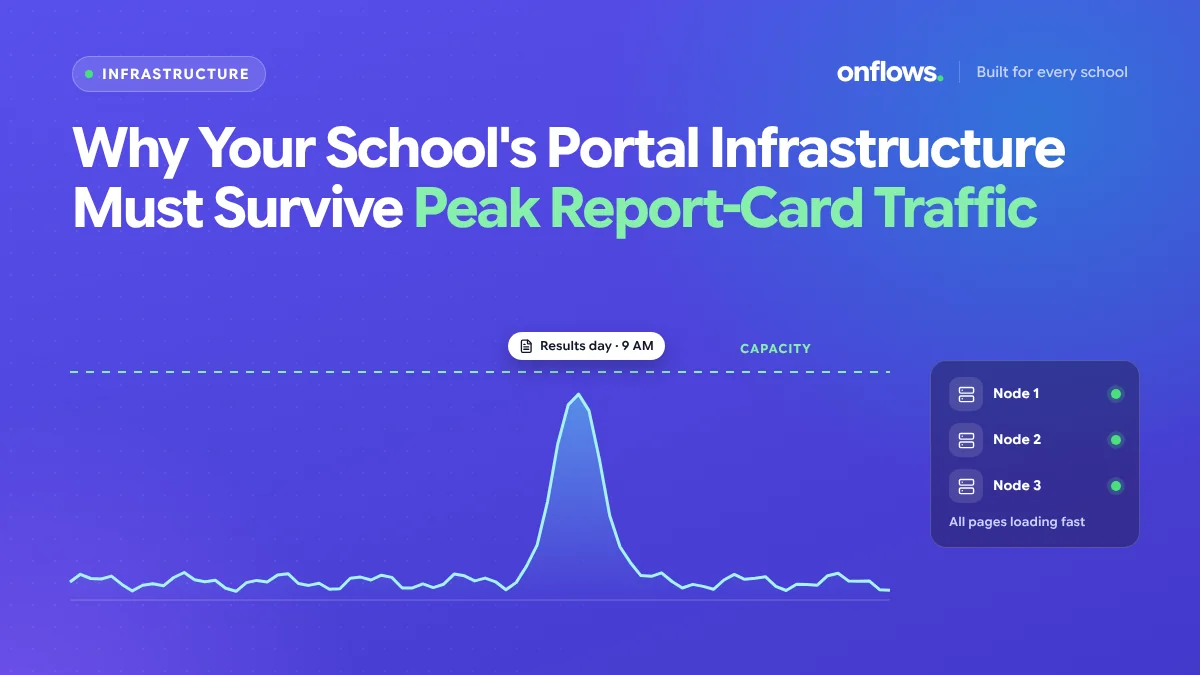
Most days, a school portal is quiet. A few parents check attendance, a few teachers enter marks. Then results are announced at 10 am, and every family in the school opens the portal in the same five minutes.
If it slows to a crawl, parents refresh, which makes it slower. If it crashes, the school's phone rings for the rest of the day, and parents remember. Results day is the day most families judge whether your software works.
Why results day is different
- Everyone arrives at once. Normal traffic is spread over the day. Results traffic is concentrated in minutes.
- Every request is heavy. A report card pulls marks, grades, remarks and attendance for each student, and often a PDF.
- Emotions are high. A slow page on results day feels like the school hiding something.
- Other schools may release the same day. On a shared platform, board result days can bring peaks across many schools at once.
What a portal should handle
- Every family logging in within the same few minutes, without errors.
- Report cards that load in seconds, not minutes.
- PDFs generated without queueing.
- The rest of the system (teachers, office) still working.
Questions to ask a vendor
- How does the system handle many users at once? Ask about the busiest day they have seen.
- Is the report card calculated when the parent opens it, or prepared in advance? Prepared results are much lighter on the day.
- Do other schools' peaks affect yours? On shared infrastructure, they can.
- What happens under overload? A graceful "please try in a minute" is better than an error page.
- Is there a status page where you can check whether a problem is yours or theirs?
How to plan a release that holds
- Finalise results the day before. Do not release while teachers are still editing marks.
- Stagger by class if your school is large: Classes 1 to 5 at 10, 6 to 10 at 11.
- Tell families the time in advance, so they do not refresh from 8 am.
- Send a notice when results are live, with read receipts. See sending mass alerts.
- Have a printed fallback for the few families who cannot access it.
Results that are published online before printing also catch errors earlier. See how transparent access to grades raises parent satisfaction.
Why the cloud helps
A server in the school cupboard has a fixed capacity, and results day exceeds it. Cloud infrastructure can scale with demand, which is one reason schools are moving off local servers. See why schools are walking away from the server room.
Where Onflows fits
In Onflows, progress cards are finalised per term in the gradebook and kept reproducible, so publishing results reads finished records rather than recalculating them for every visitor. Parents open them in their own console in the browser, with nothing to download. See the features page.
Frequently asked questions
Should we email report cards instead?
Email is a good backup, but attachments are not secure and inboxes fill. Use the portal first and email as a fallback.
How many concurrent users is "a lot"?
For a school of a thousand students, a few hundred families in the first five minutes is normal on results day.
What if the portal goes down anyway?
Tell families immediately, give a new time, and publish when it is stable. Silence is worse than a delay.
See progress cards and the parent's view in Onflows, or create your school.
Topics: Cloud based school management software, Online school management system, Best school management app, Infrastructure, Parents