
Cloud based school management software
Why Modern Educational Institutions Are Abandoning Local Servers
The server in the school cupboard was once the safe choice. Today it is often the riskiest machine the school owns. Here is why modern schools are moving off local servers to cloud based school management software, and what to check before you do.
The Onflows team3 min read
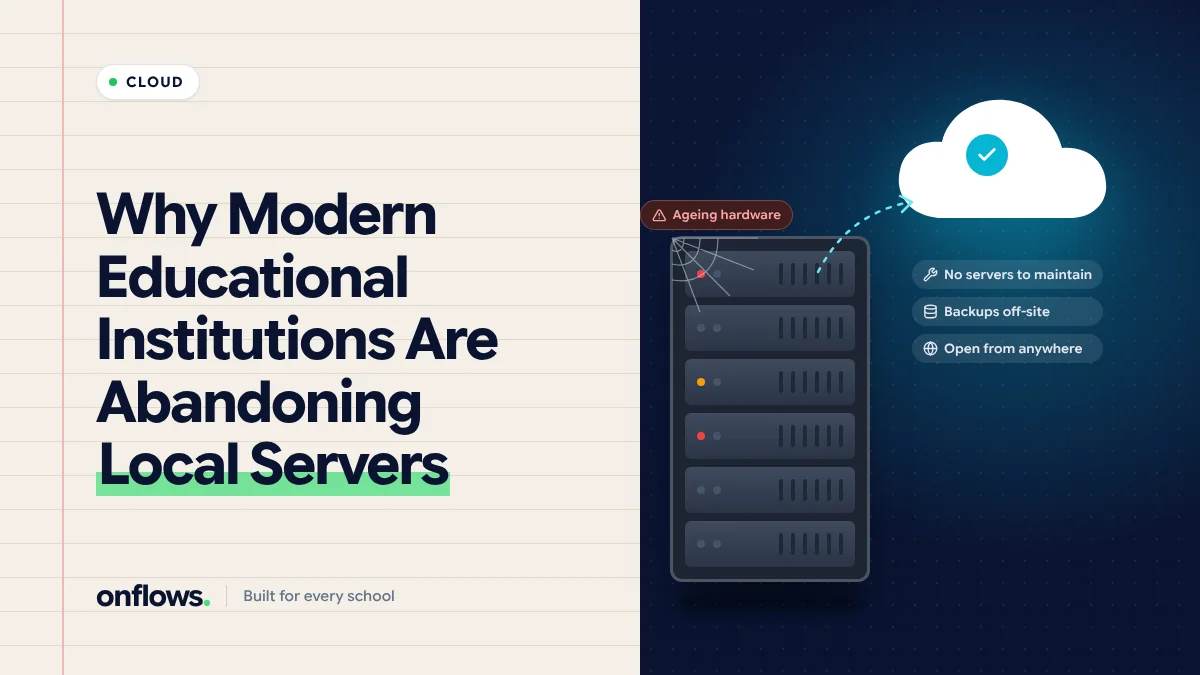
Somewhere in many schools is a cupboard with a humming computer, a tangle of cables and a sticker that says "DO NOT SWITCH OFF". It runs the school software. One person knows the password. Backups happen when they remember.
For years that was the responsible choice: the data stays in the building. Today, for most schools, the cupboard is the riskiest machine they own.
What goes wrong with local servers
Backups
A backup to a disk in the same room protects against a failed hard drive. It does not protect against fire, flood, theft or ransomware, which encrypts the backup too. Many schools discover their backup stopped working months ago on the day they need it.
Security updates
Servers need regular patches. A school server that has not been updated in two years is an easy target, and schools are targeted precisely because they rarely have IT staff.
Power and connectivity
A power cut takes the system down. A failed network switch does too. Every outage is the school's problem to fix.
Access from outside
Teachers want to enter marks from home. Parents want to check attendance from work. A local server makes this hard and often insecure.
The one person
When the person who understands the server leaves, the school is left with a box nobody can maintain.
Hidden cost
Hardware every five years, electricity, air conditioning, the IT contractor's visits, and the hours spent when it breaks. We compared the numbers in on-premise vs cloud school ERP: which is more cost-effective.
What cloud software changes
- Backups are the vendor's job, continuous and off-site.
- Updates happen without anyone at the school touching anything.
- Access works from any device with a browser, for every role.
- Uptime is measured by people whose job is to keep it up.
- Cost is a predictable fee, usually per student.
What to check before moving
- Data isolation. How is your data kept separate from other schools? See complying with data protection law.
- Where data is hosted, and whether that meets your local rules.
- Export. Can you take all your data out in a standard format at any time?
- Offline behaviour. What happens when the school's internet is down? Most cloud systems work from a phone on mobile data.
- Peak load. Will it stay up on results day? See why your school portal must survive report card day.
Moving off the server
Export everything from the old system first, then follow a careful migration with a dry-run import. See how to safely move decades of student records into a cloud ERP. Keep the old server readable, not used, for a month. Then switch it off.
Where Onflows fits
Onflows is cloud based school management software that runs in the browser, with each school's data isolated at the database level. There is nothing to install and nothing for families to download. There is a free plan with no time limit; see pricing.
Frequently asked questions
Is our data safe with a cloud vendor?
With a serious vendor, safer than in a cupboard. Ask how isolation, backups and access logging work.
What if the vendor goes out of business?
That is why export matters. Keep a regular export of your data.
Is there free cloud based school management software?
Yes, including Onflows' free plan. Check the limits before choosing.
Create your school on Onflows, with nothing to install.
Topics: Cloud based school management software, Free cloud school management software, Online school management system, On-premise, Data security