
Cloud based school management software
How to Safely Move Decades of Student Records into a Modern Cloud ERP
Your school's history lives in old software, spreadsheets and paper. Moving it into a cloud ERP is safe when you move it in the right order, check it before it is written, and keep the old copy until the new one has proved itself.
The Onflows team3 min read
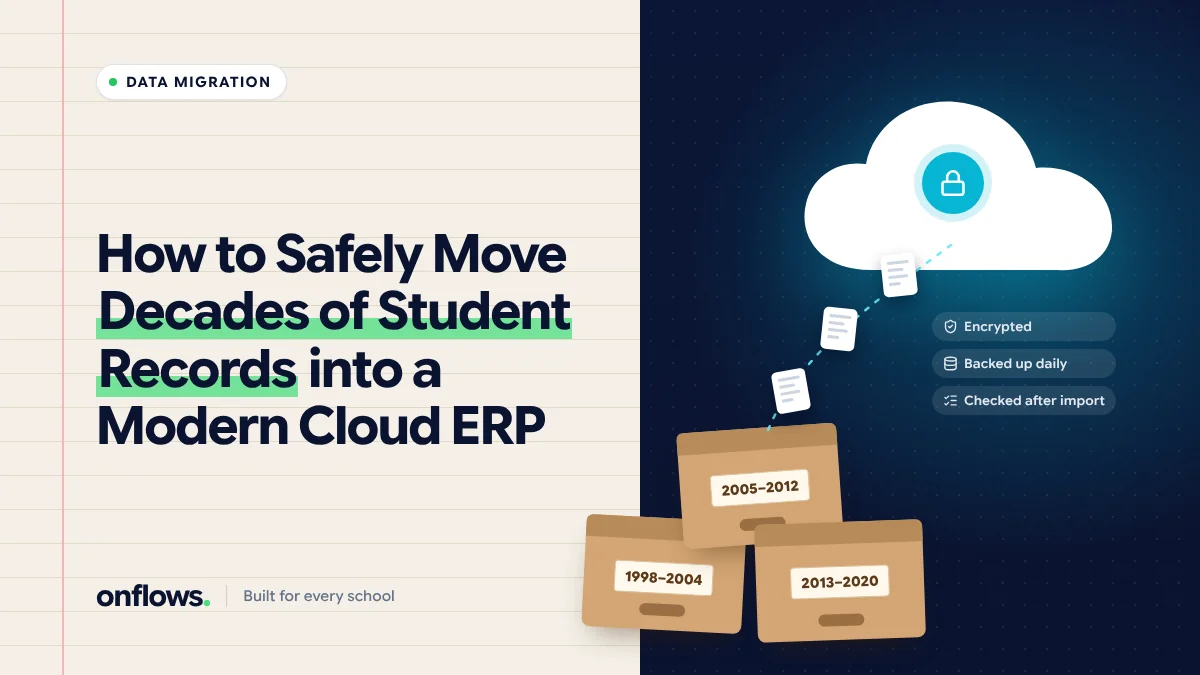
A school that has run for thirty years has thirty years of records, in four formats: a desktop program from 2009, spreadsheets from whoever kept them, scanned PDFs, and the cabinet. Moving to a cloud ERP raises a fair fear: what if something is lost?
Nothing has to be lost. Migration is safe when it is done in the right order, checked before it is written, and backed up until proven.
Decide what to move, not everything
Not every record needs to become a live record. Split them:
- Current students. Must be moved in full: the student, guardians, class, admission details, documents. These are your live roll.
- Recent leavers (say, the last three to five years). Move the core record and the final documents, because they ask for certificates.
- Older history. Move an index (name, admission number, admission and leaving dates) and keep the detail in its original form, safely archived.
Moving everything in full multiplies the cleaning work for records nobody will open.
Export before you clean
Get a full export from the old system before touching anything. CSV or Excel is ideal. If the old vendor makes this hard, that is worth knowing early. Keep this export untouched as the record of what you started with.
Clean in a copy
In a copy of the export:
- Remove duplicates. The same student entered twice is the most common problem.
- Fix dates. Old systems mix day-month and month-day formats. A date of birth of 03/04/2012 is ambiguous; check it.
- Split names consistently if the new system wants first and last names.
- Link guardians. Siblings should share guardians, not have copies.
- Mark leavers with their leaving date.
Import with a dry run
The most important feature of any import is a dry run: the system reads your file, maps your columns to its fields, and lists every problem without writing anything. Fix and repeat until the dry run is clean.
In Onflows, the bulk student import works this way: you map your columns to ours, and the dry run shows duplicates, bad dates and missing guardians before a single record is written. Our integrations page describes it, and it is on the free plan.
Check after import
Pick twenty students at random and compare the new record against the old one, field by field. Then check totals: number of students per class, number of guardians, number of leavers. If the totals match and the sample is clean, the import is sound.
Move documents to their students
Scanned documents should be attached to the student they belong to, not dumped into a folder. Do the current students first. See a step-by-step blueprint for leaving the filing cabinet behind.
Run both for a short overlap
For the first few weeks, keep the old system readable (not used for new data). If a question comes up that the new system cannot answer, you can check. Once a full month passes without needing it, archive it.
Security during migration
- Exports contain children's personal data. Keep them on school devices, not personal email.
- Delete working copies once the import is verified.
- Ask the vendor where the data is stored and how it is isolated from other schools. See warning signs that your school's data security is at risk.
Frequently asked questions
How long does migration take?
For a school of a few hundred students with one clean spreadsheet, a day or two. For multiple sources and decades of history, a few weeks.
Can we migrate mid-year?
Yes. Many schools move the roll mid-year and start using new modules from the next term. See transitioning your school to a new ERP.
Is there free cloud based school management software we can start with?
Onflows has a free plan with no time limit; see pricing for its limits.
Create your school on Onflows and run your first dry-run import.
Topics: Cloud based school management software, Data migration, Free cloud school management software, Implementation, School ERP