
School ERP software in India
How to Smoothly Transition Your School to a New Digital ERP System
Moving a school from registers, spreadsheets or old software to a new ERP is mostly a people and data project, not a technical one. A phased plan for the move, from cleaning your data to the first live week, with the mistakes that cause most rollouts to stall.
The Onflows team4 min read
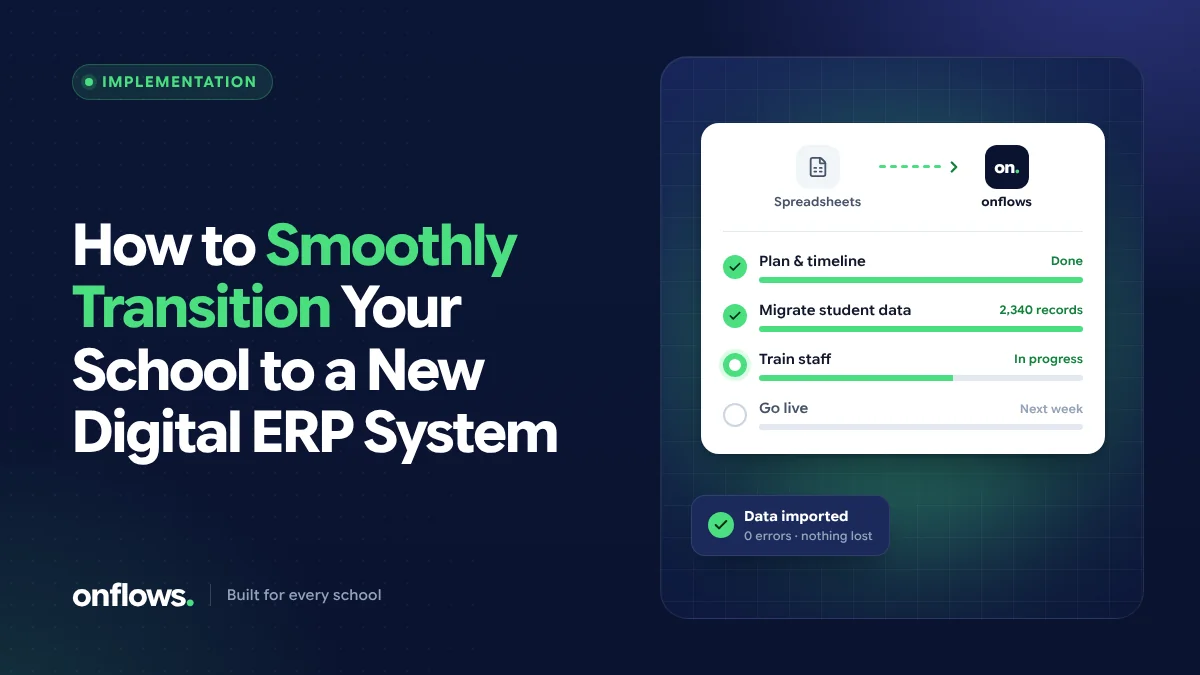
Choosing new school software is the easy part. Moving the whole school onto it, while classes continue, fees are collected and parents keep asking questions, is where most projects either succeed quietly or stall for months.
The good news is that the difficulties are predictable. This guide sets out a phased plan that works for a small school moving off paper as well as a large one leaving old software.
Phase 1: Decide the scope and the date
Pick a sensible start date. The cleanest moment is the start of an academic year or a term, when classes and fee structures are being set anyway. Avoid exam weeks and fee due dates.
Decide what moves first. You do not need every module on day one. A common order is:
- the student roll, classes and guardians,
- attendance,
- fees,
- tests, marks and report cards,
- everything else (certificates, homework, expenses).
Name an owner. One person inside the school, with time set aside, who makes decisions and is the vendor's single contact.
Phase 2: Clean your data before you move it
Every school's records have problems: duplicate students, children in the wrong section, missing guardian phone numbers, dates of birth in three formats. Moving dirty data into new software only makes it harder to find later.
Before importing:
- export your current roll to a spreadsheet,
- remove duplicates and students who have left,
- check every student has a class, section and at least one guardian with a working number,
- put dates in one format.
A good import tool helps. In Onflows, you can bring your roll in from Excel or CSV, map your columns to ours, and a dry run shows every problem (duplicates, bad dates, missing guardians) before a single record is written. See integrations.
Phase 3: Set up the school's structure
With the roll ready, set up what the records hang on:
- the academic year and its terms,
- classes, sections and subjects for your board,
- staff accounts and their roles,
- the fee structure: fee codes, instalments and discounts.
Do this with the people who know each area: the accountant sets up fees, the academic coordinator sets up subjects.
Phase 4: Train by role, not by module
The most common mistake is training everyone on everything. A class teacher needs to know how to mark attendance, enter marks and post homework, and nothing about fee codes. Keep each session short and focused on one role's daily tasks:
- Teachers: attendance, marks, homework, notices to their class.
- Office: admissions, student records, certificates, notices.
- Accounts: fee structure, receipts, dues and reports.
- Principal: the dashboard, approvals and reports.
Give each group a one-page "how to" for their three most common tasks.
Phase 5: Run in parallel, briefly
For a short period, often two to four weeks, keep the old method going alongside the new one for the most critical records (usually fees). Compare the totals each week. When they match, stop the old one.
Do not run in parallel for long. Double entry is exhausting, and staff will quietly drift back to the familiar system.
Phase 6: Go live and support the first week
On the go-live day:
- tell families what is changing and what they will receive,
- make sure every teacher can sign in before the first period,
- have the school's owner and the vendor's support easy to reach.
Expect questions in the first week. Answer them quickly and note the common ones; they become your one-page guides.
Common mistakes to avoid
- Moving everything at once. Phase it.
- Skipping data cleaning. It costs more later.
- No internal owner. The vendor cannot run your school's change for you.
- Training too early. Train the week before go-live, not two months before.
- Keeping the old system "just in case" indefinitely. Set an end date.
A note for small schools
School management software for small schools should be quick to set up without a consultant. If a vendor says onboarding takes months for a school of a few hundred students, ask why. A small school can usually import its roll, set up classes and start taking attendance within a week.
Frequently asked questions
How long does it take to move a school to a new ERP?
For a small or mid-sized school with clean data, the core (roll, classes, attendance) can be live within one or two weeks. Fees and report cards usually follow within the term.
Can we move mid-year?
Yes, but start with modules that do not depend on the year's history, such as attendance and notices, and bring fees and marks over at a term boundary.
What about our old records from previous years?
Bring the current year's records first. Older years can follow, or stay in the old system for reference if they are only needed occasionally. In Onflows, closed academic years stay readable once they are in.
Ready to plan your move? Create your school on Onflows and import your roll with a dry run first.
Topics: School ERP software in India, Small schools, Implementation, Data migration