
Data security
5 Warning Signs That Your School's Data Security Is At Risk
Schools hold sensitive records about children and families. Shared passwords, missing backups, no role-based access, no audit trail and records on personal devices are five signs the data is at risk, and each has a practical fix.
The Onflows team4 min read
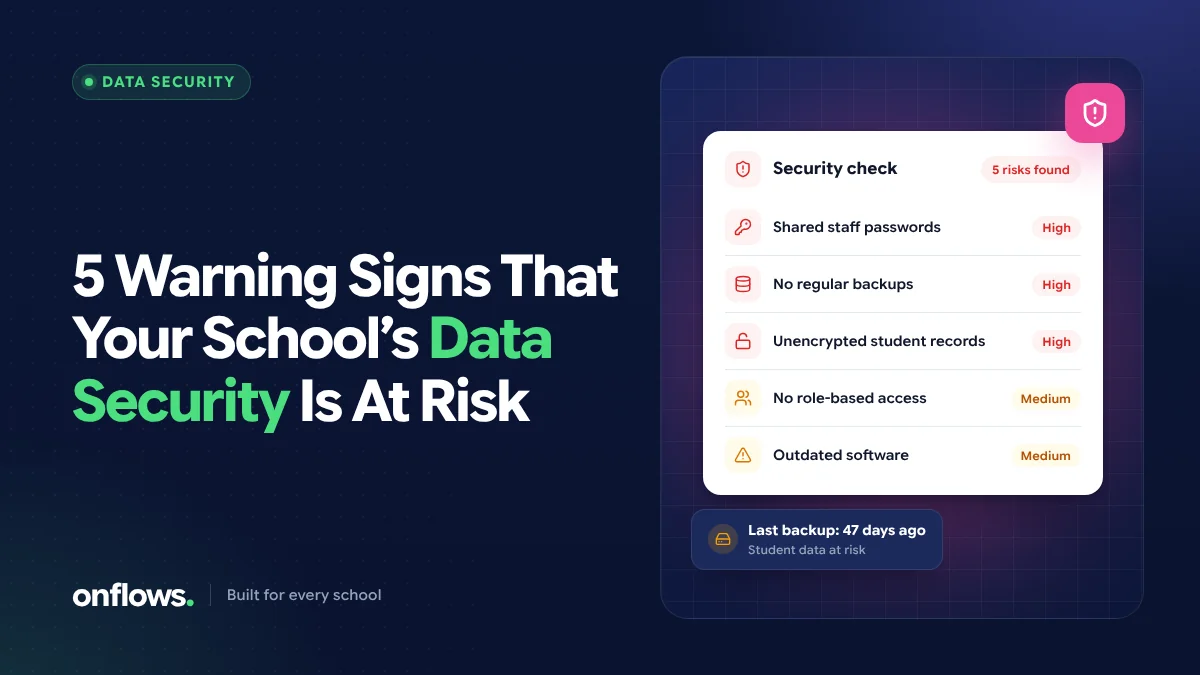
A school holds some of the most sensitive data any organisation keeps: children's names, dates of birth, addresses, health notes, family details, fee records and academic results. Yet in many schools that data sits in a shared spreadsheet, on the office computer, or in a WhatsApp group.
You do not need a security team to spot the risks. Here are five warning signs, and what to do about each.
1. Several people share one login
If the office, the accountant and the principal all use the same username and password, the school cannot tell who changed a fee record or who downloaded the student list. When someone leaves, the password is rarely changed, so former staff keep access.
What to do: give every person their own login, and remove access the day someone leaves. Good school management software makes staff logins free and quick to add, so there is no reason to share.
2. Everyone can see everything
A teacher needs to see their own classes. They do not need every family's fee balance or another class's health notes. When there is no difference between what an accountant, a teacher and a principal can see, a single compromised account exposes the whole school.
What to do: use role-based access. Each role (office, accounts, teacher, principal) should see and change only what its job needs. In Onflows, what each role may read and change is set per section of the record, so a teacher's login opens their classes rather than the whole school.
3. Nobody can say who changed what
If a mark, a fee entry or an attendance record changes, can you find out who changed it and when? With paper or spreadsheets, usually not. That is a security gap and an accountability gap: mistakes cannot be traced, and deliberate changes cannot be proved.
What to do: insist on an audit trail. Every change to an important record should be recorded with the person, the time, and the value before and after. We explain why this matters for inspections in how audit trails help with board inspections.
4. The only copy lives on one computer or one phone
The admissions register in a file on the office PC. Attendance on a teacher's personal phone. Fee records on a pen drive. If that device fails, is stolen or is replaced, the records go with it. Records on personal devices are also outside any control the school has.
What to do: keep records in a system the school controls, with backups that are tested. This is one of the strongest arguments for cloud based school management software: the records do not depend on any single device, and access can be removed centrally. Ask any vendor how often they back up, where, and how quickly they can restore.
5. Records are deleted rather than corrected
When a wrong fee entry is simply deleted, or a student record is removed when the child leaves, the history disappears. That makes errors impossible to trace and leaves gaps when a former student asks for a certificate years later.
What to do: prefer systems that correct rather than delete. In Onflows, documents are versioned and never hard-deleted, closed academic years stay readable, and money records are corrected by a reversal or refund rather than erased.
A quick self-check for your school
Answer yes or no:
- Does every staff member have their own login?
- Can a teacher see only their own classes?
- Can you see who changed a record, and when?
- Would the school's records survive the office computer failing tonight?
- Is a wrong entry corrected rather than deleted?
Every "no" is a place to start.
What to ask a software vendor about security
If you are evaluating an online school management system, ask:
- How is one school's data kept separate from another school's?
- Can we set what each role can see and change?
- Is every change recorded in an audit trail we can read?
- Where is the data stored, how often is it backed up, and how fast can you restore it?
- Can we export all our data if we leave?
We list more questions in what to ask a school ERP vendor before signing.
Frequently asked questions
Is cloud school software safer than keeping data on our own computer?
It usually is, provided the vendor separates schools properly, controls access by role, keeps an audit trail and backs data up. A single office computer has none of those protections by default.
What school data is most sensitive?
Health and medical notes, family and guardian details, addresses, identity document numbers and fee records. These deserve the strictest access rules.
How does Onflows protect school data?
Every school's records are kept strictly its own, enforced at the database rather than only in the app. Access is set per role, every change is recorded in an audit trail, and documents are never hard-deleted. See features for more.
Security is easiest to build in from the start. Create your school on Onflows and give every member of staff their own login.
Topics: Data security, Cloud based school management software, School ERP, Privacy