
School management system software
How Digital ERPs Help Schools Maintain Flawless Audit Trails for Board Inspections
Inspections, affiliation visits and audits all ask the same question: can the school show its records, and prove they have not been quietly changed? How an audit trail in school management system software answers it, and how to prepare.
The Onflows team4 min read
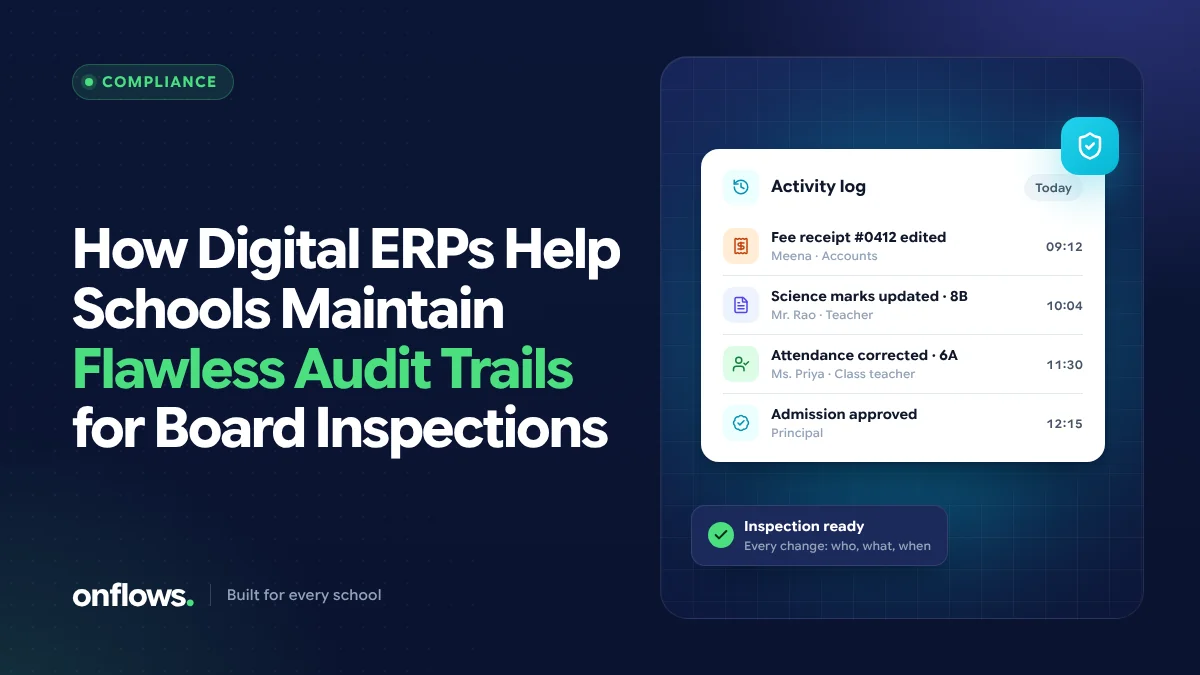
Whether it is an affiliation inspection, a visit from an education department, a statutory audit or a parent's complaint, the school is eventually asked to show its records. Admission registers, attendance, marks, fee receipts, staff records, certificates issued.
Having the records is the first half. The second half is being able to show they are reliable: that a mark was not changed after the result was published, that a fee entry was not deleted, that attendance reflects what happened. That is what an audit trail is for.
What an audit trail is
An audit trail is a record of every change to an important piece of data: who made the change, when, and what the value was before and after. It is written automatically by the system and cannot be edited by the people whose actions it records.
With paper registers, the audit trail is the physical register itself, with crossings-out initialled and dated, if anyone remembered. With spreadsheets, there is usually no audit trail at all: a cell can be changed and nobody can tell.
What inspectors and auditors typically look for
Requirements differ by board, authority and type of visit, but the questions are consistent:
- Admissions: is there a register of every student admitted, with the documents verified?
- Attendance: are attendance records kept for every class and day, and do they add up?
- Academic records: are marks and results recorded, and do report cards match them?
- Fees: is every payment receipted, and do collections reconcile with the books?
- Certificates: is there a record of every transfer certificate and other certificate issued?
- Staff: are staff records, qualifications and leave recorded?
For CBSE and CISCE schools, the specific documents required are set out in each board's affiliation and inspection rules; check the current ones for your board.
How a school ERP helps
Every record in one place
Instead of collecting registers from five rooms, the school produces records from one system. Reports for a class, a term or the whole school are available on request.
Every change recorded
In school management system software with an audit trail, if a mark is changed after results are published, the trail shows who changed it, when, and from what. If a fee entry is reversed, the reversal is visible, not a gap in the ledger.
Nothing quietly deleted
Good systems correct records rather than deleting them. In Onflows, money and register records are never hard-deleted: a correction is a reversal, a refund or a recorded soft delete that names who and why. Documents are versioned, and closed academic years stay readable.
Access by role
An audit trail is more meaningful when each person has their own login and access matches their job. If five people share one password, the trail can only say "the office".
Delivery records
When a school says it informed parents, can it show it? In Onflows, every message to families is recorded per family with whether it arrived, and notices carry read receipts.
Preparing for an inspection with an ERP
- Know the list. Get the current document list for your board or authority.
- Run the reports early. Produce admission, attendance, results and fee reports a few weeks before, and check for gaps.
- Resolve gaps properly. Fix missing data with a recorded correction, not by overwriting.
- Check certificates. Make sure every certificate issued is in the register, with its serial number.
- Prepare to show the trail. If an inspector asks how a record changed, be ready to show the history.
The CBSE and ICSE angle
For CBSE school management software or an ICSE board school ERP, look for:
- subject and assessment structures that match the board,
- report cards in the board's format, generated from recorded marks (see automating CBSE report cards),
- registers you can produce per class and per year,
- an audit trail across marks, attendance, admissions and fees.
Frequently asked questions
What is an audit trail in school software?
A record, kept automatically by the system, of every change to important data: who made it, when, and the value before and after. It cannot be edited by the people whose actions it records.
Can an audit trail be switched off?
In a well-designed system, no. An audit trail that can be switched off or edited by the people it records does not prove anything.
Does Onflows have an audit trail?
Yes. Who did what and when is recorded, along with email delivery and bounce visibility, in every plan. See features.
Be inspection-ready every day, not just the week before. Create your school on Onflows.
Topics: School management system software, CBSE school management software, ICSE board school ERP, Audit trail, Compliance