
CBSE school management software
How to Simplify CBSE Report Card Generation Using Automation
CBSE report cards involve marks from several assessments, a grading scale, co-scholastic areas and remarks, usually copied by hand into a template. How CBSE school management software builds the report card from the marks, and how to set it up so the card is right the first time.
The Onflows team4 min read
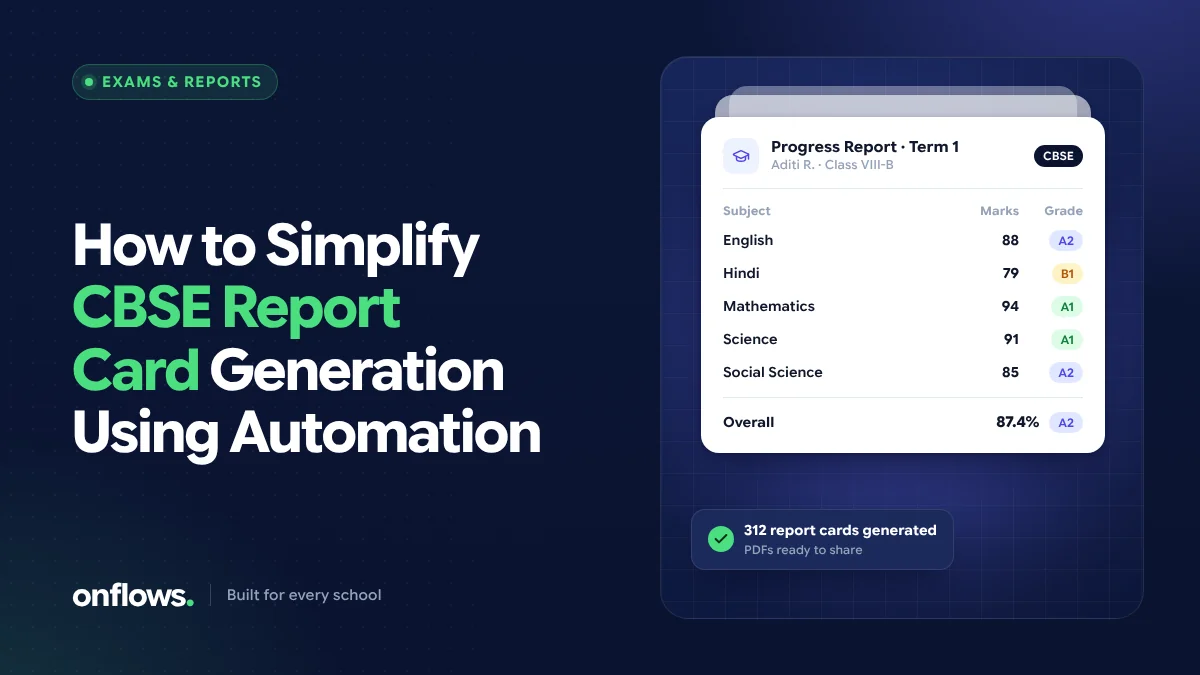
At the end of every term, CBSE schools go through the same ritual: marks are collected from every subject teacher, entered into a spreadsheet, checked, then copied into a report card template one student at a time. Totals are recalculated, grades are looked up, remarks are added, and the cards are printed. Then a mistake is found and a batch is reprinted.
Almost all of that is automatable. This post explains how CBSE school management software can produce report cards directly from the marks, and how to set it up so the first print is the right one.
Why report cards take so long
The work is not hard; it is repetitive and error-prone:
- Multiple sources of marks: periodic tests, notebook and subject enrichment work, half-yearly and annual exams, each entered by a different teacher.
- Weightage: components combine into a term total according to the school's scheme.
- Grading scale: marks convert to grades on the board's scale.
- Co-scholastic areas: work education, art, health and physical education, discipline, usually graded separately.
- Remarks and attendance: written per student, with attendance for the term.
Every manual copy between these steps is a chance for an error.
How automation works
In a school system with a gradebook, the flow is:
- Set up the assessment scheme once: the components, their maximum marks and weightage, and the grading scale.
- Teachers enter marks once, per test, per subject, in the system.
- The gradebook calculates each component, the term total, the percentage and the grade.
- The report card is generated from the gradebook in the school's format, with attendance and remarks included.
- Results are finalised for the term, so the card can be reproduced exactly later.
Nothing is copied by hand, so the totals on the card always match the marks entered.
In Onflows, tests and exams are set per class and subject, with marks entry and published results, and the gradebook produces progress cards that are finalised and reproducible per term. Onflows is built around your curriculum, including CBSE and CISCE, so the structure matches your board rather than a generic template.
Setting up for a clean first run
- Agree the scheme before the term starts. Changing weightage after marks are entered causes most last-minute reprints.
- Use the board's grading scale as the default, and record any school-specific additions clearly.
- Fix subjects per class early, including optional subjects and second languages.
- Set a marks entry deadline a few days before cards are due, and let the class teacher see which subjects are still missing.
- Review a sample of cards from each class before printing the whole school.
A free CBSE report card format
If you are not ready for software, start with a consistent template. Our free CBSE report card format sets out the fields a CBSE progress card usually includes, and we have formats for other boards too, including CISCE. It works as a free report card maker online for schools starting point, but you will still be copying marks by hand.
Is an automated school grading system the same as AI grading?
No, and it is worth being precise. An automated school grading system in the sense of this post calculates totals, percentages and grades from marks teachers have already given. That is reliable arithmetic and every school can use it today.
AI that proposes a score for a written answer is a different thing. It is not part of Onflows today; it is on our list of ideas under consideration, and if it comes, the teacher would review every score before it counts. We discuss this further in the role of AI in school management systems.
What about ICSE and other boards?
The same principle applies to every board: set up the scheme once, enter marks once, and generate the card. An ICSE board school ERP needs the CISCE subject structure and grading; a state board needs its own. Check that any software you choose supports your board's structure rather than forcing a generic format.
Frequently asked questions
Can report cards be generated automatically from marks?
Yes. Once the assessment scheme and grading scale are set up, a gradebook calculates totals and grades and produces the report card without manual copying.
Do we still need teachers to check report cards?
Yes. Automation removes copying and arithmetic errors, but teachers should still review remarks and spot-check a sample before cards go home.
Can parents see report cards online?
In most school software, including Onflows, published results and progress cards can be shown to families, so they do not depend on a printed copy reaching home.
See how Onflows supports your board, or create your school and set up your first term.
Topics: CBSE school management software, Automated grading, Report card maker, ICSE board school ERP