
AI
The Role of AI in Modern School Management Systems
AI in school software is most useful where it drafts and a person decides. What AI does well in a school management system today, what to be sceptical of, and the questions to ask any vendor claiming to use AI.
The Onflows team4 min read
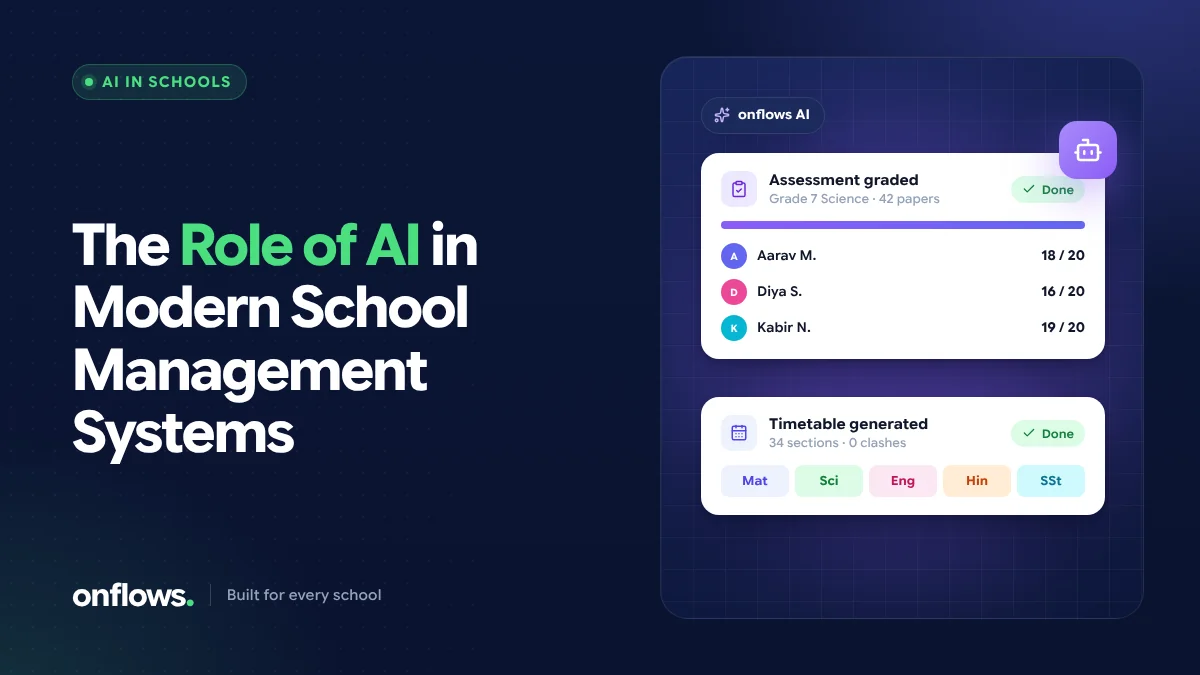
Almost every school software product now says it uses AI. Some of it is genuinely useful; some is a chatbot added to a sales page. For a principal choosing software, the question is not "does it have AI?" but "what does the AI actually do, and who decides what happens next?"
This post sets out where AI helps in a school management system today, where it does not, and how to tell the difference.
The rule that matters: AI drafts, a person decides
The most useful AI in a school does the slow, repetitive part of a job and hands the result to a person to check. It does not make decisions about children on its own. A good test of any AI feature is: can a person see what the AI proposed, change it, and decide whether to use it? If not, be careful.
Where AI genuinely helps today
Building the timetable
A school timetable has hundreds of constraints. AI can propose a whole week from the rules a school writes, which is the part that takes a person days. The important detail is what happens next: a fixed checker should verify the proposal against the rules, and a person should apply it. We cover this in automated timetable scheduling.
Drafting messages to families
A fee reminder, an absence note, an event notice: the office writes dozens a week. AI can draft a message from the situation, or shorten, rephrase and reorganise what the office wrote. A person still reads it and sends it.
Preparing a lesson
A teacher can ask for a first draft of a period from its topic: an approach, worked examples, what goes on the board, an activity and the questions to ask. The draft belongs to the teacher to cut and change.
Answering routine questions
Many questions from parents and staff are answered somewhere in the school's own records. An assistant that answers from those records, and turns what it cannot answer into a ticket for a person, takes pressure off the office.
These four are exactly what the AI in Onflows does today; you can see each one on our AI page.
What about an automated school grading system?
Grading is where AI claims run furthest ahead of reality. It helps to separate three things people mean by "automated grading":
- Calculating results from marks. Totals, percentages, grades from a scale, the term result and the progress card. This is not AI; it is arithmetic, and good school software should do it automatically and reproducibly. Onflows does this through its gradebook and progress cards.
- Marking objective questions. Multiple-choice and fixed-answer questions can be marked automatically by any decent online test tool.
- Grading written answers with AI. A model proposing a score for an essay or a long answer against a teacher's rubric. This is possible, but it needs the teacher to review every score before it counts, and it is not something we offer yet. It is on our list of things under consideration, without a date.
Be wary of any product that claims AI "grades your exams" without explaining the teacher's role.
What AI should not do in a school
- Decide on promotion, detention or anything consequential for a child.
- Send messages to families without a person reading them.
- Answer from the open web when the question is about a specific child or the school's own rules.
- Hide its reasoning. If an AI feature cannot show what it proposed and why, the school cannot check it.
Questions to ask a vendor about AI
- What exactly does the AI do, step by step?
- Who reviews its output before it takes effect?
- Where does it get its information: our records, or the internet?
- Is our school's data used to train models for other customers?
- What happens if we switch the AI off? Does everything else still work?
Frequently asked questions
Is AI in school software safe for student data?
It can be, if the AI only reads what the person using it is allowed to see, answers from the school's own records rather than the open web, and every output is reviewed by a person. Ask the vendor to explain each of these.
Which is the best school ERP software with AI?
The best one is the one whose AI does a job you actually have, keeps a person in charge of the decision, and is honest about what it does not do. Start from your slowest tasks (often the timetable and messages home) and look for AI that helps there.
Do we need AI to benefit from school software?
No. Most of the time a school saves comes from having records in one place: attendance, fees and marks entered once and used everywhere. AI adds to that; it does not replace it.
See exactly what the AI in Onflows does, or create your school and try it.
Topics: AI, School management software, Automated school grading system, Best school ERP software