
Cloud based school management software
How to Ensure Your School Software Complies with Regional Data Protection Laws
Schools hold more personal data about children than almost any other organisation, and data protection laws now apply to them in full. Here is a practical checklist to judge whether your school software helps you comply, in India and beyond.
The Onflows team3 min read
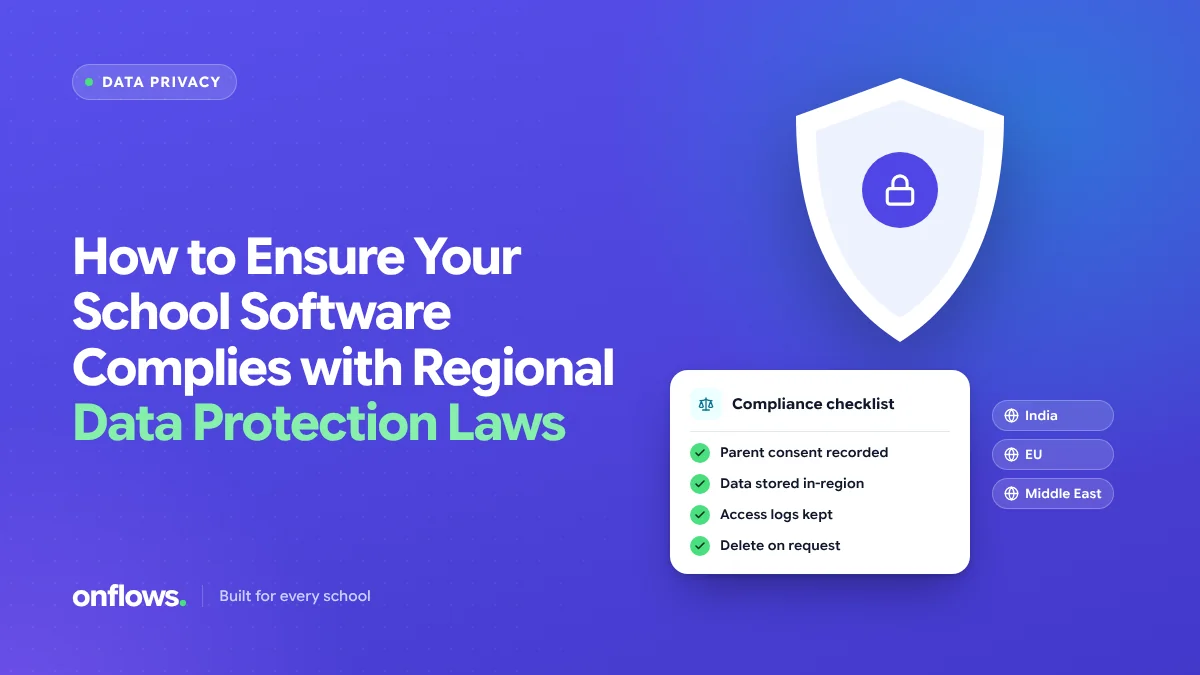
A school holds names, dates of birth, addresses, photographs, marks, attendance, health notes, family income for fee concessions, and guardian phone numbers, for every child, for years. Under modern data protection law, that makes the school a data fiduciary or controller with real obligations, and children's data gets the strictest treatment.
The software you use either makes compliance easier or makes it impossible. This checklist helps you tell which.
This is general information, not legal advice. Check your obligations with a qualified adviser for your country.
The laws schools meet most often
- India: Digital Personal Data Protection Act, 2023 (DPDP). Requires verifiable consent from a parent for processing a child's data, and restricts tracking and targeted advertising directed at children.
- European Union and UK: GDPR and UK GDPR. Lawful basis for processing, data minimisation, rights of access and erasure, breach notification.
- Gulf states: the UAE and Saudi Arabia have their own data protection laws with similar principles.
- United States: FERPA governs education records, and COPPA governs online services for children under 13.
The principles overlap, so a checklist built on them works across countries.
The checklist
1. Purpose
Can you say why each piece of data is collected? Software that asks for fields you do not need is collecting data you must then protect.
2. Consent
For children, consent comes from a parent or guardian. Your admission process should record it, with a date.
3. Access by role
Not every staff member should see every record. A front-desk login should not see health notes or fee concessions. See keeping financial and medical records away from staff who do not need them.
4. Isolation from other schools
In cloud software, your data shares infrastructure with other schools. Ask how it is kept separate. The answer should be enforced in the database, not just in the application.
5. Audit trail
Who viewed or changed a record, and when. Without it, you cannot investigate a complaint or a breach.
6. Data rights
Can a family ask what you hold about their child and get it? Can you correct it? Can you delete what is no longer needed, while keeping what the law requires you to keep?
7. Where the data lives
Which country hosts the data, and who are the vendor's subprocessors? Some laws restrict transfers abroad.
8. Breach plan
What happens if something goes wrong? Who is told, and how fast? The vendor should tell you promptly, and you should know whom you must notify.
9. Retention
How long is data kept after a student leaves? Closed records should be archived, not left open to every login.
10. A contract
A data processing agreement between the school and the vendor that sets out all of the above.
Where Onflows fits
Onflows isolates each school's data at the database level, with row-level security enforced on every school table. Permissions are set per role, so a front-desk login sees only what that role needs. Every change is written to an audit trail. Our security section and the privacy policy describe how data is handled.
We covered warning signs in five warning signs that your school's data security is at risk.
Frequently asked questions
Does a small school need to comply?
Yes. The laws apply by the kind of data, not the size of the school.
Is cloud software less safe than a local server?
Usually safer, if the vendor is serious about security. See why schools are walking away from the server room.
Who is responsible if the vendor has a breach?
Usually both, under the contract. The school remains accountable to families.
Read about Onflows security, or create your school.
Topics: Cloud based school management software, Data security, Compliance, Privacy, Choosing school software