
Parent teacher communication app
How Transparent Access to Grades and Attendance Boosts Parent Satisfaction
Parents who can see their child's attendance and marks as they happen ask fewer anxious questions and raise problems earlier. Here is why transparency builds trust, what to share and when, and what a parent portal should show.
The Onflows team3 min read
A parent learns at the end of term that their child missed eleven days and failed a maths test in September. Their first question is not about the child. It is about the school: "Why did nobody tell us?"
That question is the cost of opacity. Parents who see attendance and marks as they happen rarely ask it.
Why transparency raises satisfaction
- No surprises. The report card confirms what the parent already knew.
- Earlier conversations. A parent who sees three absences in a week calls the school in week one, not at the end of term.
- Shared responsibility. A parent who can see homework due can help with it.
- Fewer calls. "Was my child in school today?" answers itself.
- Trust. A school that shows its records is a school with nothing to hide.
What to share, and when
Attendance: same day
Absences should reach the family the same morning. That is a safety feature as much as a transparency one: a child marked absent who left home for school is an emergency.
Homework: when set
Parents should see what is due and when. See centralising homework so students never miss a deadline.
Test marks: when published
Marks should be shared when the teacher publishes them, not when they are entered. Teachers need time to check and moderate.
Report cards: on release day, online first
Publishing results online before printing lets families spot errors early. See generating report cards in bulk.
Fees: always
What is due, what is paid, receipts. Families should never have to call to ask their balance.
What not to share
- Other students' marks or rankings, unless school policy says so.
- Teacher notes not meant for families.
- Draft marks before moderation.
- Sensitive records, like behaviour notes, outside a proper conversation.
Design the parent view for a phone
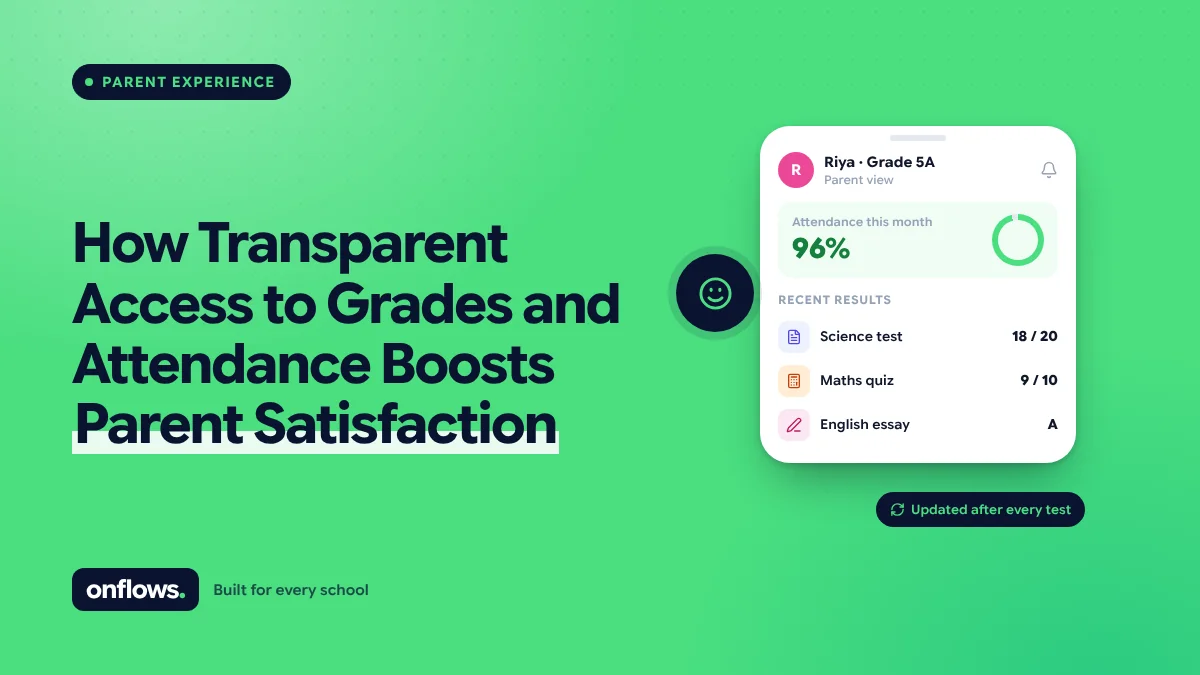
Most parents will look on a phone, in a spare minute. The view should show the outcome first: attendance this term as a percentage, the latest marks, what is due this week. Details come one tap later. And it should not require downloading an app; see the must-have features in a modern school mobile app.
Where Onflows fits
In Onflows, parents have their own console, built on the same screens staff use, read-only and filtered to their own children. They see attendance, homework, published results and progress cards, and fee balances where the school uses fees. It runs in the browser and installs to the home screen, with nothing to download. See the features page.
Handling the parent who checks every hour
Transparency brings some parents who watch too closely. Two things help: publish marks in batches rather than one at a time, and give the parent a clear person to contact with questions, rather than every teacher.
Frequently asked questions
Will teachers resist parents seeing marks?
Some will, at first. Publishing only after the teacher marks results as final addresses most of the concern.
Should students see the same view?
Older students should have their own login. See letting older students track their own timetable, attendance and credits.
Is a parent portal secure?
It must show each parent only their own children, enforced by the system, not by a menu. Ask any vendor how they isolate one family's data.
Topics: Parent teacher communication app, Best school management app, School app for parents, Parents, Online school management system