
School management software
How to Generate Flawless Report Cards, Transfer Certificates and Transcripts in Bulk
Bulk document generation goes wrong in one of three places: the data, the template or the review. Here is a step-by-step way to produce report cards, transfer certificates and transcripts in bulk with school management software, without a single retyped name.
The Onflows team3 min read
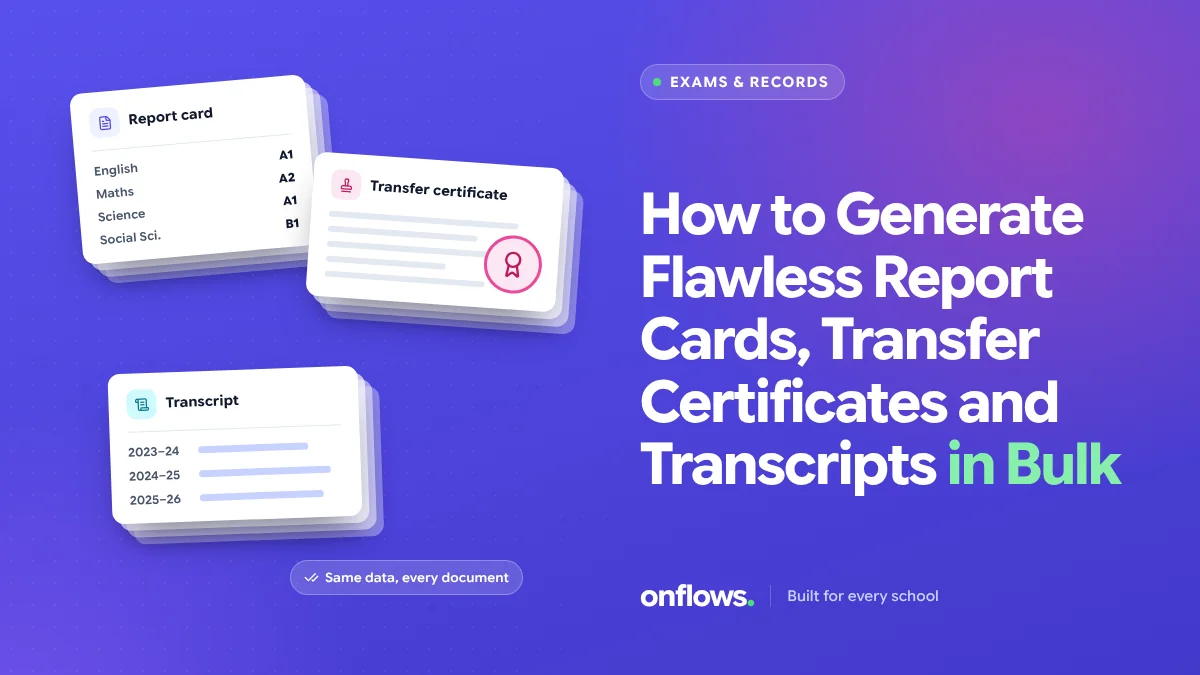
At the end of a term, a school of a thousand students prints a thousand report cards. At the end of the year it prints transfer certificates for everyone leaving, and transcripts for the Class 12 students applying abroad. Done by hand, that is weeks of retyping. Done badly by software, it is a thousand copies of the same mistake.
Bulk generation works when three things are right: the data, the template and the review.
1. Get the data right once
Every document reads the student record. A wrong spelling in the record is a wrong spelling on every document that student ever receives. Before any print run:
- Names match the birth certificate.
- Dates of birth are correct. This matters most on transfer certificates.
- Class and section are current.
- Admission number and date are present.
- Guardian names are as the family wants them printed.
Run the check a week before printing, not the night before. The bulk import in Onflows shows duplicates, bad dates and missing guardians before anything is written, and the same discipline applies at print time.
2. Report cards: marks in once, cards out many
Report cards fail when marks are copied from a mark sheet into a template. The fix is a gradebook that holds the marks once and produces the card from them.
Set up per term:
- The assessment scheme: which tests count, with what weight.
- The grading scale your board uses.
- The subjects each class studies.
- The remarks policy: who writes them, and by when.
Then the card is calculated, not typed. We covered the CBSE case in detail in simplifying CBSE report card generation. For a free starting point, our report card formats are laid out per board.
In Onflows, the gradebook keeps per-term results finalised and reproducible, so a parent asking for a copy next year gets exactly the card they saw.
3. Transfer certificates: serial numbers and a fixed template
A transfer certificate is a legal document. It needs:
- A serial number that never repeats and is never reused.
- The fields your board or state requires, in the order it requires.
- The principal's signature and the school's details.
- A record that it was issued, so a duplicate request is marked as a duplicate.
Onflows prints serial-numbered transfer, bonafide and conduct certificates straight from the record. The free transfer certificate format shows the fields.
4. Transcripts: several years on one page
A transcript draws on several closed years. That only works if closed years are still readable. If your software archives a year into a file nobody can open, the Class 12 transcript is assembled by hand from old printouts. Onflows keeps closed years readable in its archives, so a transcript can read all of them.
5. Review a sample, not every page
Nobody can proofread a thousand cards. Review smart:
- Check one card per class in full, against the mark sheet.
- Check every card with a fail or a remark, because those are the ones families read closely.
- Check the edge cases: a student who joined mid-term, a student with an exemption, a student who changed section.
- Check totals, not individual cells. If a class average looks wrong, look closer.
6. Publish, then print
Before printing, publish results to families online. Errors get reported in a day, while you can still fix them. Then print only what needs to be paper. See how transparent access to grades raises parent satisfaction.
Frequently asked questions
Is there a free report card maker online for schools?
There are free templates, including ours on the resources page. Progress cards are also on the free plan in Onflows, generated from the gradebook.
Can transfer certificates be issued digitally?
Many boards still require a signed paper certificate. A digital copy with a serial number is useful for the family and the next school to verify.
What if a mark changes after printing?
Correct it in the gradebook, which records the change in the audit trail, and reprint that student's card.
See certificates and progress cards in Onflows, or create your school and print your first certificate.
Topics: School management software, Free report card maker, Automated school grading system, CBSE school management software, Certificates