
Parent teacher communication app
Sending Mass Alerts During Unexpected School Closures or Weather Events
When a cyclone warning, a flood or a power failure closes the school overnight, every family needs to know before the morning bus. Here is how to prepare a closure alert plan, what to say, and how to know who has not heard.
The Onflows team3 min read
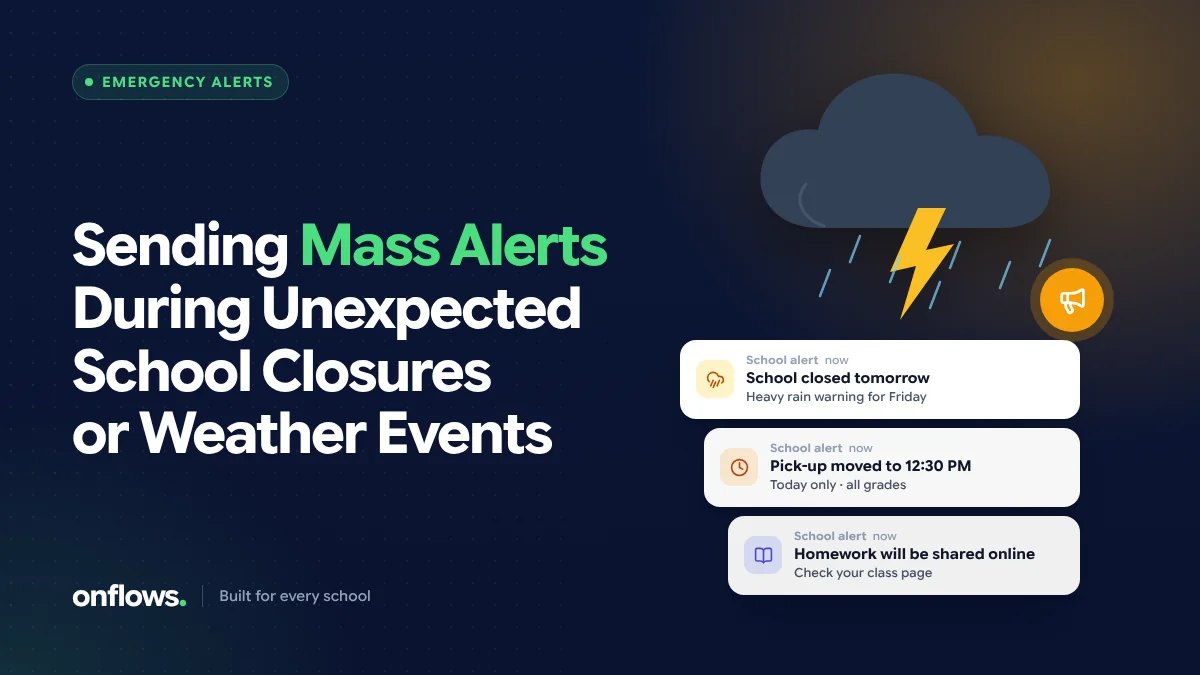
At 9 pm the district announces that schools will close tomorrow because of heavy rain. The principal has eleven hours to tell 1,200 families. Some are in a WhatsApp group, some are not. Some have changed numbers. The bus drivers need to know. So do the teachers.
Emergencies are not the time to work out how to reach everyone. That is done in advance.
Before anything happens
Clean contacts
The alert can only reach families whose contacts are correct. Check guardian phone numbers and emails at the start of every term. A message that bounces to a disconnected number fails silently. In Onflows guardian contacts sit on each student's record, so one correction fixes every future message.
A named sender
Decide who can send a whole-school alert. Usually the principal and one deputy. Write it down, so nobody waits for permission at 9 pm.
Templates
Write the messages now, while calm. Fill in the blanks on the day.
A staff list
Teachers, drivers, attendants and support staff need the alert too, often first.
What to say
A closure alert answers five questions in as few words as possible:
- What is happening?
- When?
- Why, briefly?
- What should families do?
- When will you update them?
Sample closure:
School is closed tomorrow, 18 Nov, because of the cyclone warning. No buses will run. Classes resume Thursday unless we tell you otherwise. We will update you by 6 pm Wednesday.
Sample early dismissal:
Because of flooding near the school, students will be dismissed at 12:30 today. Buses will leave at 12:45. If you are collecting your child, please come to Gate 2. Students will stay with teachers until collected.
Sample all-clear:
School reopens tomorrow, 20 Nov, at the usual time. Buses run on normal routes. Thank you for your patience.
Which channels
- App notification or portal message: fastest for families who use it.
- SMS: reaches every phone, no app needed. Best for emergencies.
- WhatsApp: widely read, but needs an opt-in for business messaging.
- Email: slower, but the formal record.
Use more than one. A family that misses one channel catches the next.
Know who has not heard
The difference between a broadcast and a notice is read receipts. A notice board that shows who has read the alert lets the office call the families who have not, starting with younger classes and bus users. Onflows' notice board shows read receipts, and messages can go to all guardians, all staff, or a single class.
After the event
- Send the all-clear.
- Note how long it took to reach everyone, and who was missed.
- Fix those contacts.
- Update the templates.
The same tools work for happier news. See coordinating annual functions and sports days.
Frequently asked questions
Should we use a WhatsApp group for emergencies?
A group is better than nothing, but it does not tell you who read the message, and replies drown the information.
How fast should an alert go out?
Within an hour of the decision. Families make childcare plans the night before.
What about families without smartphones?
SMS and a phone call. Keep a short list of families who need a call.
See the notice board and messages in Onflows, or create your school.
Topics: Parent teacher communication app, Communication, Student safety, School management software, School app for parents