
School management software
Coordinating Annual Functions, Sports Days and Parent Meets via ERP
An annual function touches the timetable, the staff rota, every family and half the budget. Here is how to run school events through your ERP instead of a dozen WhatsApp groups, from the first date to the last thank-you note.
The Onflows team3 min read
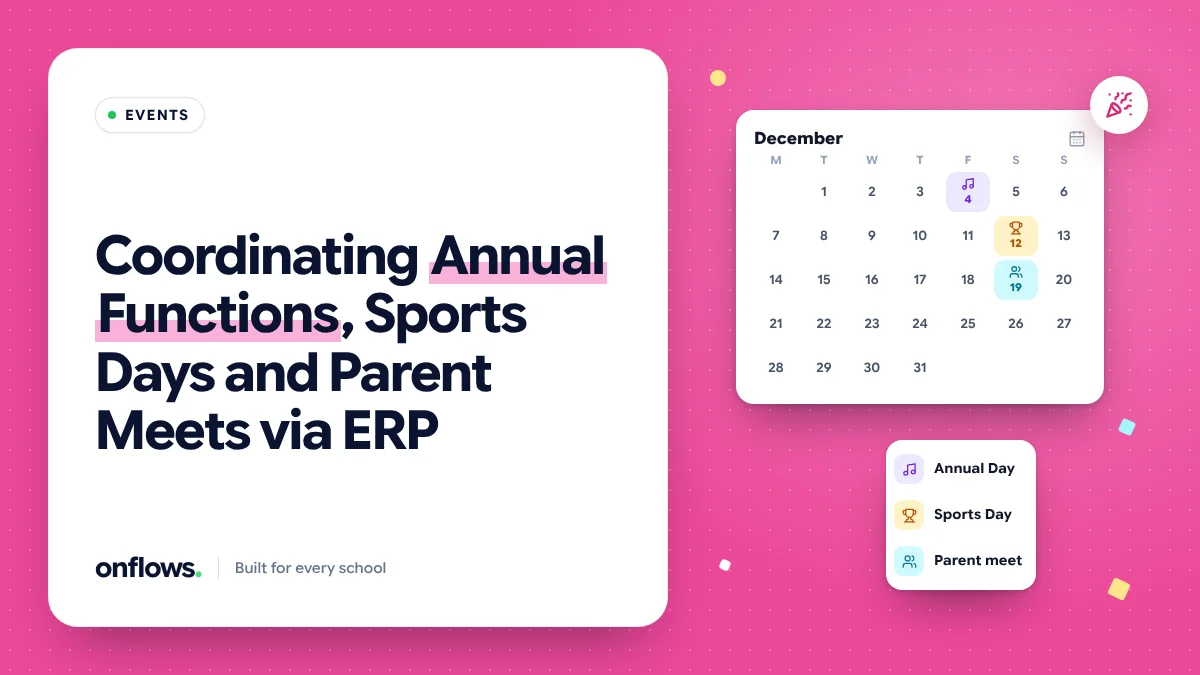
Sports day is a single day on the calendar and six weeks of work behind it. The timetable has to clear for practice. Teachers are assigned to houses and events. Every family needs the date, the dress code and the pick-up time, and needs it twice because the first message got lost. Someone buys medals. Someone books the ground.
In most schools that work runs through a dozen WhatsApp groups and one overloaded coordinator. Run through the school's ERP, it becomes a plan everyone can see.
Start with the calendar
Every event starts as a date on the school calendar, visible to every staff member. That one step prevents most clashes: the science exhibition booked on the same Saturday as the parent meet, or the annual function rehearsal in the week of unit tests.
Draw the event over the timetable
Rehearsals and practice take periods. Rather than rebuilding the timetable, draw the event over it: these periods, these classes, this week. In Onflows, exams and meetings are drawn over the timetable rather than built into it, so an event week does not mean regenerating the term. The same principle applies to rehearsals.
Assign staff in the system
- Who is in charge of each event or house.
- Who supervises which area on the day.
- Who is on cover for regular classes during rehearsals.
When assignments live in the system, a teacher on leave that week shows up as a gap, not as a surprise on the day. See assigning cover teachers the moment someone calls in sick.
Tell families once, and know they heard
The single biggest improvement is replacing "sent home in the bag" with a notice that has read receipts. You learn which families have not seen the message, and you remind only them.
A good event notice says:
- What, when, where.
- What the student needs (dress, items, food).
- Pick-up and drop-off changes.
- Who to contact.
Send it to the right audience: the whole school, one class, or only the families of students in an event. Onflows' notice board shows read receipts, and meetings can be sent to whole-school audiences, all guardians or a chosen class.
Parent meets are their own case
A parent-teacher meeting is an event with appointments. The appointment part deserves its own process; see scheduling parent-teacher meetings without the phone tag.
Track the money
Events spend money: medals, sound hire, decoration, refreshments. Record each as an expense in an "Events" category, with the receipt. At the end of the year you know what sports day actually cost, and next year's budget starts from fact. See monitoring operational costs and stopping budget leakage.
After the event
- Thank volunteers and families by message.
- Share photos, with consent for any child shown.
- Record results (house points, winners) somewhere that will still exist next year.
- Write three lines on what to change, attached to the event, so next year's coordinator reads them.
A sample timeline for an annual function
| When | What |
|---|---|
| Six weeks before | Date on calendar, coordinator named, budget set |
| Four weeks before | Rehearsal periods drawn over the timetable, staff assigned |
| Three weeks before | First notice to families |
| One week before | Reminder to families who have not read the notice |
| Day before | Final logistics message |
| Week after | Thank-you, photos, expenses closed |
Frequently asked questions
Do we still need WhatsApp groups?
For quick coordination among a small team, maybe. For anything families need to act on, a notice with read receipts is better.
Can students see the event schedule?
Older students with their own login can see what concerns them. See letting older students track their own timetable.
How do we handle consent for trips?
As a notice that asks for a response, with the responses recorded per student.
See the notice board and meetings in Onflows, or create your school.
Topics: School management software, Parent teacher communication app, Events, Communication, School ERP