
School management software
How Bulk Automated ID Card Creation Saves Weeks of Administrative Prep
ID cards are a June scramble in most schools: photos in one folder, names in another, a vendor waiting for a spreadsheet. Here is how to turn it into a one-afternoon job by printing from the student record instead of rebuilding it.
The Onflows team3 min read
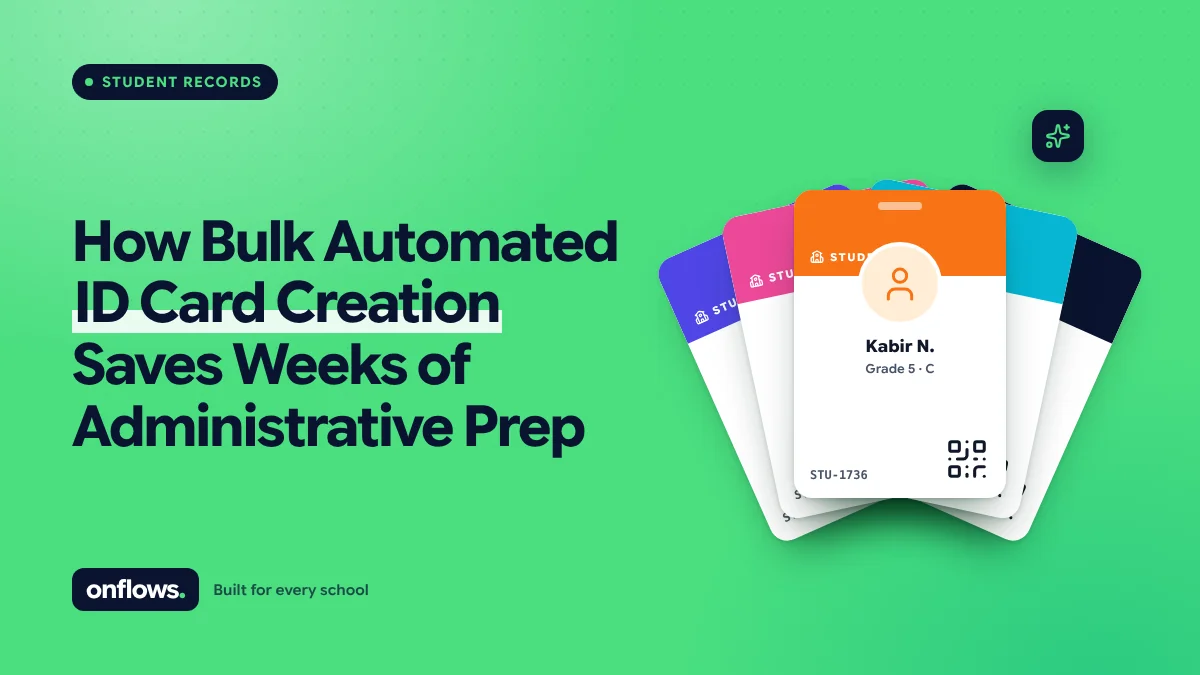
The ID card job usually starts the same way. The office exports a list of students into a spreadsheet, someone renames four hundred photo files to match admission numbers, the printing vendor asks for a different column order, and a parent complains in July that their child's name is spelt wrong.
None of that is ID card work. It is data-assembly work, done again every year because the data lives in three places.
Why it takes weeks
- Names are retyped. The spreadsheet for the vendor is a copy of the roll, edited by hand. Every copy is a chance to misspell.
- Photos are a separate folder. Matching a file called IMG_4471.jpg to a student is manual.
- Classes change. Cards printed before promotion show last year's class.
- Blood group and emergency contact are collected on paper each year because the roll does not hold them, or holds an old value.
- Reprints for lost cards start the whole process again for one student.
Print from the record, not from a copy
The fix is the same as for certificates and report cards: generate the output from the single student record rather than from an export. When the name, admission number, class, section, guardian contact and photo live in one record, an ID card is a layout applied to that record. A thousand cards is the same layout applied a thousand times.
That gives you three things a spreadsheet cannot:
- The spelling a parent corrected last week is on the card, because there is only one copy of the name.
- Promotion is already applied, because the card reads the current enrolment.
- A reprint is one click for one student, not a new job.
The data checklist before a print run
Whatever tool prints the cards, check these first:
- Every active student has a photo, and the photo is recent.
- Every student has a current class and section for the new academic year.
- Every student has at least one guardian with a working phone number.
- Admission numbers are unique. Duplicates usually mean a student was entered twice.
- Fields printed on the card (blood group, address, transport route) are present for everyone, or deliberately left off the layout.
A dry run that lists the gaps is worth more than the print itself. In Onflows, the bulk student import shows every problem (duplicates, bad dates, missing guardians) before anything is written, which is the same discipline applied at the start.
Where Onflows fits
Onflows holds the student record, guardians, enrolment by class and section, and a versioned document vault. It prints serial-numbered certificates (bonafide, transfer, conduct) straight from that record; see generating report cards, transfer certificates and transcripts in bulk. A dedicated ID card designer is not a feature we offer today. Schools export the clean roll for their card vendor, which removes the retyping even if the printing stays outside.
If a card designer would decide your choice, say so when you sign up. The roadmap is ordered by what schools ask for.
Staff cards too
Staff ID cards have the same problem in a smaller pile. The same rule applies: one staff record, one photo, printed from the record.
Frequently asked questions
Do ID cards need a QR code?
Only if something scans it. A QR code that links to the student's record is useful at a gate or library desk; a QR code nothing reads is decoration.
Should ID cards show the home address?
Most schools no longer print it. A lost card with a child's name, photo and address is a safety risk. Print a school contact instead.
What is the cheapest way to start?
Clean the roll in free school management software, add photos, and give the vendor an export. That removes most of the weeks.
See how the student record works in Onflows, or create your school and import your roll with a dry run.
Topics: School management software, Student records, School administration, Reducing paperwork, Free school management software