
School management software
Centralizing Homework Tracking So Students Never Miss a Deadline
Homework set on the board, in a diary, in a WhatsApp group and on a printed sheet is homework that gets missed. Here is how to centralise homework in one place that students, parents and teachers all read, and the rules that make it work.
The Onflows team3 min read
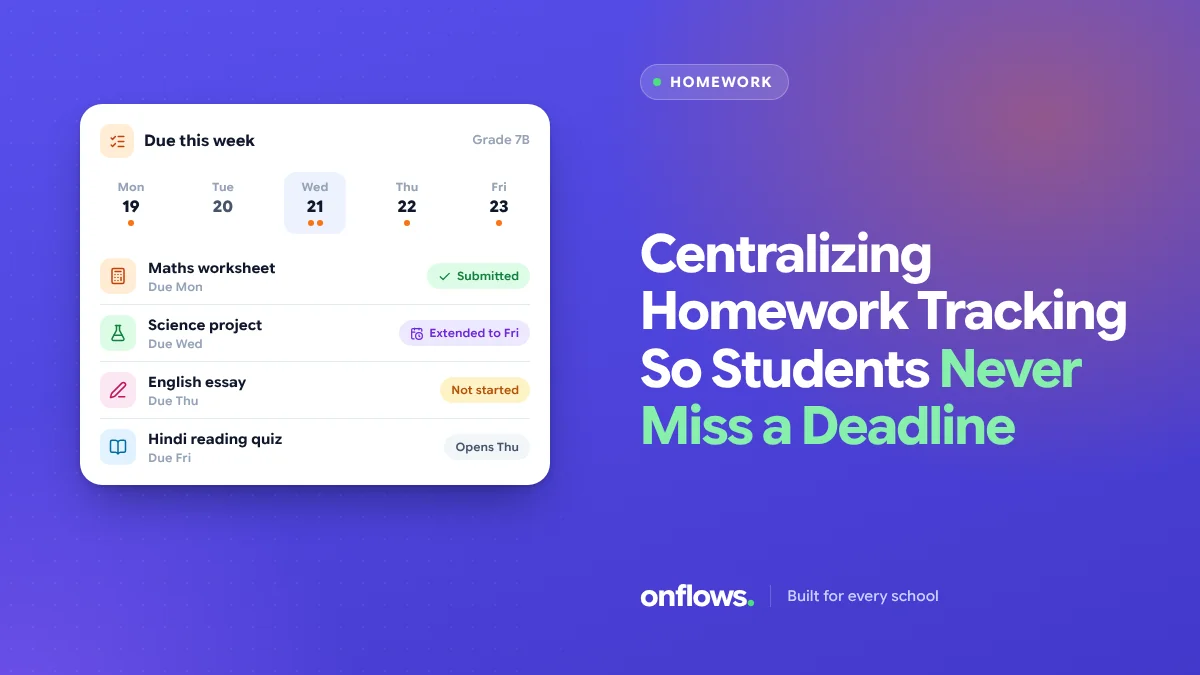
"I didn't know it was due today." Every teacher has heard it, and sometimes it is true. Homework in most schools is announced in five places: the board, the student's diary, a class WhatsApp group, a printed sheet, and the teacher's own memory. A student who was absent on Monday, or whose diary got wet, has no reliable list.
The fix is one list, read by everyone.
One place, three readers
- The student sees what is due, by date.
- The parent sees the same list, so they can help.
- The teacher sets it once and sees who has submitted.
When all three read the same list, "I didn't know" stops being true.
What a homework entry needs
- Subject and class.
- What to do, in a sentence or two.
- The date set and the date due.
- Attachments, if any: a worksheet, a link.
- How to submit: in class, online, or not at all (for reading or practice).
Rules that make it work
Set it the same day
Homework entered on Friday for a Monday task set on Tuesday is useless. Make entry part of the lesson: two minutes at the end.
Watch the total load
Five subject teachers each setting "just thirty minutes" is two and a half hours. When homework is in one place, the class teacher can see the total for each day and spread it. A simple rule: no more than two major assignments due on the same day.
Due dates in school days
A task set on Friday and due Monday is not "three days". Count school days, and avoid due dates the day after a holiday or event.
Respect the absent student
An absent student should see what they missed without asking. That is the whole point of a central list.
Following up on missing work
Missing homework is often an early sign of a bigger problem. A student who stops submitting across several subjects deserves a conversation. See flagging students who are falling behind.
Where Onflows fits
In Onflows, teachers set, publish and track homework per class and subject. Students with their own login and parents in their console see what is due. Homework is on the free plan. For richer assignments with modules, lesson items and rubric-graded submissions, course content builds on the same subject workspace. See the features page.
A word on paper diaries
Many schools keep the diary for younger classes, and that is fine. The rule is that the digital list is the source, and the diary is a copy, not the other way round.
Frequently asked questions
Should homework be graded?
Some should, much should not. Practice homework is for practice; mark what you need to mark.
What about students without devices at home?
Print the week's list for them, generated from the same source.
How much homework is right?
It depends on age and school policy. Make the policy visible, and use the central list to keep to it.
See homework and course content in Onflows, or create your school free.
Topics: School management software, Homework, Parent teacher communication app, Students, Free school management software