
School management software
Replacing Physical Guest Books with Secure Digital Gate-Pass Tracking
The guest book at the school gate records a name nobody checks and a time nobody reads. Here is how a digital gate pass system makes visitors accountable, lets early pick-ups be verified, and gives the school a record it can actually search.
The Onflows team3 min read
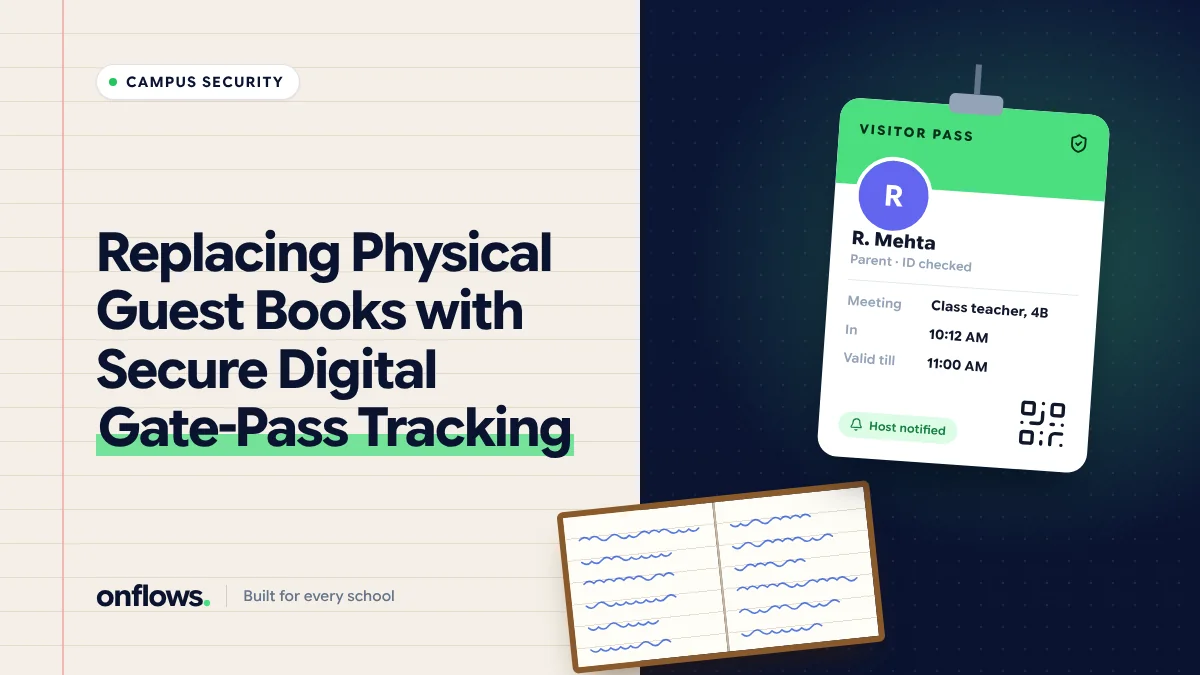
The guest book at most school gates is a formality. A visitor writes a name, a phone number and "to meet principal". The guard does not check the name. Nobody notes when they leave. If something happens, the book is a page of handwriting that may or may not be true.
A school is responsible for every adult on its premises. The gate is where that responsibility starts.
What a digital gate pass does
- Identifies the visitor. A photo taken at the gate, and an ID checked against the name.
- Names the host. Every visitor is coming to see someone, and that person is told.
- Issues a pass with a time and a host, worn visibly while on campus.
- Records the exit. A pass not closed by the end of the day is an alert.
- Makes the record searchable. "Who visited on 14 October?" is a filter.
Pre-approved visitors
Most visits are planned: a parent meeting, a vendor delivery, a guest speaker. The host can register the visitor in advance, so the gate already knows them. Arrival takes seconds, and unexpected visitors stand out.
Early pick-ups: the critical case
The most important gate event is a child leaving early. The rules should be strict:
- The adult collecting must be a guardian on the student's record, or authorised in writing by one.
- The guard verifies the adult against the record, ideally with a photo.
- The class teacher is told and releases the child.
- The exit is logged against the student, with the time and the adult's name.
This only works if guardian records are accurate. A student record with an old phone number and no photo of the guardian makes verification guesswork. In Onflows every student has guardians on their record, which is the foundation any gate system should read from.
Staff and contractors
Contractors working on site for days need a multi-day pass with their own photo. Staff need no pass but should have their own ID. See how bulk ID card generation saves weeks.
Privacy
Visitor photos and phone numbers are personal data. Keep them only as long as needed, often a few months, and restrict who can see them. See complying with data protection law.
What to check before buying
- Does it work on a tablet or phone at the gate, or need special hardware?
- Can it read guardian records from your school software?
- Does it notify the host, and how?
- What happens when the internet is down at the gate?
- Who can search the history?
Where Onflows fits
Onflows holds the student and guardian records a gate system needs, with an audit trail of changes. A visitor management or gate pass module is not part of Onflows today. If it would decide your purchase, tell us when you sign up; it is how the roadmap is ordered.
Frequently asked questions
Do small schools need this?
A small school where the guard knows every parent may not. Any school with frequent visitors or early pick-ups benefits.
What if a parent who is not on the record comes to collect?
The child is not released until a listed guardian confirms, in writing or by a call the school makes to the number on record.
Should visitor logs be shared with parents?
No. They are a security record for the school.
Topics: School management software, Student safety, Security, Visitor management, School administration