
School management software
How to Monitor School Operational Costs and Reduce Budget Leakage
Budget leakage is rarely one big loss. It is a hundred small ones: an unused subscription, an unchecked repair bill, a discount nobody approved. Here is how a school can see where money goes each month and close the gaps.
The Onflows team3 min read
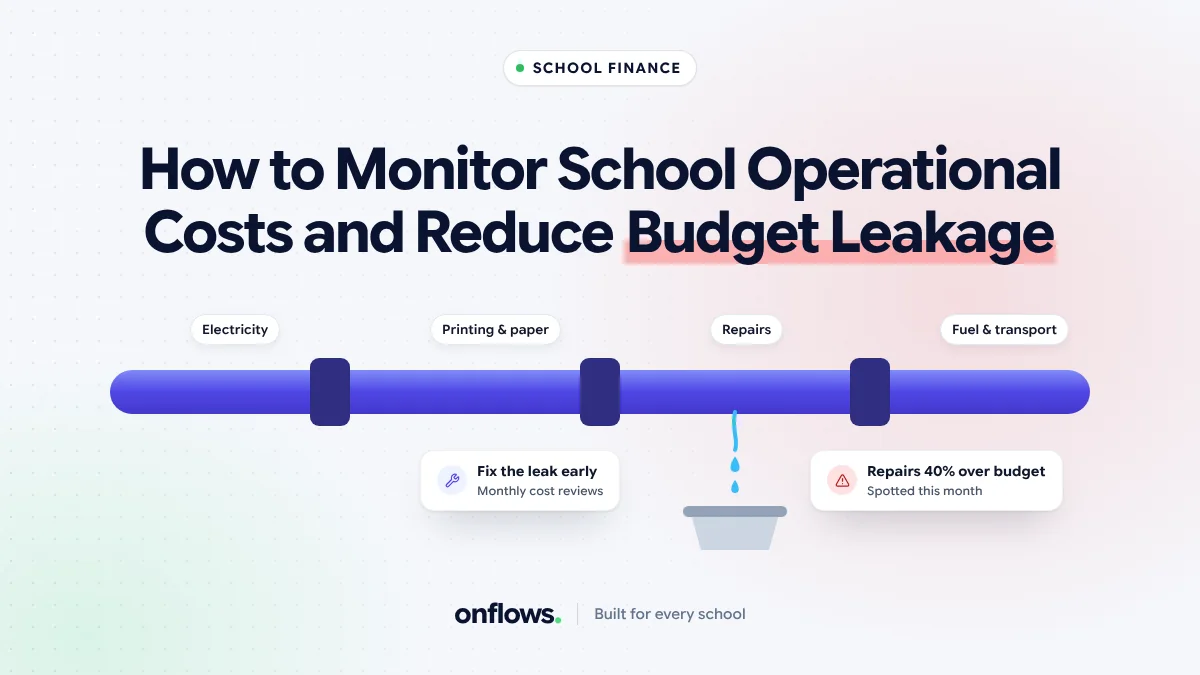
At the end of the financial year, the school's accounts show that spending was higher than planned. Nobody can say exactly why. There was no fraud and no single bad decision. There were a hundred small ones.
That is budget leakage. It is normal, it is fixable, and fixing it starts with seeing spending by month, not by year.
Where money leaks in schools
- Repairs without quotes. A plumber called in an emergency, paid in cash, with no record of what was fixed.
- Subscriptions nobody uses. A software licence for a teacher who left, a magazine nobody reads.
- Utilities. Lights and fans on in empty rooms, air conditioning in offices during holidays.
- Transport. Fuel bills that do not match distance, routes with half-empty buses.
- Food. Kitchen counts that include absent students. See streamlining hostel mess management.
- Discounts and waivers. Concessions given informally. See managing discounts and waivers.
- Stationery and printing. Covered in the true cost of school paperwork.
Step 1: Categories, not a single pile
Record every expense in a category. A short list works:
- Salaries (usually tracked separately)
- Utilities
- Transport
- Repairs and maintenance
- Supplies and stationery
- Events
- Technology and subscriptions
- Food
- Other
Twelve categories at most. If "Other" is your biggest, add a category.
Step 2: Every expense has a receipt
An expense without a receipt is a guess. Attach the receipt when the expense is recorded, not at the end of the month. A phone photo is enough.
Step 3: A monthly picture against plan
Each month, compare spending by category against the plan. Look only at categories well over or under. In most schools one or two categories account for most of the leakage.
Step 4: Approvals above a threshold
Set a threshold above which a second person approves. It need not be high. The point is that large or unusual expenses are seen by two people.
Step 5: Review subscriptions every term
List every recurring payment. For each one: who uses it, and would anyone notice if it stopped? Cancel what nobody uses.
Step 6: Compare years
Once you have a year of categorised data, compare month by month with last year. Leakage often shows as a slow rise in one category.
Where Onflows fits
Onflows has an expenses module that records what the school spends by category, with receipts and a monthly picture. It is on the free plan. Combined with the fee ledger, it gives a principal both sides of the money in one place. See the features page.
We also look at why manual books cost more than they seem in why manual ledger bookkeeping costs more than a software licence.
What to report to the management committee
Once a term:
- Spending by category against plan.
- The three biggest variances, with a one-line reason each.
- Total discounts and waivers given.
- Actions taken: subscriptions cancelled, contracts renegotiated.
Frequently asked questions
Who should record expenses?
The person who spends the money, with the receipt, as soon as possible. The accountant reviews.
How much leakage is normal?
Every school has some. The goal is to know where it is, not to reach zero.
Should teachers see the budget?
Department heads should see their own department's budget and spending. Transparency reduces requests for things the budget cannot afford.
See expenses in Onflows, free with no time limit, or create your school.
Topics: School management software, Costs, Expenses, School administration, Benefits of school ERP software