
School fee management software
Managing Discount Categories, Financial Aid and Waivers Smoothly
Sibling discounts, staff-child concessions, scholarships, hardship waivers and one-off adjustments: every school has them, and most track them in someone's memory. Here is how to structure them so every amount is explainable and every waiver is approved.
The Onflows team3 min read
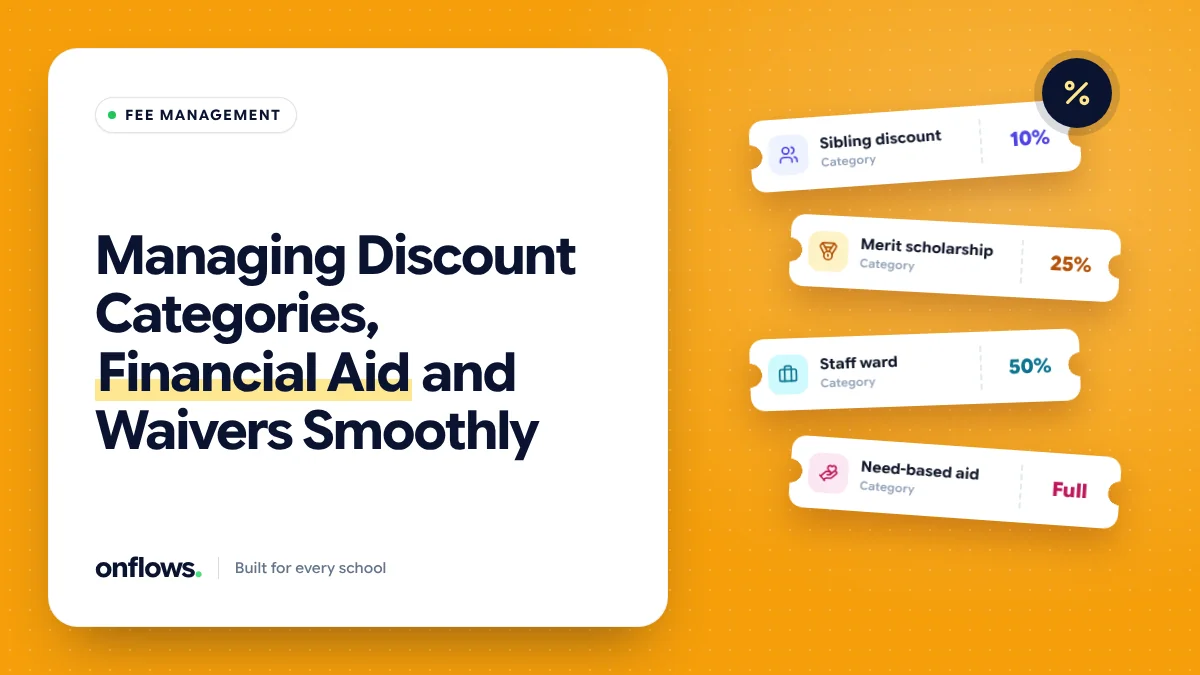
Ask a school accountant why a particular family pays less than the published fee and you might get: "sibling discount, plus the principal agreed something in 2023, and there was a scholarship but I think it ended." Every school has these arrangements. The problem is not that they exist. It is that they are not written down in a way anyone else can follow.
The categories most schools use
- Sibling discount. A percentage off for the second and later children.
- Staff child concession. For children of employees.
- Merit scholarship. Based on results, usually reviewed yearly.
- Need-based financial aid. Based on family circumstances, often confidential.
- Statutory reservations. In India, seats under the Right to Education Act, reimbursed by the state.
- Early-payment discount. For paying the year in advance.
- One-off waivers. Hardship during a family crisis, an error correction, a goodwill gesture.
Structure each one the same way
For every category, write down:
- What it is: a percentage or a fixed amount.
- What it applies to: tuition only, or transport and other fees too.
- Who is eligible, and what evidence is needed.
- Who approves it.
- How long it lasts: one term, one year, until the student leaves.
- Whether it can combine with other discounts, and in what order.
The last point causes most disputes. Is a sibling discount calculated before or after a scholarship? Decide once, write it down, and let the software apply it the same way for everyone.
Waivers need an approval trail
One-off waivers are where leakage happens. A waiver should never be a number someone types over the amount due. It should be:
- A separate line on the ledger with its reason.
- Requested by one person and approved by another.
- Recorded with the date and both names.
If a waiver cannot be traced to an approval, an auditor will ask about it. See how digital ERPs help schools keep audit trails for inspections.
Keep financial aid confidential
Need-based aid tells you something private about a family. It should be visible only to the people who decide and process it, not to class teachers or front-desk staff. See keeping financial and medical records away from staff who do not need them.
Review once a year
Before the new academic year:
- Re-check merit scholarships against this year's results.
- Re-confirm need-based aid with the family.
- End sibling discounts where the elder sibling has left.
- Add up the total discount given by category. Schools are often surprised.
That total is a real cost. We look at the bigger picture in monitoring operational costs and stopping budget leakage.
Where Onflows fits
In Onflows, fees are set up with fee codes and instalments per class, discounts are applied per student, and the ledger shows what each student owes after them. Every change is recorded in the audit trail. Fees are part of the Pro plan; pricing has the details.
Free school fee management software
A spreadsheet can hold discounts if it is kept carefully, with one row per student and one column per discount. It breaks when two people edit it. Our free fee receipt format shows how a receipt should show a discount line, whatever tool you use.
Frequently asked questions
Should the receipt show the discount?
Yes. The family should see the full fee, the discount and the amount paid. It prevents disputes and makes the discount visible as a benefit.
Can a discount be backdated?
It can, but record it as an adjustment with a date and approval, not as a change to the original amount.
How do we handle government reimbursement for reserved seats?
Record the amount due from the government as its own line, separate from the family's balance, so collection is tracked separately.
Topics: School fee management software, Free school fee management software, Fees, Financial aid, School administration