
School fee management software
Why Schools Integrated with Digital Payment Gateways See Faster Collections
When paying the fee takes thirty seconds on a phone instead of a morning at the counter, families pay sooner. Here is why online payment speeds up fee collection, what it does not fix, and what has to be in place before a gateway helps.
The Onflows team3 min read
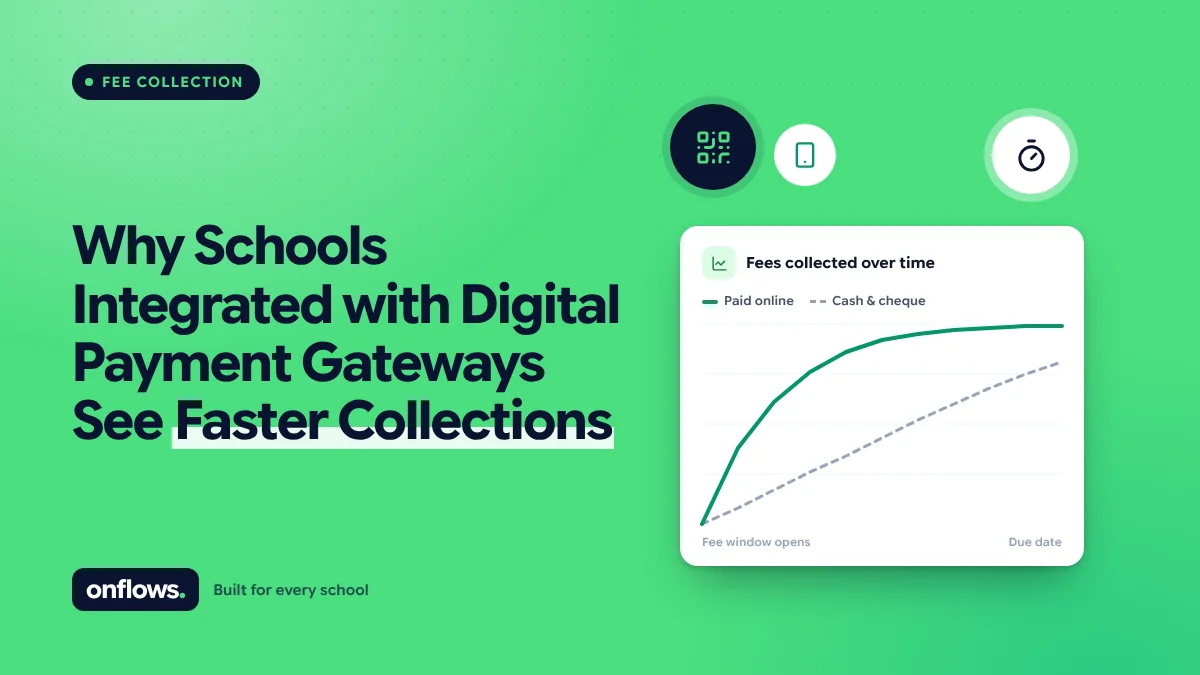
The reason most families pay late is not that they cannot pay. It is that paying is an errand. Take time off work, travel to the school, queue at the counter, get a receipt. An errand gets postponed.
An online payment removes the errand. The family pays when they remember, which is usually the day the reminder arrives.
Why online payment speeds collection
- Pay at the moment of the reminder. A reminder with a payment link converts while the family's attention is on it.
- No counter hours. Families pay at 10 pm, on Sunday, from another city.
- Both parents can pay. The parent who handles money does not have to be the one who visits the school.
- Instant receipts. No waiting, no lost receipt books.
- No cash handling for the school, which removes counting errors and the cash-box risk.
We covered the counter side in how to prevent long queues on fee collection day. Online payment is the step that removes the queue rather than shortening it.
What a gateway does not fix
A payment gateway moves money. It does not know what a family owes. If the fee structure is wrong, the gateway collects the wrong amount quickly.
Before a gateway helps, you need:
- A correct fee structure per class: fee codes, instalments, due dates.
- Discounts and waivers applied, so the amount shown is the amount owed. See managing discounts, financial aid and waivers.
- A ledger per student that updates when any payment is recorded, online or at the counter.
- Reminders read from the ledger, so they go only to families who owe. See SMS and WhatsApp reminders that handle overdue fees tactfully.
Get those right and the gateway is the final step. Skip them and the gateway produces refunds.
Choosing a gateway
- Fees. Gateways charge per transaction. Decide whether the school absorbs the charge or passes it on, and tell families before they pay.
- Methods. In India, UPI is now the most common. Cards and net banking cover the rest. Elsewhere, cards and bank transfers dominate.
- Settlement time. How many days before money reaches the school's account.
- Reconciliation. Each payment must match a student and a fee line automatically. Manual matching defeats the purpose.
Where Onflows fits
Onflows holds fee codes and instalments per class, discounts, what each student owes, and receipts. Payments made at the counter or by bank transfer are recorded against the student and the receipt is generated. A built-in payment gateway is not something Onflows offers today; we say so on our integrations page because a school that chooses us for a gateway we lack would find out in week one. Fees are part of the Pro plan; see pricing.
Frequently asked questions
Will families pay extra for online payment?
Only if the school passes on the gateway charge. Many schools absorb it, because faster collection is worth more.
Do we still need a counter?
Yes, for families who prefer cash or need to discuss their account.
How much faster is collection with online payment?
It varies by school. The biggest gain is usually in on-time payment of the first instalment after launch, once families have a link in their reminder.
See how fees work in Onflows, or create your school and set up your fee structure.
Topics: School fee management software, How to automate school fee collection, Online payments, Fees, Free school fee management software