
Parent teacher communication app
Scheduling and Hosting Seamless Digital Conferences Within the App
Parent-teacher meetings swallow a Saturday and still leave parents queueing in corridors. Here is how to schedule them with slots families book themselves, run them in person or online, and keep a record of what was agreed.
The Onflows team2 min read
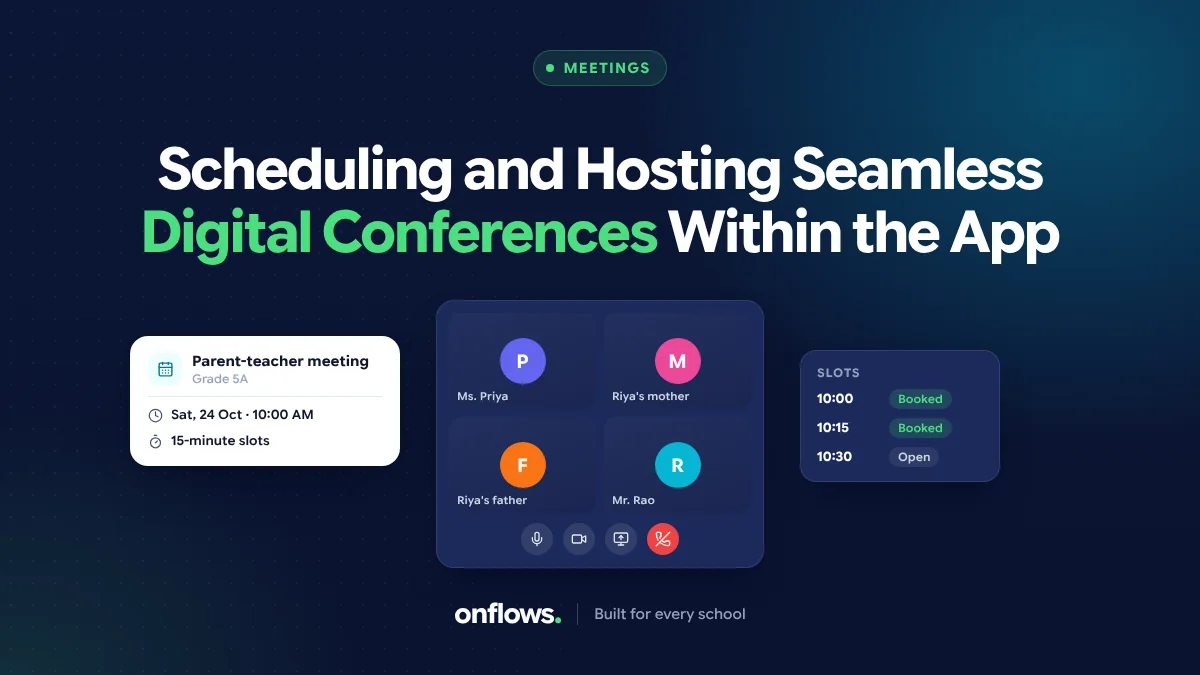
The parent-teacher meeting, as most schools run it: a Saturday, every class teacher in a room, parents arriving whenever they like, a queue outside the door, and ten rushed minutes per family. The parents who come at 9 wait for an hour. The ones who come at 12 find the teacher tired.
The fix is not a different day. It is slots.
Slots, booked by families
- The school sets the meeting: date, time window, who meets whom (class teacher only, or subject teachers too).
- The system creates slots: ten minutes each, with a short buffer every hour.
- Families are told and book a slot themselves.
- Each teacher sees their list for the day.
- A reminder goes out the day before.
No queue, no phone calls to arrange a time, and the teacher knows who is coming.
In person or online
Online meetings became normal after 2020 and many families prefer them for routine meetings. Working parents can join from their desk, and a parent in another city can still attend.
A mixed approach works well:
- Routine termly meetings: families choose in person or online.
- Sensitive conversations: in person, scheduled separately.
- Quick check-ins: online, short.
For online slots, the meeting link should go with the booking, not in a separate message.
Prepare the teacher
A ten-minute meeting is short. The teacher should have, before each slot:
- Attendance this term.
- Recent marks.
- Homework submissions.
- Any notes from the last meeting.
When these are in one place, the teacher spends the ten minutes talking, not searching. See how transparent access to grades raises parent satisfaction: if the parent already sees the same data, the meeting starts from shared facts.
Record what was agreed
After each meeting, a line or two: what was discussed, what was agreed, any follow-up. Next term's teacher will thank you.
Whole-school meetings
Not every meeting is one-to-one. An orientation for new families, a meeting for Class 10 parents about board exams, or a meeting for all staff need an audience, a time and a notice. See coordinating annual functions, sports days and parent meets.
Where Onflows fits
In Onflows, meetings can be set for a class, for chosen families, or for whole-school audiences such as all guardians or all staff, with notices that show read receipts. Meetings are drawn over the timetable so they do not collide with teaching. See the features page.
Frequently asked questions
How long should a slot be?
Ten minutes for routine meetings. Twenty to thirty for anything sensitive.
What about families who do not book?
Remind once. Then the class teacher calls; sometimes the family that does not book is the one that most needs the meeting.
Should students attend?
For older students, often yes. Three-way meetings help the student own the plan.
See meetings and the notice board in Onflows, or create your school.
Topics: Parent teacher communication app, Meetings, Parents, Communication, School management software