
Biometric school attendance software
Comparing RFID, Biometric and Facial Recognition Attendance for Schools
Schools now choose between RFID cards, fingerprint scanners, facial recognition cameras and a teacher-marked register. Here is how each one works, what it costs, where it fails, and the privacy questions every school should ask first.
The Onflows team3 min read
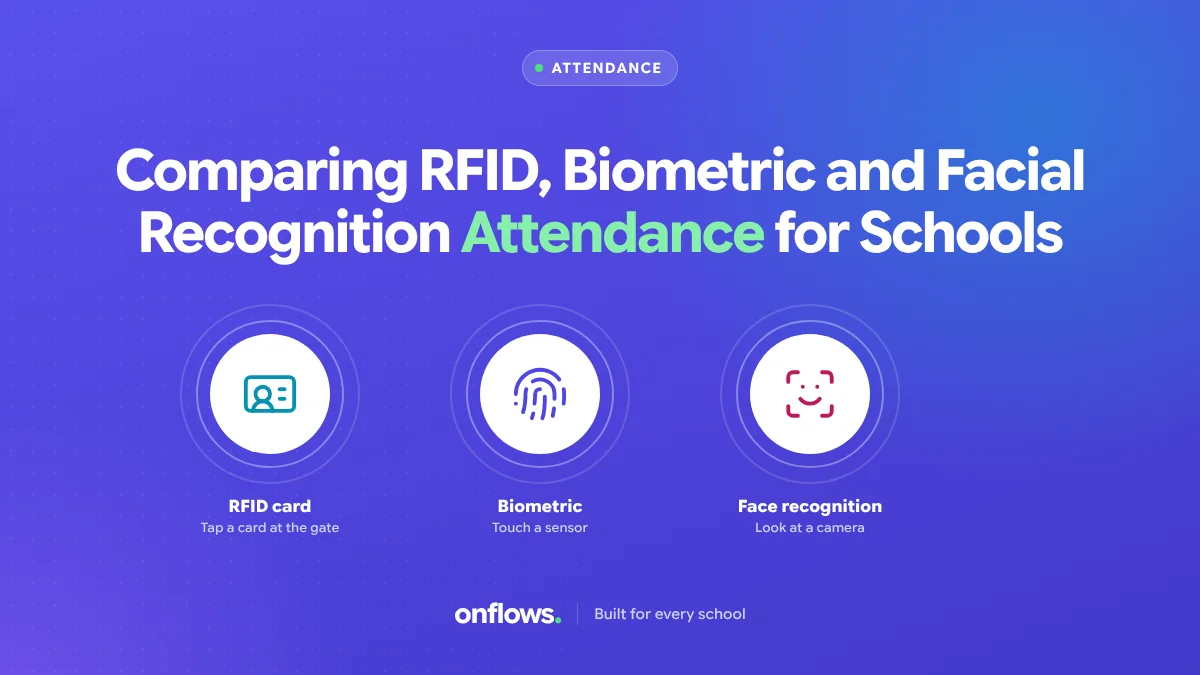
We compared fingerprint scanners and RFID cards in an earlier post, biometrics vs RFID. Since then facial recognition cameras have become cheap enough that schools ask about them too. This post puts all four options side by side, including the one that is often overlooked: the teacher marking the register.
The four options
RFID cards
Each student carries a card with a chip. A reader at the gate records it.
- Cost: cards plus readers. Cards get lost and need replacing.
- Speed: fast. A tap per student.
- Accuracy problem: a card proves a card was at the gate, not a child. Friends tap for friends.
- Privacy: low concern. The card holds an ID number.
Fingerprint biometric
A scanner reads each student's fingerprint.
- Cost: scanners per gate, plus enrolment time.
- Speed: slower. Queues at peak time; young children's prints read poorly.
- Accuracy: proves the child was there.
- Privacy: high concern. Fingerprints are biometric data, protected in most data protection laws, with stricter rules for children. Hygiene became a concern after 2020.
Facial recognition
A camera at the entrance identifies each face.
- Cost: cameras, software and enrolment photos.
- Speed: fastest. No stopping.
- Accuracy: good in good light, worse with masks, poor light or crowded entrances.
- Privacy: highest concern. Facial data of children is sensitive in every jurisdiction, and some regions restrict its use in schools outright. A school must justify the need, get consent, and secure the data.
Teacher-marked register
The teacher marks absentees in the first period, on a phone or laptop.
- Cost: none beyond the software.
- Speed: a minute per class.
- Accuracy: the teacher sees every child.
- Privacy: no biometric data at all.
- Bonus: period-wise attendance, which gate devices cannot do. A student who arrives at the gate and skips period five is caught by the teacher, not the camera.
What gate devices are actually good for
Gate devices answer "did this child arrive at school?", which matters for safety and transport. They do not answer "was this child in class?" Many schools use both: a gate device for arrival, a teacher register for lessons.
Questions to ask before buying hardware
- What problem does the register not solve today?
- Where is biometric data stored, and who can access it?
- Has every family consented, and what happens if one refuses?
- What happens when the device fails at 8 am?
- How does the device feed the attendance record, and how are errors corrected?
See how to make sure your school software complies with data protection law before collecting any biometric data.
Where Onflows fits
In Onflows, attendance is marked by the teacher, per day, half day or period, corrected by the office, and told to the family. Biometric and RFID devices do not connect to Onflows today; our integrations page lists them under "not yet". Attendance is on the Pro plan; see pricing.
Free student attendance tracker software
For a single class, a spreadsheet works. For a school, look for free software that lets teachers mark on a phone, shows the office totals by 9:30, and tells families. Our free attendance register format is a printable fallback.
Frequently asked questions
Is biometric attendance legal for children?
In many countries it is allowed with consent and safeguards; in some it is restricted. Check local law first.
Which is cheapest?
The teacher-marked register, by far.
Which is most accurate?
For lessons, the teacher. For arrival, facial recognition in good conditions, with privacy costs.
Topics: Biometric school attendance software, Student attendance management system, Attendance, Free student attendance tracker software, Privacy