
School management software
How School Management Software Will Dominate the Next Decade
School software has moved from a desktop program in the office to a cloud platform every parent carries. Here are six shifts that will define the next ten years of school management software, and what they mean for a school choosing now.
The Onflows team4 min read
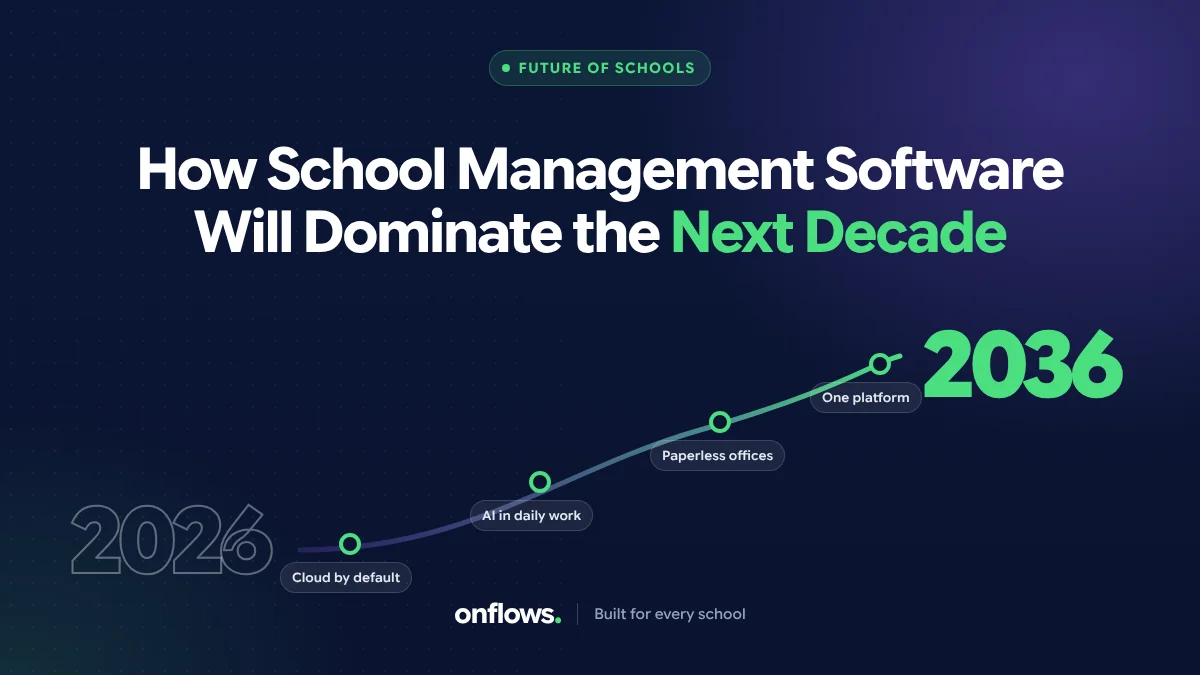
Ten years ago, school management software meant a desktop program on the office computer, a licence key, and a backup on a pen drive. The principal never touched it. Parents never knew it existed.
Today the same school's parents check attendance on their phones, teachers enter marks from home, and the office runs admissions through a web form. The next ten years will move further. Here are six shifts we expect, and what each means for a school deciding now.
1. The cloud becomes the default, not the upgrade
Schools are leaving the server room for a simple reason: the server room was never their job. Backups, security patches, hardware refreshes and remote access are better done by a vendor whose only job is that. We cover the reasoning in why schools are walking away from the server room and the costs in on-premise vs cloud school ERP.
What it means now: choose cloud based school management software with a clear data export, so you are never locked in.
2. Every person gets their own view
The old model was one system for the office. The new model is one system with a view for every person: the principal, the class teacher, the subject teacher, the accountant, the parent, and increasingly the student. Each sees what their job needs and nothing else.
What it means now: ask how permissions work. A system with one admin password and everyone sharing it will not survive the decade. See keeping sensitive records away from staff who do not need them.
3. AI proposes, people decide
AI will draft timetables, messages home, lesson plans and comments on work. The schools that use it well will be the ones whose software makes the person's decision explicit: a proposal, a check, an approval. The schools that struggle will be the ones where AI output goes straight to families.
What it means now: ask any vendor what the AI does today, not what it will do. Our own list is on the AI page, and it is short on purpose.
4. The curriculum is built in
Generic software asks the school to configure its board's grading, terms and subjects from scratch. The next generation already knows them. A school on CBSE, Cambridge or a state board should find its structure ready, and its report card in the format the board expects.
What it means now: check whether the software knows your curriculum. Onflows lists what it has set up for each one on its solutions pages.
5. Families stop downloading apps
App fatigue is real. Parents with three children in two schools do not want five apps. The direction is toward installable web apps that work in the browser and add to the home screen, plus messages on the channels families already use.
What it means now: ask whether parents must download something from a store. Our integrations page explains how Onflows runs on any phone without one.
6. Compliance becomes a feature
Data protection laws now cover children's data in most countries, with stricter rules for minors. Audit trails, consent records and deletion on request will move from "nice to have" to "required to sell". See how to make sure your school software complies with data protection law.
What it means now: ask for the audit trail. If the vendor cannot show who changed a mark and when, that is a gap.
What will not change
Schools will still be run by people. The best software in 2036 will be the one that takes the most bookkeeping off those people and leaves them more time for students. That is the test to apply to any feature on any list.
Frequently asked questions
Will AI replace school office staff?
No. It will remove repetitive work like retyping and drafting, and leave the judgement calls, the families and the exceptions to people.
Is it worth choosing software now, or waiting?
Choose now, but choose something you can leave. Data export and a free plan with no time limit reduce the risk.
What is the single most important feature for the decade?
A clean, single student record that every other module reads. Everything else is built on it.
See what Onflows runs today, or create your school free with no time limit.
Topics: School management software, Cloud based school management software, AI, Best school ERP software, Top school ERP systems