
Choosing school software
How to Choose the Right School Management Software: A Complete Checklist
A practical checklist for choosing school management software, covering what the school actually needs, the features of a good school management system, data security, pricing, the demo and the contract, so the decision rests on evidence rather than a sales pitch.
The Onflows team4 min read
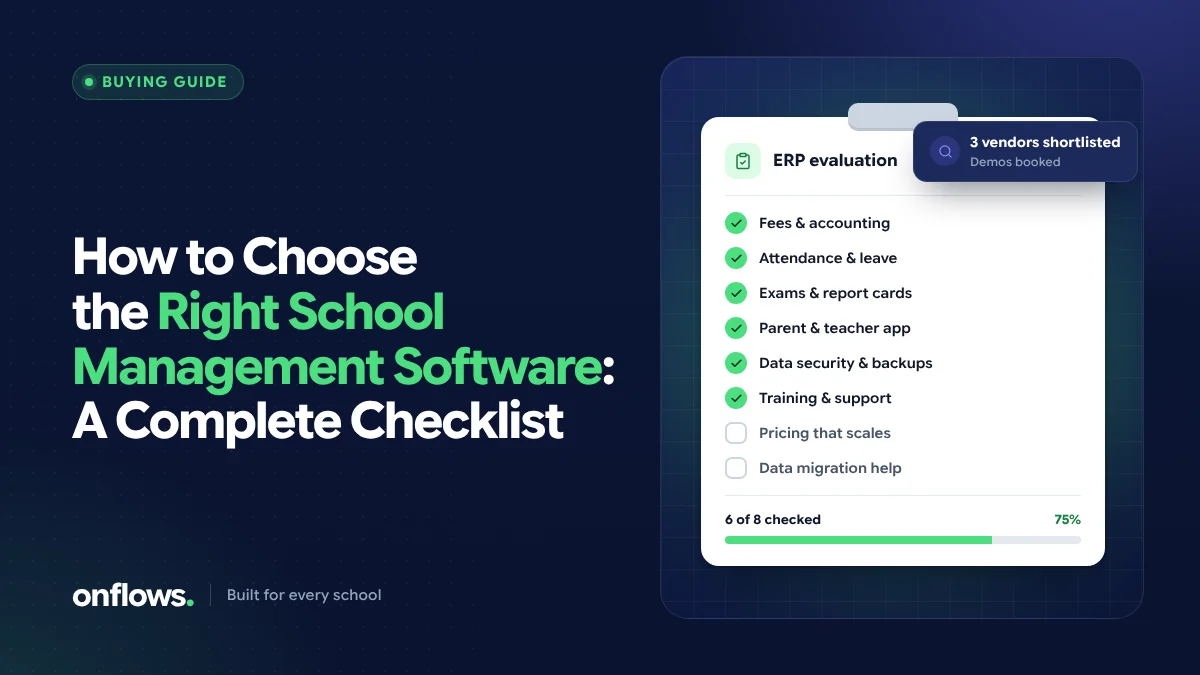
Choosing school management software is a decision a school lives with for years. Switching later is possible, but it costs time and goodwill. Yet many schools choose on the strength of a slick demo, a long feature list or a price that turns out not to be the price.
This checklist is designed to make the decision on evidence. Work through it with the people who will actually use the system: the office, the accounts team, two or three teachers and the principal.
Part 1: Know what you need before you look
- [ ] List the three jobs that take the most time today (often attendance, fees and report cards).
- [ ] List the jobs that cause the most errors or complaints.
- [ ] Note your board and curriculum (CBSE, CISCE, a state board, Cambridge, IB) and anything specific it requires, such as report card formats.
- [ ] Count your students, staff and campuses, and where you expect to be in three years.
- [ ] Decide who will own the system inside the school.
If a product cannot do your top three jobs well, its other features do not matter.
Part 2: Features of a good school management system
Check each against your list, not against the vendor's.
The core record
- [ ] Students, guardians and enrolment in one record, entered once.
- [ ] Admissions with an online application form.
- [ ] Bulk import of your existing roll from Excel or CSV, with a dry run before anything is written.
- [ ] Previous academic years kept readable, not overwritten.
The school day
- [ ] Attendance a teacher can take on a phone, with alerts to families.
- [ ] A timetable that can be built and changed without clashes.
- [ ] Notices with read receipts.
Academics
- [ ] Tests and marks entry per class and subject.
- [ ] A gradebook that produces your board's progress card without retyping.
The office
- [ ] Fees: structure, instalments, discounts, receipts and dues.
- [ ] Certificates (transfer, bonafide, conduct) generated from the record.
- [ ] Expenses, if you want the school's spending in the same place.
Families
- [ ] A parent view on any phone.
- [ ] Messages to families, recorded per family with delivery status.
Part 3: Security and data
- [ ] Every staff member has their own login.
- [ ] Access is set by role: teachers see their classes, accounts sees fees.
- [ ] An audit trail records who changed what, and when.
- [ ] Records are corrected, not deleted.
- [ ] You can export all your data at any time.
- [ ] The vendor explains how your school's data is kept separate from others'.
See five warning signs your school's data is at risk for why each of these matters.
Part 4: The school management software demo
A school management software demo should be run on your scenarios, not the vendor's script.
- [ ] Ask them to mark attendance for a class on a phone, live.
- [ ] Ask them to issue a fee receipt with a discount applied.
- [ ] Ask them to produce a progress card in your board's format.
- [ ] Ask them to show what a parent sees on a phone.
- [ ] Ask them to show what they do not do yet. A vendor who answers honestly is a vendor you can work with.
Better still, ask for a trial with your own data. A week with real classes reveals more than any demo.
Part 5: Price and contract
- [ ] Get the full price for your size: per student, per year, plus tax.
- [ ] Ask what is included and what is extra: modules, SMS or WhatsApp messages, training, support.
- [ ] Ask what happens to the price as you grow, and at renewal.
- [ ] Check the notice period and how you get your data back if you leave.
- [ ] Check what support looks like: hours, channels and response times.
We go deeper on contracts in what to ask a school ERP vendor before signing and on cost in on-premise vs cloud school ERP.
Part 6: Make the decision
Score each shortlisted product against Part 1 (your top jobs) first, then Parts 2 to 5. Weight the jobs that happen every day above the ones that happen once a year. Talk to one or two schools already using each product, ideally ones of your size and board.
A note on "top school ERP systems" lists
Ranked lists of the top school ERP systems are a reasonable place to build a shortlist, but they cannot tell you which one fits your school. The same product can be excellent for a 3,000-student group and wrong for a 300-student school. Use lists to find names; use this checklist to decide. Our comparison pages set out how Onflows differs from a few well-known products, including where the other product is the better choice.
Frequently asked questions
What is the most important feature in school management software?
The one that saves your school the most time every week. For most schools that is attendance or fees. A product that does those brilliantly beats one that does fifty things adequately.
How long should a school take to choose software?
A few weeks is enough if you know your needs, shortlist two or three products, run demos on your own scenarios and trial the favourite with real classes.
Should we choose software that matches our board?
Yes. Report cards, grading scales and terms differ between boards. Software built around your curriculum saves you from adapting a generic format every term. See how Onflows handles your curriculum.
Put Onflows through this checklist with your own data. Create your school, free.
Topics: Choosing school software, School ERP features, School software demo, Top school ERP systems