
Free vs paid school software
Free vs. Paid School Management Software
Free school management software can run a small school well. Paid software earns its price when the school needs daily attendance, fees, timetables and support. A clear comparison, with the questions that tell you which your school needs now.
The Onflows team3 min read
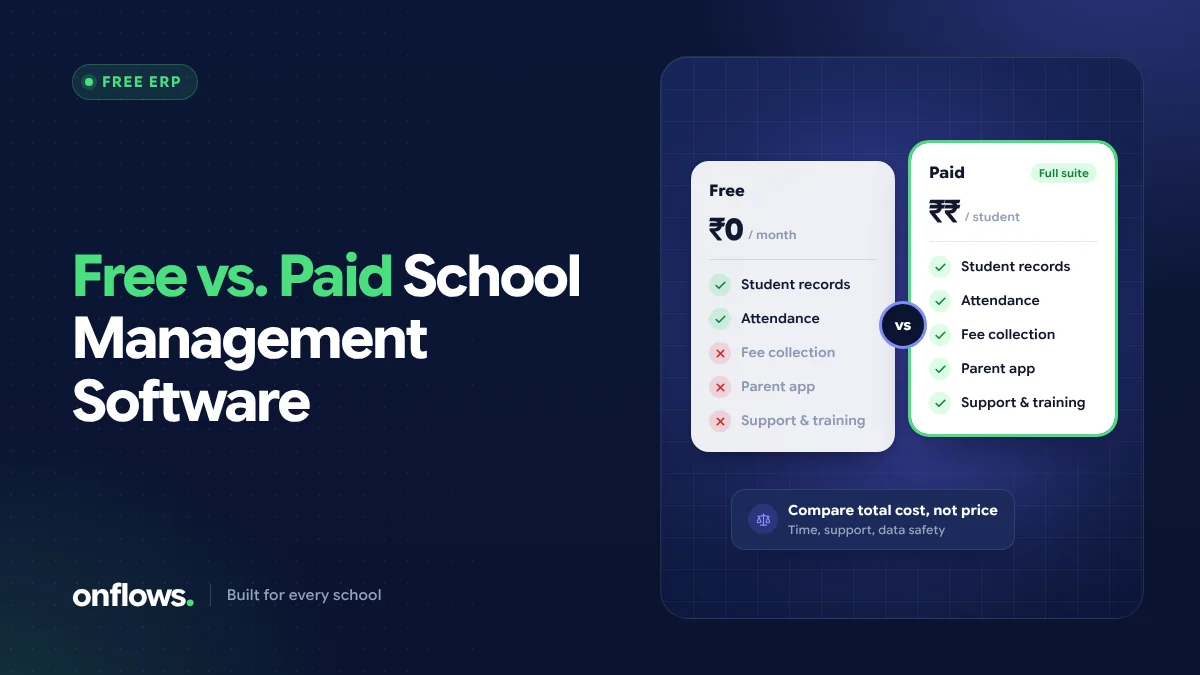
Every school choosing software eventually faces the same question: is the free version enough, or do we need to pay? The answer depends less on the size of your budget than on what your school does every day.
What usually differs between free and paid
| Free plans | Paid plans | |
|---|---|---|
| Student limit | Often capped | Usually uncapped |
| Modules | The core record and a few tools | The daily operational modules |
| Support | Help pages, email | Faster, more personal support |
| Messaging | Limited (often email only) | SMS and WhatsApp quotas, where offered |
| Time limit | None, or a trial | None |
| Price | Nothing | Per student, per module or flat |
The exact split varies by vendor. Read the plan pages closely: some "free" plans are trials, and some paid plans charge extra for modules you assumed were included.
When free is enough
A free plan is often enough if your school:
- is small, and within the free plan's student cap,
- mainly needs records: students, admissions, notices, certificates, progress cards,
- takes attendance and collects fees in a way that works for you today,
- is testing whether staff will adopt software at all.
Starting free is a sensible way to build the habit of using one system before paying for more of it.
When paid is worth it
Paid plans earn their price when the school needs the modules that save time every day:
- Attendance that teachers take on a phone, with families told the same day.
- Fees with structures, discounts, receipts and dues.
- The timetable, built from rules without clashes.
- Tests and exams, with marks entry and published results.
- Support that answers quickly when something goes wrong mid-term.
Our ROI guide shows how to check whether these pay for themselves in your school. For most schools that measure staff time, they do within the first academic year.
How Onflows splits free and paid
To make this concrete, here is our own split:
- Community (free): no time limit, up to 200 students, unlimited staff logins. Includes the student roll, admissions, notices, certificates, documents, bulk import, staff leave, the gradebook and progress cards, subjects and course content, archives, the audit trail, expenses and email messages to families.
- Pro (paid): adds attendance, the timetable, fees, tests and exams, AI and the help desk, with no student cap, priced per student per academic year. New schools get Pro free for their first six months, so you can test the paid modules with real classes before deciding.
When the free months end, nothing is deleted. If you stay on Community, the Pro modules close, and everything they recorded opens again the day you move to Pro. See pricing for current prices.
Questions that decide it for your school
- Which three tasks take the most staff time today? Are they in the free plan?
- How many students do you have now, and in three years? Is that within the free cap?
- What does the paid plan cost for your size, including tax and extras?
- Can you move from free to paid without re-entering data?
- Can you try the paid modules before paying?
"School ERP software price": what to compare
When you compare prices, compare like with like:
- the total for your student count for a full academic year, including tax,
- what is included and what is extra (messages, modules, training, support),
- the price at renewal, not just the first year.
Our post on on-premise vs cloud school ERP costs has a five-year comparison method.
Frequently asked questions
Is free school management software worth using?
Yes, if it has no time limit and includes what your school uses most. It is also a low-risk way to get staff used to working in one system.
What is affordable school software in India?
Software priced in proportion to your size (often per student per year), with no large setup fee, free staff logins, and a free plan or free period long enough to test properly.
Can we start free and upgrade later?
With most vendors, yes. Check that your data stays in place when you upgrade. In Onflows, moving from Community to Pro keeps everything and opens the Pro modules.
Start free and see what you need. Create your school on Onflows.
Topics: Free vs paid school software, School ERP software price, Affordable school software, No monthly fees