
School ERP software price
School ERP ROI: How Fast Does Management Software Pay for Itself?
A simple, honest way to work out whether school ERP software pays for itself in your school, using your own numbers for staff hours, printing and fee follow-up, with a worked example and the benefits that do not show up in the arithmetic.
The Onflows team4 min read
"Will it pay for itself?" is the right question to ask about any school software. It is also a question vendors answer with impressive percentages that have nothing to do with your school.
This post gives you a method to answer it with your own numbers. It takes about an hour with the office and accounts staff.
Step 1: Add up what the software costs
Include everything for a full academic year:
- the subscription or licence for your student count,
- tax on top of it,
- any extras: message packs, additional modules, training,
- the staff time to set it up (a one-off, spread over the first year).
As an example of a per-student price: at the time of writing, Onflows Pro costs ₹100 per student per academic year at the launch price, plus GST, and new schools get their first six months of Pro free. A school with 400 students would pay ₹40,000 a year plus GST. Check pricing for the current figures, as prices can change.
Step 2: Add up the time it gives back
This is where most of the return is. For each task below, ask the person who does it how long it takes in a normal week, and estimate how much of that the software removes.
| Task | Who | What the software removes |
|---|---|---|
| Attendance registers and totals | Teachers, office | Totalling, monthly summaries, calls to absent families |
| Fee receipts and ledgers | Accounts | Handwritten receipts, reconciliation, manual dues lists |
| Report cards | Teachers, office | Copying marks into templates, checking totals |
| Timetable | Coordinator | Days of building and rebuilding by hand |
| Circulars | Office | Printing, distributing, chasing who has seen them |
| Certificates | Office | Typing each one from scratch |
| Routine parent questions | Office | Calls answered from the school's own records |
Multiply the weekly hours saved by a fair hourly cost for each role, and by the working weeks in the academic year.
Step 3: Add the direct savings
- Printing and stationery: circulars, registers, receipt books, report card stock. Our post on the true cost of school paperwork shows how to estimate this.
- Fee follow-up: accurate reminders from the ledger usually bring payments in earlier, which matters for a school's cash flow even when the total collected is the same.
Step 4: Compare
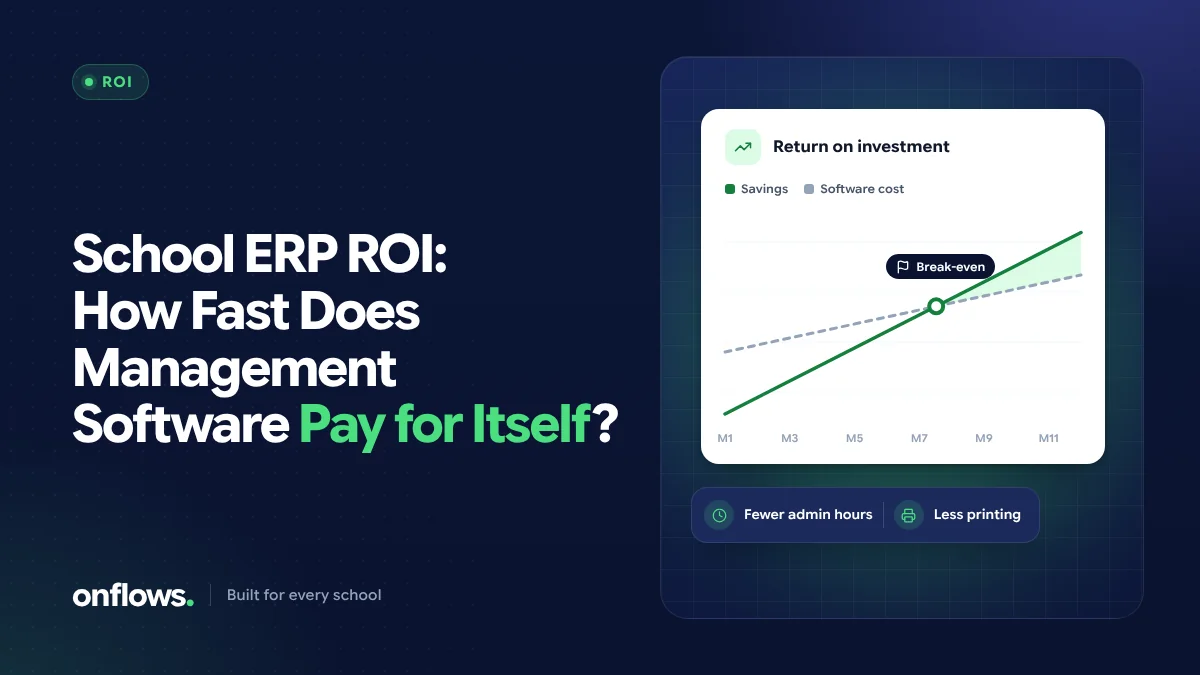
Return on investment, in plain terms, is: (time saved + direct savings) compared with what the software costs. If the first is larger, the software pays for itself within the year. The break-even point is the month in which cumulative savings overtake cumulative cost.
A worked example
This is an illustration, not a promise. Use your own figures.
A school of 400 students with 16 classes:
- If each class teacher saves 10 minutes a day on attendance and its totals, that is about 2.7 staff hours a day across the school.
- If the accountant saves 3 hours on each of 10 fee days a year, that is 30 hours.
- If report card preparation saves each teacher 4 hours at each of 2 terms, that is 128 hours.
Even before the timetable, circulars and printing, that is several hundred staff hours in an academic year. Valued at almost any reasonable hourly cost, it exceeds a per-student subscription of the size above, which is why most schools that measure it find the software pays for itself well within the first year.
Benefits that do not show up in the arithmetic
Some of the most important benefits of school ERP software are hard to price:
- Fewer errors in marks, fees and certificates, and fewer awkward conversations with families about them.
- A record you can trust when a board inspector, an auditor or a parent asks a question. See audit trails for board inspections.
- Continuity when a key member of staff leaves and their knowledge would otherwise go with them.
- Better information for the principal: attendance trends and dues at a glance rather than at the end of the month.
What "affordable" should mean
Affordable school software in India is not only about the lowest price. A cheap product that staff avoid saves nothing. Look for:
- a price that scales with your student count, with no large setup fee,
- free staff logins, so cost does not discourage giving every teacher access,
- a free tier or free period long enough to test properly with your own data.
Onflows has a free Community plan with no time limit for smaller schools, and Pro is priced per student per academic year. See free vs paid school management software for how to decide between them.
Frequently asked questions
How long does school ERP take to pay for itself?
For most schools that measure staff time honestly, within the first academic year. Schools that already use spreadsheets well see a smaller, slower return than schools moving from paper.
What is the biggest saving from school software?
Staff time on attendance, fees and report cards: the tasks repeated every day or every term.
What does school ERP software cost in India?
It varies widely by vendor, size and modules. Many cloud products charge per student per year. Always compare the full cost, including extras and renewal price, for your student count.
Run the numbers with your own data: create your school on Onflows and use Pro free for the first six months.
Topics: School ERP software price, Benefits of school ERP software, Affordable school software in India, ROI