
School management software
How Central Management Platforms Unite Separate Campuses Under One Dashboard
A school group with three campuses usually runs three copies of everything. Here is how a central school management platform keeps each campus independent where it should be, shares what should be shared, and gives the group one view.
The Onflows team3 min read
A trust that runs three schools usually ends up with three of everything: three fee structures in three spreadsheets, three admission registers, three ways of writing a report card. When the chairperson asks "how many students do we have?", the answer is three emails and a sum.
A central platform promises one view. The risk is that "one view" becomes "one big school", and the campuses lose the independence they actually need. The design question is what to share and what to keep separate.
What each campus should own
- Its students and staff. A teacher at North should not see Lake's students by default.
- Its academic year and calendar. A junior campus may start a week earlier.
- Its curriculum. One campus may be CBSE, another Cambridge. See our curriculum pages.
- Its fee structure. Fees differ by campus, and the receipt must carry the right school's name.
- Its own address and branding on certificates and report cards.
What the group should share
- A contract and a bill. One agreement with the vendor, not three.
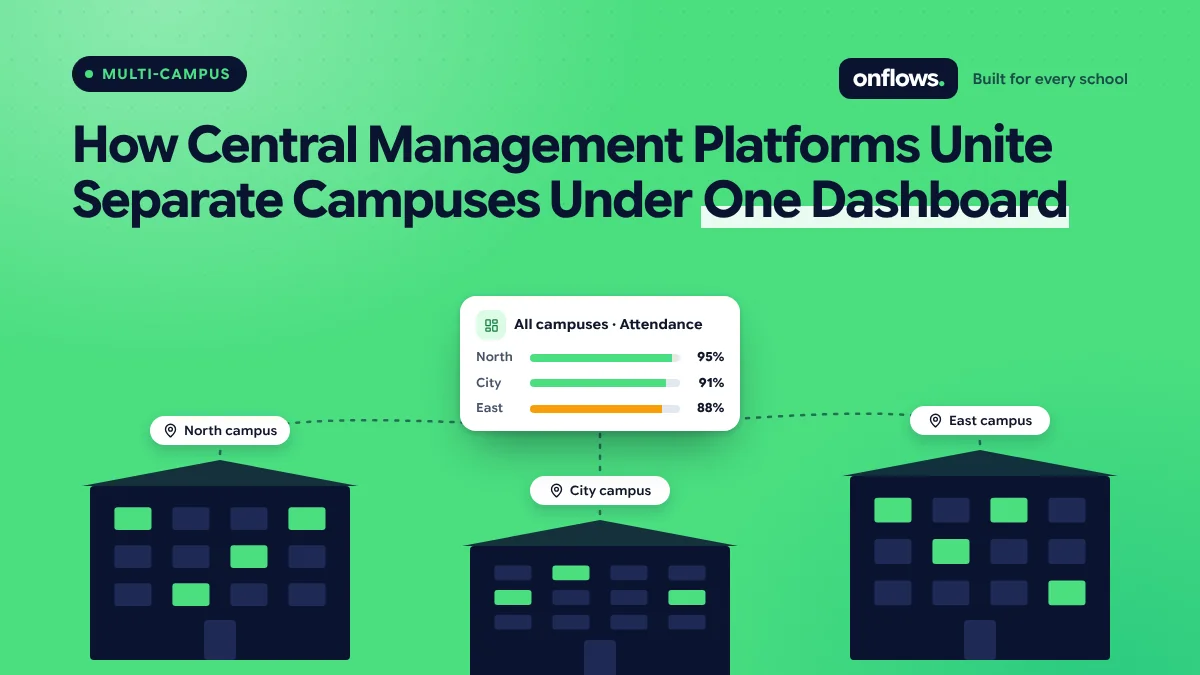
- Group-level reporting. Enrolment, attendance and fee collection across campuses, side by side.
- Policies. A common admission policy, a common code of conduct, common grading where the boards allow it.
- People who work across campuses. A group academic head or finance controller who needs to see every campus.
- Transfers. A student moving from the junior campus to the senior one should carry their record, not be re-admitted from scratch.
Separate schools, one contract
The safest architecture is to treat each campus as its own school with its own data, then add a group layer on top. That way, a permission mistake at one campus cannot expose another's records, and a campus can leave the group with its data intact.
In Onflows each campus is its own school, under one contract for the group. The solutions page describes how groups and multi-campus trusts are set up.
The group view that helps
A group dashboard is useful when it answers comparisons:
- Attendance today at each campus.
- Fee collection this term at each campus, against expected.
- Admissions this season at each campus.
- Results by subject, where campuses share a board.
It is less useful when it merges everything into one total. A group-wide attendance of 92% hides the campus at 81%.
We list the daily numbers worth watching in the metrics every school leader should track daily.
Moving to a central platform
- Start with one campus, the one with the cleanest data. Learn there.
- Agree the shared policies first, before configuring anything. Software will not settle an argument about grading.
- Keep campus administrators as the owners of their campus's data.
- Plan the group reports you want and check the platform produces them before signing.
See how to smoothly transition your school to a new ERP for the general migration steps.
Frequently asked questions
Can one login work across campuses?
For group staff who need it, yes. For everyone else, a login should belong to one campus.
Do multi-campus groups pay more?
Usually per student, so the bill scales with the group. See pricing for how Onflows charges.
What if campuses use different boards?
That is normal. Each campus keeps its own curriculum; the group view compares what can be compared.
See how groups are set up in Onflows, or create your first campus.
Topics: School management software, Multi-campus schools, School groups, Cloud based school management software, Top school ERP systems