
Cloud based school management software
Why Modern Schools Are Switching to Cloud-Based ERP Systems
Installed school software on an office computer is giving way to cloud based school management software that works in any browser. The reasons schools give for switching, the questions to ask, and what to watch for.
The Onflows team4 min read
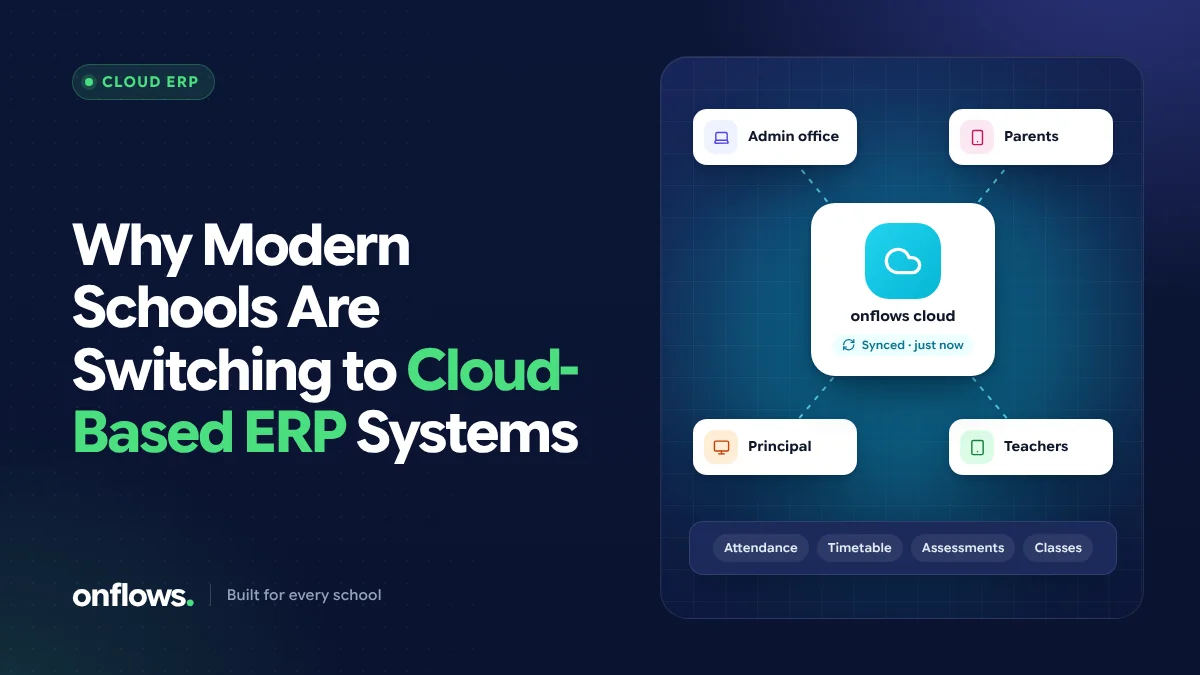
For years, school software meant a program installed on the office computer, with a CD for updates and a technician who came when it broke. Many schools still run that way. But more and more are moving to cloud based school management software: an online school management system that runs in a web browser, with the records kept on the vendor's servers rather than in the office.
Here is why, in the words schools themselves tend to use.
1. "Teachers can't come to the office computer"
Installed software lives on one or two machines. Teachers mark attendance on paper and someone types it in later. With an online school management system, the teacher marks attendance on their own phone in the classroom, and the office sees it at once. The same goes for marks, homework and circulars.
2. "When the computer died, so did our records"
An office computer can fail, be stolen or be replaced. If the school's records live only there, so does the risk. Cloud software keeps records on servers that are backed up, so the school does not depend on any single device. (It is still worth asking any vendor how often they back up and how quickly they can restore; see our data security warning signs.)
3. "Updates were a project"
Installed software needs updating on every machine, and schools often run versions several years old. Cloud software is updated by the vendor, for everyone, without anyone in the school installing anything.
4. "The principal wanted to see things from home"
A principal checking attendance trends on a Sunday evening, or a trustee looking at fee collection across campuses, is normal now. Browser-based software works from anywhere with an internet connection, with access controlled by each person's login and role.
5. "Parents expect to see their child's information"
Families increasingly expect to see attendance, results and notices on their phone. Cloud software can give each family their own view of their own children, which installed office software cannot.
6. "We don't have an IT person"
Running servers, backups and security patches needs skills most schools do not have on staff. With cloud software, those jobs belong to the vendor.
The trade-offs to consider
Cloud is not automatically better in every way. Be clear-eyed about:
- Internet dependence. Staff need a working connection. Check how the software behaves on a slow mobile connection, which is the reality in many classrooms.
- Recurring cost. Cloud software is usually a subscription rather than a one-time licence. We compare the total cost in on-premise vs cloud school ERP.
- Who holds the data. Your records sit with the vendor. Ask how your data is separated from other schools', who can access it, and how you can export everything if you leave.
What about "free cloud based school management software"?
Some cloud products have free tiers. They are a good way to start, especially for smaller schools, but read the limits: student caps, missing modules, or a time limit after which the price arrives. Onflows' Community plan is free with no time limit for schools up to its student cap, and the paid Pro plan adds attendance, the timetable, tests, fees, AI and the help desk. See pricing for the current details.
Does it work on Windows 10, Mac or a phone?
One practical advantage: browser-based software does not care what the computer runs. People searching for free school management software for Windows 10 are often really looking for something that works on the office's existing machines. A cloud system works in any modern browser on Windows, Mac, Chromebook, Android or iPhone. Onflows also installs to a phone's home screen like an app, with nothing to download from an app store.
Questions to ask before you switch
- How is our data separated from other schools'?
- What can each role (office, teacher, principal, parent) see?
- How does it perform on a slow mobile connection?
- How do we bring our existing records in, and how do we take them out?
- What does it cost as the school grows?
For a fuller list, see what to ask a school ERP vendor.
Frequently asked questions
What is a cloud-based school ERP?
It is school management software that runs on the vendor's servers and is used through a web browser or phone, rather than being installed on the school's own computers. Records are stored centrally and each person signs in with their own login.
Is an online school management system safe?
It can be safer than an office computer, provided the vendor separates schools, controls access by role, records changes in an audit trail and keeps backups. Ask about each of these before you sign.
Can we move our old records into a cloud system?
Usually yes. Onflows imports a student roll from Excel or CSV, with a dry run that shows every problem before anything is written. See integrations.
Onflows runs in any browser and on any phone. Create your school and see it with your own data.
Topics: Cloud based school management software, Online school management system, School ERP