
School management software
10 Time-Consuming Manual School Tasks You Should Automate Today
Registers, receipts, report cards, circulars and the timetable eat the school office's week. Here are ten manual tasks that school management software can take over, and what a school should still keep in human hands.
The Onflows team5 min read
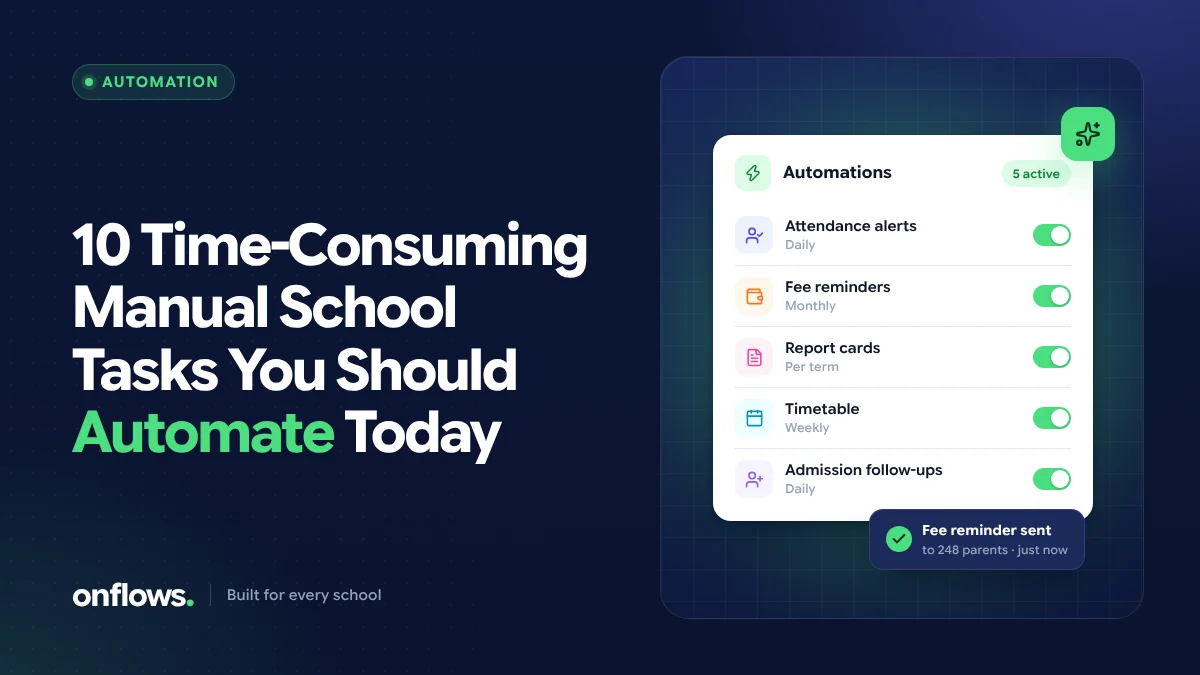
Ask any school office where the week goes and the answer is rarely teaching. It goes to copying the same name into five registers, retyping marks into a report card template, chasing a parent about a fee instalment, and rebuilding the timetable because one teacher's hours changed.
None of that work is difficult. It is repetitive, it is error-prone, and it lands on the same three or four people every week. That is exactly the kind of work school management software is built to absorb. Below are ten tasks we see schools doing by hand that a good school management system should be doing for them, and a short note at the end on what should stay manual.
1. Taking and totalling attendance
The paper register is filled in by the class teacher, carried to the office, and totalled by someone who was not in the room. Absentees are then phoned or messaged one by one.
With a digital attendance register, the teacher marks only the absentees on a phone or laptop, the totals are instant, and the office corrects late arrivals without asking for the register back. If the system also tells the family, the phone calls stop. In Onflows, attendance is taken by the teacher per day, half day or period, and corrected by the office. If you still want a paper backup, our free attendance register format is a good starting point.
2. Writing fee receipts
A handwritten receipt book is a slow queue on fee day and a reconciliation problem at month end. When fee codes, instalments and discounts are set up once per class, the software knows what each student owes and the receipt is generated in seconds, numbered and stored. Our fee receipt format shows the fields a receipt should carry, whichever tool prints it.
3. Reminding families about dues
Reminders are where a lot of goodwill is lost: the wrong amount, the wrong parent, or a reminder sent to a family that paid yesterday. Reminders built from the fee ledger, rather than from a list someone typed last month, only go to families who actually owe.
4. Building report cards
Retyping marks from a mark sheet into a report card template is the single most error-prone job in the academic year. A gradebook that holds the marks once and produces the progress card from them removes the retyping completely, and keeps the card reproducible if a parent asks for a copy next year.
5. Making the timetable
A timetable for a whole school is a puzzle with dozens of constraints: teacher availability, labs, games periods, teachers who cannot be in two rooms at once. Doing it by hand takes days and one change can undo the week. Timetable software that proposes the week from your rules, and checks it for clashes, turns days into an afternoon. We cover this in detail in how automated timetable scheduling removes teacher conflicts.
6. Handling admission enquiries
Enquiries arrive by phone, walk-in and website form, and live in a notebook. Follow-ups are forgotten, documents are collected twice, and nobody can say how many applications are pending. An admissions pipeline with a public application form puts every enquiry in one list with its status.
7. Sending circulars
Printing a circular, sending it home in a bag and hoping it arrives is the default in many schools. A notice board with read receipts tells the office who has actually seen the notice, which is the part paper can never do.
8. Issuing certificates
Bonafide, transfer and conduct certificates are often typed from scratch, which means inconsistent wording and no record of what was issued. Certificates generated from the student record, with serial numbers, fix both. See our transfer certificate format for the fields a TC normally needs.
9. Keeping staff leave in a register
Leave requests on paper slips are lost, and nobody can see who is away on a given day without asking. A leave request that is approved in the system shows up where the timetable and the substitute arrangements need it.
10. Answering the same parent questions
"What is the fee for the second term?" "When is the next test?" "Was my child marked absent?" Most parent questions are answered somewhere in the school's own records. A help desk that answers from those records, and turns what it cannot answer into a ticket with one owner, saves the office dozens of calls a week.
What should stay manual
Automation is not the goal; time for students is. Some things should stay with a person:
- Decisions about a child. Promotion, detention and anything sensitive should be decided by people, with the software recording the decision, not making it.
- Messages that need judgement. Software can draft a message home, but someone who knows the family should read it before it is sent.
- Exceptions. A good system makes the normal case automatic and the unusual case easy to handle by hand, rather than forcing every exception into a rule.
How to start without disrupting the year
You do not need to automate all ten at once. Most schools start with the two that hurt most, usually attendance and fees, then add report cards before the next term ends. If you are weighing options, our checklist for choosing school management software walks through what to ask.
Frequently asked questions
What is school management software?
School management software (also called a school ERP or school management system software) keeps a school's records in one place: students, admissions, attendance, fees, marks, timetables and communication with families. Instead of separate registers and spreadsheets, each fact is entered once and used everywhere it is needed.
Which school task should we automate first?
Start with the task that is repeated most often and causes the most errors. For most schools that is attendance (every day) or fee receipts (every fee day). Both show results within the first week.
Is automation only worth it for big schools?
No. A small school has fewer people to absorb manual work, so the hours saved matter more. Onflows has a free Community plan with no time limit for smaller schools; see pricing for the current details.
Onflows is school management software built around your curriculum. See all features or create your school and try it with your own data.
Topics: School management software, Automation, School administration, Reducing paperwork