
Timetable generation software
How to Use Software Data to Prevent Teacher Burnout and Balance Class Schedules
Teacher burnout rarely comes from one bad week. It comes from a timetable that quietly gives some teachers far more than others. Here is how to read your own timetable and staff data to spot overload early and balance it fairly.
The Onflows team3 min read
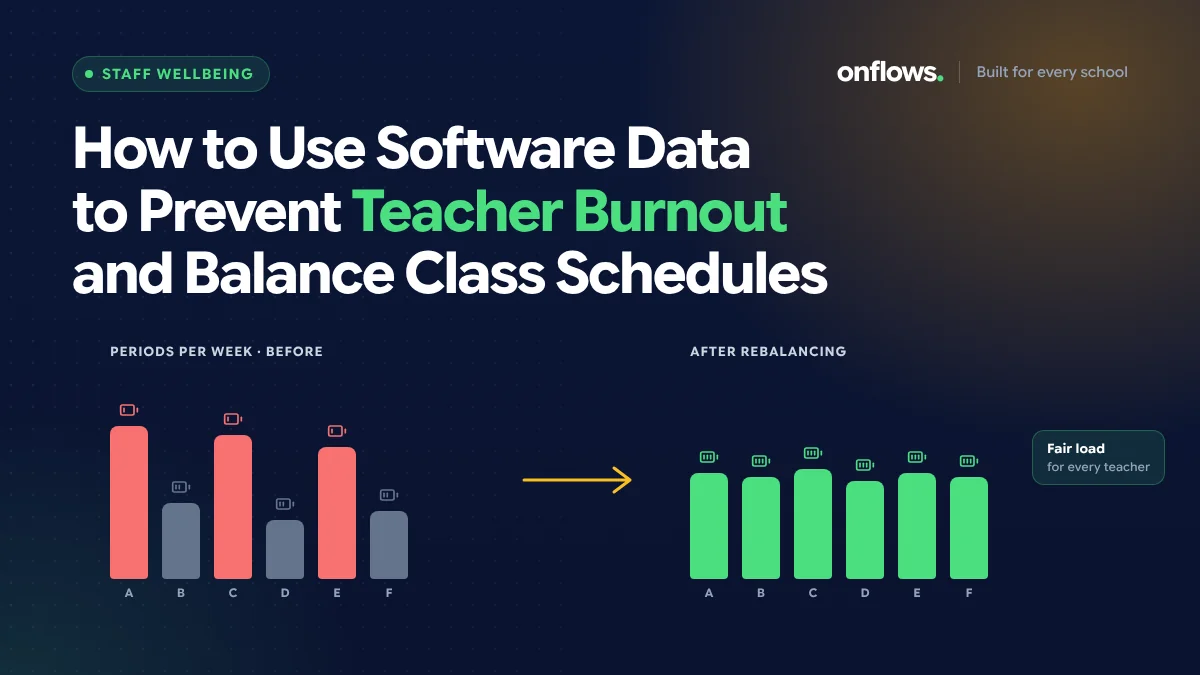
When a good teacher resigns mid-year, the reason given is usually personal. Look at their timetable and you often find a second reason: thirty-two periods a week when colleagues had twenty-six, the most cover in the department, three days a week without a free period before lunch.
Nobody planned that. It accumulated. And because it was in the timetable, it was measurable all along.
The five numbers to watch
1. Periods per week
The simplest load measure. Set a cap the school agrees is fair, and list everyone above it. A teacher consistently above the cap is a risk, however willing they are.
2. Cover periods per month
Cover is invisible load. The teachers who are reliable get asked most. Count it. See assigning cover teachers the moment someone calls in sick.
3. Longest run without a break
Five periods in a row with no free period is exhausting, and the fifth period suffers. Look for runs, not just totals.
4. Number of different classes and preparations
Teaching Class 6, 8, 10 and 12 in one subject is four preparations. Teaching four sections of Class 8 is one. Two teachers with the same period count can have very different workloads.
5. Extra duties
Exam invigilation, event coordination, house responsibilities, class teacher duties. These belong in the picture even if they are not periods.
Where the data comes from
If your timetable, staff register and leave records are in one system, all five numbers are reports. If the timetable is a spreadsheet and leave is a register, they are an afternoon's work each term, which is still worth doing.
Balancing the load
Once you can see the imbalance:
- Set a maximum periods per day as a timetable rule, not a hope.
- Require at least one free period per day for every full-time teacher.
- Spread preparations. Where possible, give a teacher more sections of fewer grades.
- Rotate cover using the monthly count.
- Account for duties. A class teacher with a full load and the annual function is carrying two jobs.
Timetable software makes these rules enforceable. In Onflows, the AI timetable proposes the week from rules you state, such as a teacher's maximum load, and a verifier checks the result before anything is applied. We explain the method in how AI resolves timetable clashes in minutes.
Talk to the teachers
Data shows the imbalance; it does not explain it. A teacher with a high load may have asked for it. A teacher with a low load may be carrying something the timetable does not show. Use the numbers to start a conversation, once a term, not to replace one.
What leaders gain
Balanced timetables cost nothing extra. The periods exist either way; they are just distributed differently. What the school gains is fewer mid-year resignations, fewer sick days, and better teaching in the fifth period. Add load to your termly review list from the metrics every school leader should track.
Frequently asked questions
What is a reasonable maximum load?
It varies by country, board and contract. Many schools use a weekly cap in the high twenties to low thirties for full-time teachers, with fewer for senior classes.
Should part-time teachers be included?
Yes, measured against their own contract.
How often should we check?
At the start of each term, when the timetable is set, and monthly for cover.
See the timetable and staff register in Onflows, or create your school.
Topics: Timetable generation software, Teachers, Staff wellbeing, School management software, Timetable