
School ERP software price
Why Manual Ledger Bookkeeping Costs More Than a Premium Software License
A ledger book costs a few hundred rupees. Keeping it costs hundreds of clerk hours, missed collections and audit queries every year. Here is an honest comparison of manual bookkeeping against a school management software licence.
The Onflows team3 min read
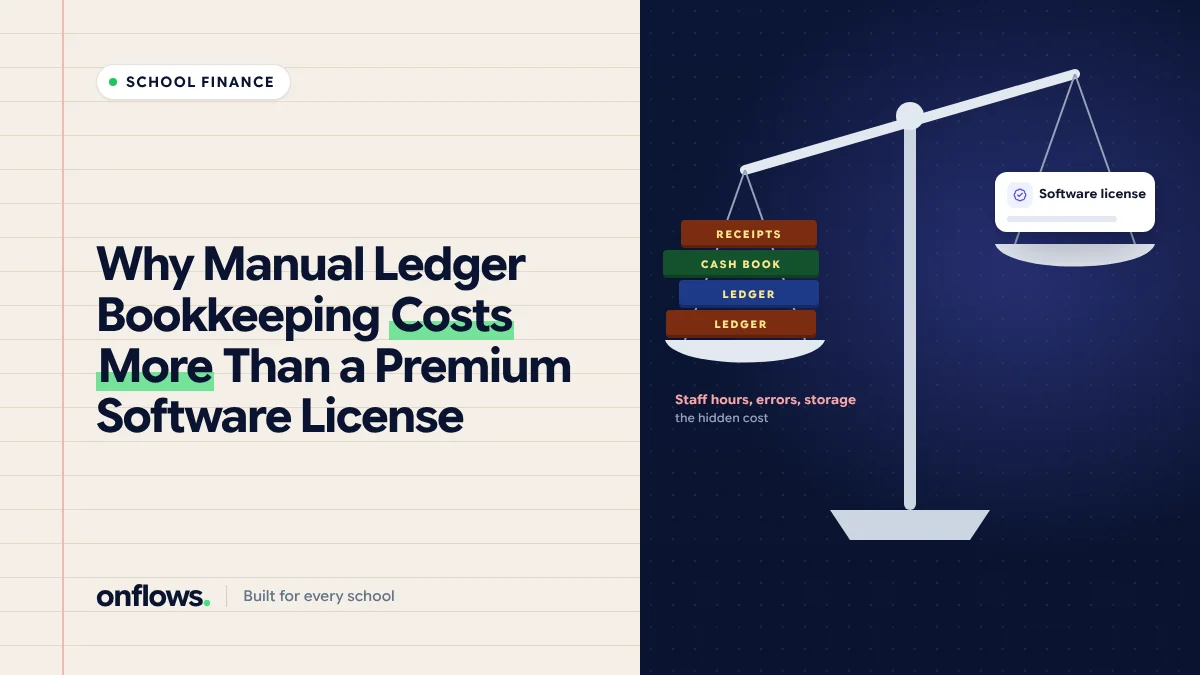
"Software is expensive. Our ledger book costs almost nothing." It is a fair point, and it is the argument every school ERP vendor has to answer. So let us answer it with arithmetic rather than adjectives.
What a manual ledger actually costs
The book is cheap. The work around it is not.
Clerk hours
For each payment the accountant writes a receipt, enters it in the ledger, updates the student's card, and adds it to the day's total. Call it four minutes. For a school of 600 students paying four instalments, that is 2,400 payments, or about 160 hours a year. Add reconciliation at month end, preparing defaulter lists, and answering "how much do I owe?" calls, and the total is easily several hundred hours.
Missed collections
A manual ledger does not remind anyone. Defaulter lists are prepared monthly, at best, and they are often out of date. Even a small percentage of fees collected late, or never, can exceed the cost of a licence.
Errors
Arithmetic errors, wrong student, wrong amount, a discount applied twice. Each one is small. Each one costs time to find, and some cost money.
Audit time
When the auditor asks for every receipt for one student, or every waiver given in a year, a manual ledger means a day of searching. With software it is a filter. See how digital ERPs help schools maintain audit trails.
Paper and storage
Receipt books, ledger books, carbon paper, files and a cupboard to keep seven years of them. We put numbers on this in the true cost of paperwork.
What software costs
- The licence. Usually per student per year.
- Setup time. A few days to enter the fee structure and import the roll.
- Training. A few hours for the accounts staff.
That is the whole list for cloud software. There is no server to buy, which we compare in on-premise vs cloud school ERP.
A simple way to compare
Fill in this table with your own numbers:
| Item | Manual, per year | Software, per year |
|---|---|---|
| Clerk hours on fees, times hourly cost | ||
| Fees collected late or never | ||
| Paper, books, storage | ||
| Audit preparation days | ||
| Licence | 0 |
Most schools that do this honestly find the manual column is larger. We cover the full calculation in school ERP ROI: how fast does management software pay for itself.
What about Excel?
A spreadsheet is better than a book: it adds up correctly and can be searched. It still does not send reminders, generate numbered receipts, prevent two people editing at once, or keep an audit trail. Free school ERP software on Excel is a step, not a destination. See the limitations of free school ERP systems.
Where Onflows fits
Onflows has a free plan with no time limit for smaller schools. Fees are on the Pro plan, priced per student; the pricing page shows the current figures and what the free plan includes. The fee module holds fee codes, instalments, discounts, what each student owes, and receipts.
Frequently asked questions
Will software replace our accountant?
No. It removes the copying and arithmetic, so the accountant spends time on follow-up and reporting instead.
What if our fee structure is unusual?
Most unusual structures are combinations of fee codes, instalments and discounts. Write it down first, then check it fits before buying.
How long before we see savings?
The hours saved start in the first month. The collection improvement shows by the second instalment.
See pricing for the real figures, or create your school free.
Topics: School ERP software price, Affordable school software in India, School fee management software, Costs, Free school erp software on Excel